Parties and Recitals
Identify each party by legal name and role, and include brief recitals explaining the background or purpose of the letter in clear terms.
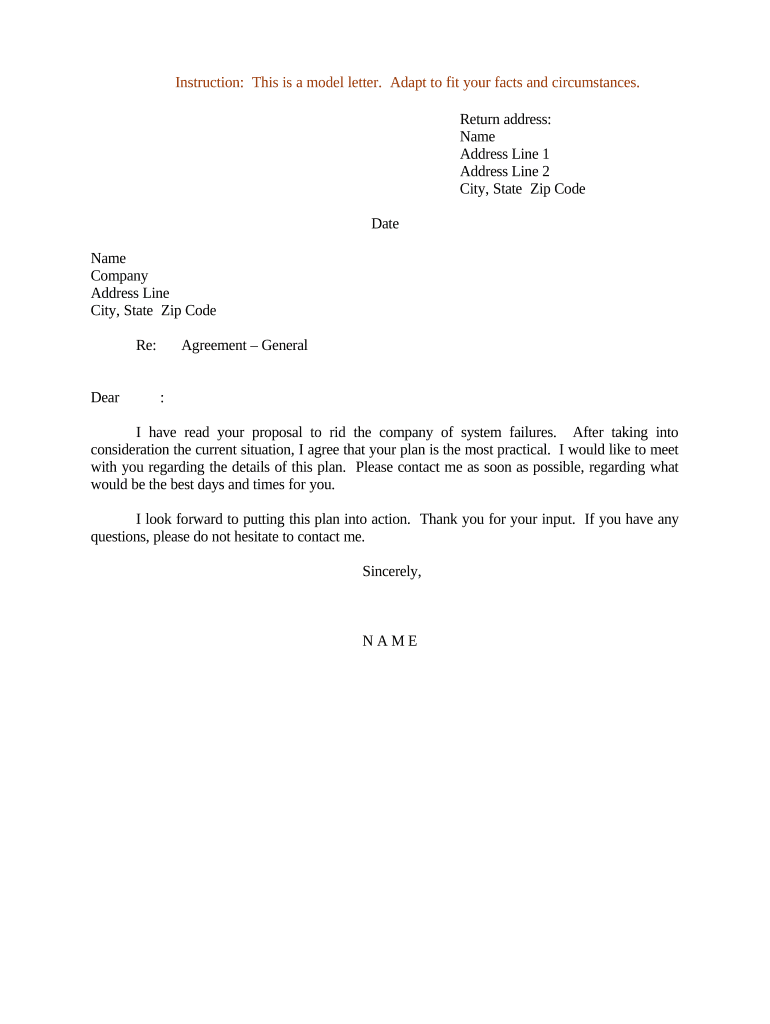
An Agreement Letter reduces ambiguity by capturing the parties’ key promises in plain terms, speeds negotiations, and can serve as an enforceable record when signed properly. It is particularly useful where speed, simplicity, or interim confirmation is required.

Agreement Letters are used across functions and industries; the right preparer depends on context and authority.
Choose the person or role with delegated authority to commit funds or bind the organization; legal or procurement review is recommended for high-value obligations.
Identify each party by legal name and role, and include brief recitals explaining the background or purpose of the letter in clear terms.
Define the services, goods, or obligations with sufficient detail to identify performance expectations and avoid ambiguity about what is being promised.
State the payment amount, schedule, or other consideration precisely, including currency, invoicing terms, and any conditions for payment.
Specify the effective date, duration, renewal terms if any, and the notice or cure periods required to terminate the arrangement.
Add confidentiality provisions and any regulatory references (HIPAA, FERPA, export controls) that limit data use or mandate additional safeguards.
Provide printed name, title, signature line, and date for each signatory; indicate authority to sign on behalf of an organization.
| Field | Configuration |
|---|---|
| Signer Order | Sequential or parallel routing |
| Authentication | Email link, SMS code, or KBA |
| Reminders | Automatic reminders at set intervals |
| Storage | Save signed PDF to cloud repository |
Ensure compatibility with common file types, signer authentication, and archive policies before sending.
Confirm platform encryption, audit trail, and BAA or 21 CFR Part 11 support where industry compliance is required.
Date when obligations begin; use MM/DD/YYYY format.
Set milestone dates or delivery windows for services or goods.
Define net terms (e.g., Net 30) and late fee rules.
State cure period before termination or penalty.
Specify where signed copies are stored and for how long.
| signNow | DocuSign | Adobe Sign | PandaDoc | HelloSign | |
|---|---|---|---|---|---|
| Starting Price | $8/user/mo | $15/user/mo | $14/user/mo | $19/user/mo | $15/user/mo |
| Free Trial | 7-day trial | Varies by plan | Varies by plan | Varies by plan | Varies by plan |
| Bulk Send | Yes | Yes | Yes | Yes | No |
| Audit Trail | Yes | Yes | Yes | Yes | Yes |
| HIPAA Compliant | Yes | Yes | Yes | No | No |
| Envelope Cap | No cap | 100 envelopes/user/year | Varies | Varies | Varies |
The interface is simple and easy-to-use for our team; more importantly, it is just as easy for our customers.
I can process and execute all of these documents online with 100% compliance and built-in security.