Establishing secure connection…Loading editor…Preparing document…

Agreement and License for Harvesting Timber

This template is fully customizable. Edit the text, fill out the fields, and send it for signature. Give it a try!
Agreement and License for Harvesting Timber

What an Agreement and License for Harvesting Timber Covers

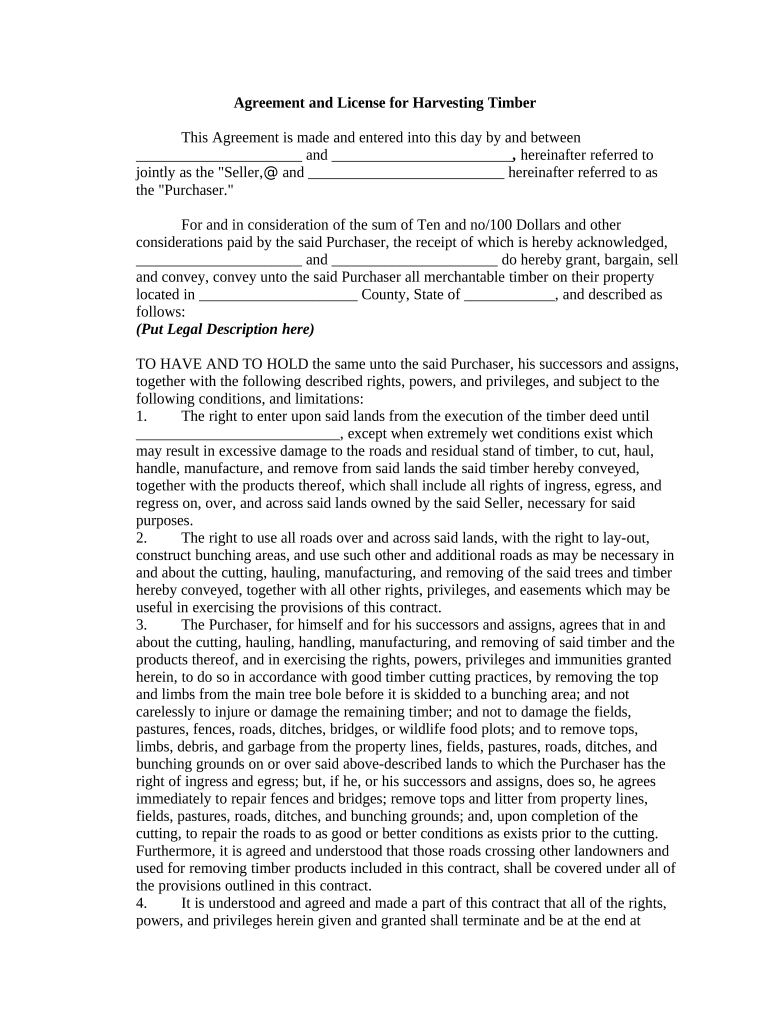
An Agreement and License for Harvesting Timber is a written contract that grants limited rights to remove timber from a landowner's property under specified terms. It identifies parties, land description, species or volume authorized, harvesting methods, term and start/stop dates, payment or stumpage rates, environmental obligations, access routes, and liability allocations. The agreement may include bond or insurance requirements, reforestation duties, and dispute resolution provisions. Properly executed, it creates enforceable rights and obligations between the landowner and the harvester while protecting third-party interests and regulatory compliance.

Why a Written License Matters for Timber Harvests

A clear, signed license reduces disputes over scope, timing, and payment, documents environmental and safety responsibilities, and establishes legal remedies for breach. It supports due diligence for lenders, eases permitting, and clarifies liability for third-party damage.

Why a Written License Matters for Timber Harvests

Who typically uses this Agreement and License

Use the agreement whenever timber is removed under an explicit permission to document liabilities, payment terms, and regulatory obligations.

  • Landowners and family forest owners seeking to monetize standing timber while protecting land value and complying with law.
  • Timber buyers, mills, and contractors contracting rights to harvest, transport, and sell timber under specific terms.
  • Consulting foresters, natural resource managers, and attorneys preparing, reviewing, or witnessing the license for compliance.

Primary signatories and who they represent

Landowner

The landowner (or authorized agent) grants the license and warrants title and rights to allow the harvest. Their signature confirms the scope of permitted cutting, reserved rights, and any limitations tied to conservation, easements, or leases.

Licensee

The licensee (harvester or buyer) accepts responsibility for operations, compliance with environmental and safety rules, payment of stumpage or fees, and restoration obligations; signature binds the harvester to indemnity and insurance provisions.

Key clauses to include in a professional timber-harvest license

A well-drafted license addresses legal rights, operational controls, compensation, risk allocation, and compliance obligations to reduce ambiguity and legal exposure.

Grant of Rights

Specify the exact rights granted: species, volumes, marked trees, cutting limits, access routes, and whether cutting is exclusive or nonexclusive; this prevents over-harvesting disputes.
Term and Timing

Set the effective date, expiration, permitted harvest seasons, start/stop triggers, and any milestones for progressive removals or phased operations.

Payment and Stumpage

Define stumpage rates, measurement method (per ton/MBF/cord), payment schedule, withholding, and remedies for late payment or under-measurement.

Environmental Controls

Include erosion control, buffer strips, protected species avoidance, chemical use limits, and obligations to repair or reforest disturbed areas.

Insurance and Indemnity

Require commercial general liability, workers' compensation, and naming owner as additional insured; include indemnity for property damage and third-party claims.

Termination and Remedies

State events of default, notice periods, cure windows, rights to stop work, bond or security claims, and applicable dispute resolution method.

Step-by-step: completing and executing the license

Follow a clear sequence from drafting through signature, permitting, and on-site mobilization to ensure legal and operational readiness.

  • 01
    Draft Agreement: Prepare license with maps and clause templates.
  • 02
    Review Permits: Confirm forestry, water, and county permits.
  • 03
    Insurance and Bonds: Obtain required policies and name additional insureds.
  • 04
    Sign and Distribute: Execute signatures and distribute certified copies.

Configuring a digital workflow for this agreement

Set up an e-signature workflow that captures identity, required fields, and audit trails appropriate for a commercial timber license.

Field Configuration
Party Identification Require full legal name, title, and company EIN where applicable
Signature Authentication Use email + SMS code or ID verification for higher assurance
Supporting Attachments Attach map, insurance certificates, and permits as required files
Audit Trail Enable detailed logs (IP, timestamp, actions) for enforceability

Where to send and how to submit the completed agreement

Routes vary by transaction; ensure copies reach the landowner, licensee, lender (if any), and local permitting agency where required.

  • Owner Record: Provide a signed copy to the landowner or owner's agent
  • Licensee File: Licensee retains original and records insurance proof
  • Lender / Title: Send to lender or title company if encumbrances exist
  • Permitting Authorities: Submit required documents to county or state forestry office

Digital signing and technical considerations

Ensure the chosen solution can export signed PDFs with embedded audit trails and retain records to meet retention obligations.

  • File Formats: PDF and DOCX supported
  • Integrations: Salesforce, NetSuite, Google Workspace
  • Authentication: Email + SMS, KBA, or ID analysis

Typical timelines, permits, and lead times to plan for

Plan ahead: permits, notifications, and seasonal restrictions commonly affect scheduling and may require lead time to secure approvals.

Permit Application Lead Time:

Allow 30–90 days for local or state forestry permits

Seasonal Harvest Windows:

Adhere to state timber season restrictions and wet-season closures

Insurance Effective Date:

Start coverage before on-site work begins

Payment Schedule:

Specify due dates and late-payment penalties

Notice of Harvest:

Provide required neighbor, tribal, or agency notices per local rules

Common mistakes to avoid when preparing the license

  • Using a vague land description or relying on an informal map can lead to boundary disputes and costly litigation when trees near parcel lines are harvested incorrectly.
  • Failing to require proof of current insurance and additional insured endorsements exposes the landowner to uncovered claims for property damage or personal injury.
  • Neglecting to specify measurement method (scaling, tally, weight) and dispute resolution for quantity disputes creates recurring payment disagreements and trust issues.
  • Skipping environmental or access permissions, such as stream buffers or road maintenance obligations, can result in regulatory fines and work stoppages.

Penalties and legal risks from an incomplete or incorrect license

Environmental Fines: Civil penalties
Trespass Claims: Monetary damages
Contract Breach: Damages and injunctions
Tax Exposure: Withholding or reporting issues
Liability for Injuries: Third-party claims
Loss of Insurance Coverage: Denied claims

Best practices to ensure enforceable and efficient execution

Adopt standard drafting and administrative habits to reduce disputes and to support enforcement, permitting, and lender review.

Use precise descriptions and maps
Attach a labeled map and cite the legal description from the deed; include marked sample plots or GPS coordinates. Precision prevents boundary confusion and supports inspectors and scaling professionals during measurement and dispute resolution.
Document environmental obligations
List specific BMPs (best management practices), buffer widths, and reforestation timelines with measurable triggers. Clear environmental terms reduce regulatory risk and provide objective standards for compliance and restoration obligations.
Require proof of insurance and bonds
Specify insurance types, minimum limits, additional insured endorsements, and performance bonds where road damage or deferred payments are likely. This protects owners and provides a remedy if the harvester cannot complete obligations.
Maintain a signature and records protocol
Designate signatory authority, require dated signatures, notarization or witnesses when needed, and retain an audit trail of distribution, permits, and insurance papers for audits and potential litigation.

Practical examples of how licenses are used in the field

Two scenarios illustrate common uses and contractual focus areas for timber-harvest licenses.

Small Private Sale

A landowner licenses a local buyer to harvest marked pines

  • Agreement limits harvest to marked trees and requires road repair
  • The contract includes a deposit, scheduled scaling, and a bond for road restoration to guarantee compliance and simplify dispute resolution.

Large Commercial Cut

A timber company secures a multi-year license on a 2,500-acre parcel

  • Terms set volume targets, phased harvesting, and reforestation milestones
  • The license requires monthly reporting, third-party scaling, insurance certificates, and lender notice provisions to facilitate financing and operations.

Typical eSignature vendor comparison for executing and managing licenses

Compare basic plan and capability differences for signing and managing timber-harvest agreements; signNow is listed first per vendor comparison practice.

signNow DocuSign Adobe Sign PandaDoc HelloSign
Starting Price $8/user/mo $15/user/mo $14/user/mo $19/user/mo $15/user/mo
Free Trial 7-day free trial Varies Varies Varies Varies
Bulk Send Yes Yes Yes Yes No
Audit Trail Yes Yes Yes Yes Yes
Envelope Cap No cap 100 envelopes/user/year Varies Varies Varies

Frequently asked questions about execution, e-signing, and legal validity

Answers to common practical and legal questions about using and executing a timber-harvest license, including e-signature and notarization concerns.


Need help? Contact support

be ready to get more
Join over 28 million airSlate SignNow users