Parties
Identify each party with full legal names, business entity types if applicable, and authorized signers to ensure obligations bind the correct person or entity.
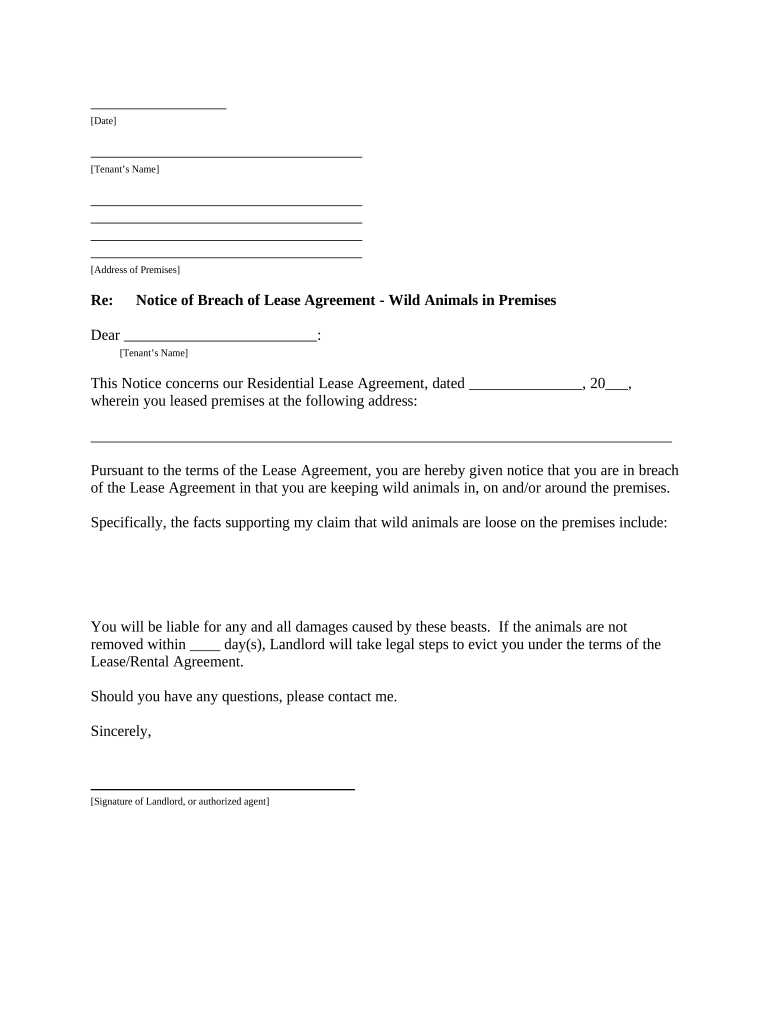
A well-drafted California Landlord Tenant Agreement reduces disputes, clarifies responsibilities, and records legally relevant dates and amounts. It ensures compliance with state disclosure laws and helps both parties understand remedies for breaches and procedures for notices and deposits.

Different parties focus on distinct sections—landlords on rent and screening, tenants on habitability and deposit return—so clarity at signing reduces later disputes.
Identify each party with full legal names, business entity types if applicable, and authorized signers to ensure obligations bind the correct person or entity.
Describe the rental property precisely with street address, unit identifiers, and any included parking or storage spaces to avoid later disputes over scope.
Specify lease start and end dates, whether month-to-month or fixed-term, and renewal or holdover conditions to govern tenancy duration and notice requirements.
State rent amount, due date, acceptable payment methods, late fee policy consistent with California law, and any returned check or NSF fees.
Document deposit amount, permitted uses, notice and itemized deduction procedures, and the deadline for return under Cal. Civ. Code §1950.5.
Assign repair responsibilities, habitability obligations, and landlord entry notice procedures aligned with Cal. Civ. Code §1954 and habitability standards.
| Field | Configuration |
|---|---|
| Authentication Method | Email link, SMS code, or ID verification |
| Signature Fields | Required signature and date fields |
| Reminders | Auto-reminders at defined intervals |
| Template Storage | Save as reusable template with versioning |
Verify the chosen platform supports required authentication, produces an audit trail, and preserves records in a tamper-evident format for future disputes or audits.
As specified in lease; landlord may assess lawful late fees consistent with state precedent
Within 21 days with itemized deductions (Cal. Civ. Code §1950.5)
30-day or 60-day notice depending on tenancy length (Cal. Civ. Code §1946.1)
24 hours' notice for non-emergency entry except in emergencies (Cal. Civ. Code §1954)
No fixed statutory days; address habitability issues within a reasonable timeframe to avoid liability
| signNow | DocuSign | Adobe Sign | PandaDoc | HelloSign | |
|---|---|---|---|---|---|
| Starting Price | $8/user/mo | $15/user/mo | $14/user/mo | $19/user/mo | $15/user/mo |
| Free Trial | 7-day free trial | No | No | Yes, limited | Yes, limited |
| Bulk Send | Yes | Yes | Yes | Yes | No |
| Audit Trail | Yes | Yes | Yes | Yes | Yes |
| HIPAA Compliant | Yes | Yes | Yes | No | No |
| Envelope Cap | No cap | 100 envelopes/user/year | Varies by plan | Varies by plan | Varies by plan |
Tim Martin used online signing to process leases remotely and stay compliant with recordkeeping requirements.
A small property management company standardized lease templates for consistency and speed.