Header data
Document title, date, and an internal reference number to help re-filing and audit procedures across systems.
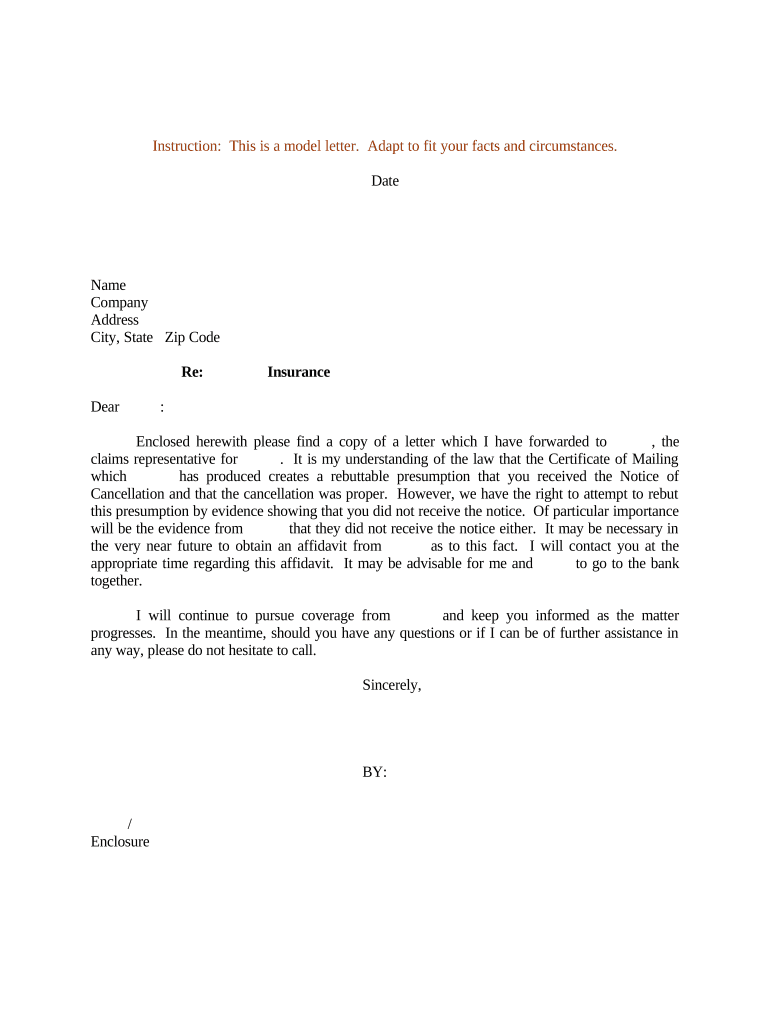
A well-prepared Cancellation Notice creates an auditable record of intent to terminate, clarifies obligations after cancellation, and helps avoid automatic renewals, continued billing, or disputes.

Organizations and individuals across sectors prepare Cancellation Notices to stop services, end contracts, or revoke authorizations.
When sending electronically, confirm the contract permits electronic notices and that the chosen method provides reliable proof of receipt.
| Field | Configuration |
|---|---|
| Signature type | Choose electronic signature or notarized signature |
| Authentication | Email link, SMS code, or stronger ID verification |
| Routing | Sequential or parallel signer order |
| Retention | Automatic archive and export options |
Document title, date, and an internal reference number to help re-filing and audit procedures across systems.
Full legal names and contact details for both cancelling and receiving parties to prevent misrouting or disputes.
Explicit reference to the original contract, section or clause authorizing termination, and account or invoice numbers where applicable.
One-sentence declaration of cancellation and the effective date to avoid ambiguous phrasing that could be litigated later.
Section noting method of delivery, tracking number, or electronic certificate of completion for proof of notice.
Signature block for authorized signers with printed name, title, date, and witness or notary space if required.
When recipient receives per contract delivery rules
Time allowed for the other party to remedy default
Date to stop recurring charges
Any state-specific filing or service deadlines
Begin retention when notice is sent
A property manager canceled a maintenance contract for repeated missed responses
A small business terminated a software subscription for non-renewal
| signNow | DocuSign | Adobe Sign | PandaDoc | HelloSign | |
|---|---|---|---|---|---|
| Starting Price | $8/user/mo | $15/user/mo | $14/user/mo | $19/user/mo | $15/user/mo |
| Free Trial | 7-day free trial | Varies by plan | Varies by plan | Varies by plan | Varies by plan |
| Bulk Send | Yes (Business Premium) | Varies by plan | Varies by plan | Yes | Varies by plan |
| Audit Trail | Yes | Yes | Yes | Yes | Yes |
| HIPAA Compliant | Yes | Yes | Yes | No | No |