Parenting Schedule
Detail regular custody days, weekday and weekend schedules, holiday rotation, summer breaks, and specific exchange times and locations to reduce confusion and create measurable obligations.
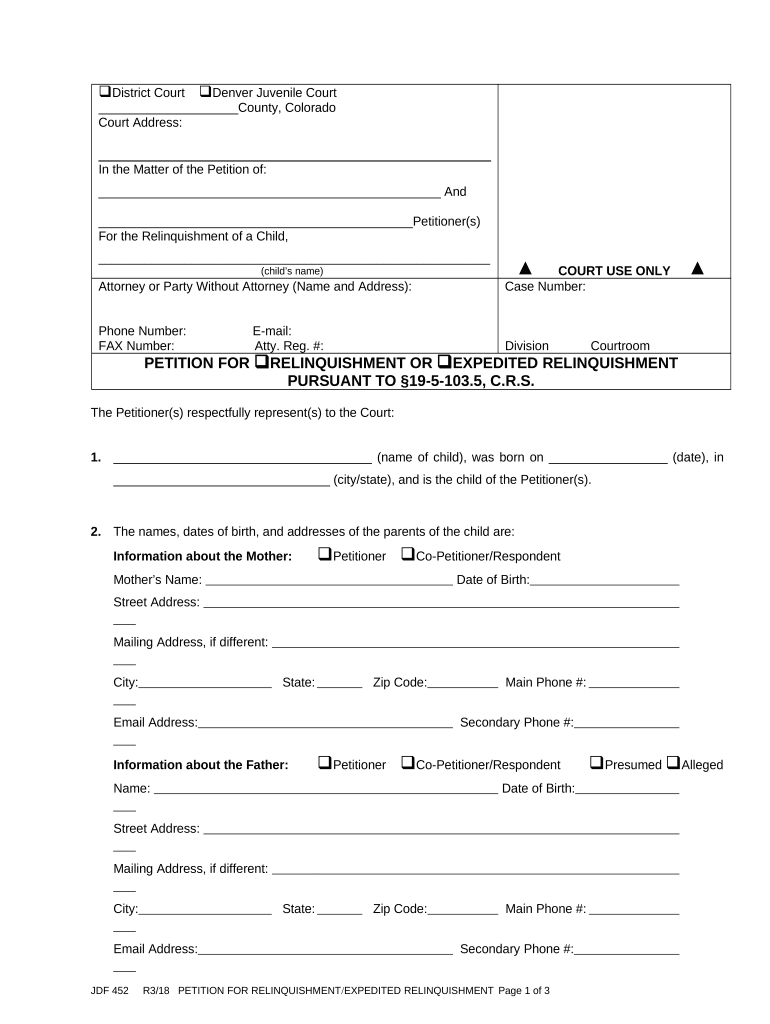
Establishing a Co-Parenting Rights Agreement reduces conflict by documenting parental responsibilities, creates predictable schedules for children, and provides evidence of mutual intent for courts or agencies. It helps parents plan for healthcare, education, and financial responsibilities with clearer expectations.

Typical users include parents, guardians, and legal representatives who need a documented parenting plan outside or alongside court orders.
Detail regular custody days, weekday and weekend schedules, holiday rotation, summer breaks, and specific exchange times and locations to reduce confusion and create measurable obligations.
Specify who makes major decisions such as medical treatment, school enrollment, extracurricular activities, and religious upbringing, including a tie-break process for disagreements.
List primary pediatrician, dental provider, immunization record handling, consent protocols for routine and emergency care, and how to share medical invoices and access to electronic records.
Record school selection, enrollment responsibilities, parent-school communication expectations, access to transcripts, and who will handle special education or discipline meetings, including consent for field trips and fees.
Allocate responsibility for routine expenses, health insurance premiums, unreimbursed medical costs, educational fees, and a process for sharing receipts and reimbursements.
Describe how amendments are made, required notice period, mediation or arbitration steps, and circumstances that trigger automatic review or court modification.
| Workflow field and configuration options | How to set each field and behavior |
|---|---|
| Signing Order | Specify sequential or parallel signing and designated signer roles |
| Authentication | Choose email, SMS code, or advanced KBA |
| Reminders & Deadlines | Set automatic reminders and due dates |
| Template Settings | Save as reusable template with prefilled fields |
Select platforms that support PDF and Word uploads, mobile signing, and secure cloud storage to ensure accessibility and retention.
Effective when all parties sign and date the document
Within 30 days to strengthen evidentiary weight
Review annually or after major life changes
File per local family court rules when enforceability needed
Retention begins on the effective date
| signNow | DocuSign | Adobe Sign | PandaDoc | HelloSign | |
|---|---|---|---|---|---|
| Starting Price | $8/user/mo | $15/user/mo | $14/user/mo | $19/user/mo | $15/user/mo |
| Free Trial | 7-day trial | Varies | Varies | Varies | Varies |
| Bulk Send | Yes | Yes | Yes | Yes | No |
| Audit Trail | Yes | Yes | Yes | Yes | Yes |
| HIPAA Compliant | Yes | Yes | Yes | No | No |
| Envelope Cap | No cap | 100 envelopes/user/year | Varies | Varies | Varies |
Typically the custodial parent or the parent who currently provides daily care. This signer should provide full legal name, contact information, and any existing court order details to ensure consistency and to avoid conflicts with prior legal documents.
The noncustodial parent or co-parent who shares responsibilities. Include full legal name, address, parenting time preferences, and emergency contact details. Accurate identification prevents mismatched records and supports enforceability if the agreement is filed or used in court.
A separated couple documents weekday and weekend schedules to avoid conflicts
Unmarried parents agree on medical consent and information sharing for a child