Complaint
Alleges the disputed coverage issue, identifies parties and policies, and requests the court to declare rights, duties to defend, and indemnity obligations under specified policy language.
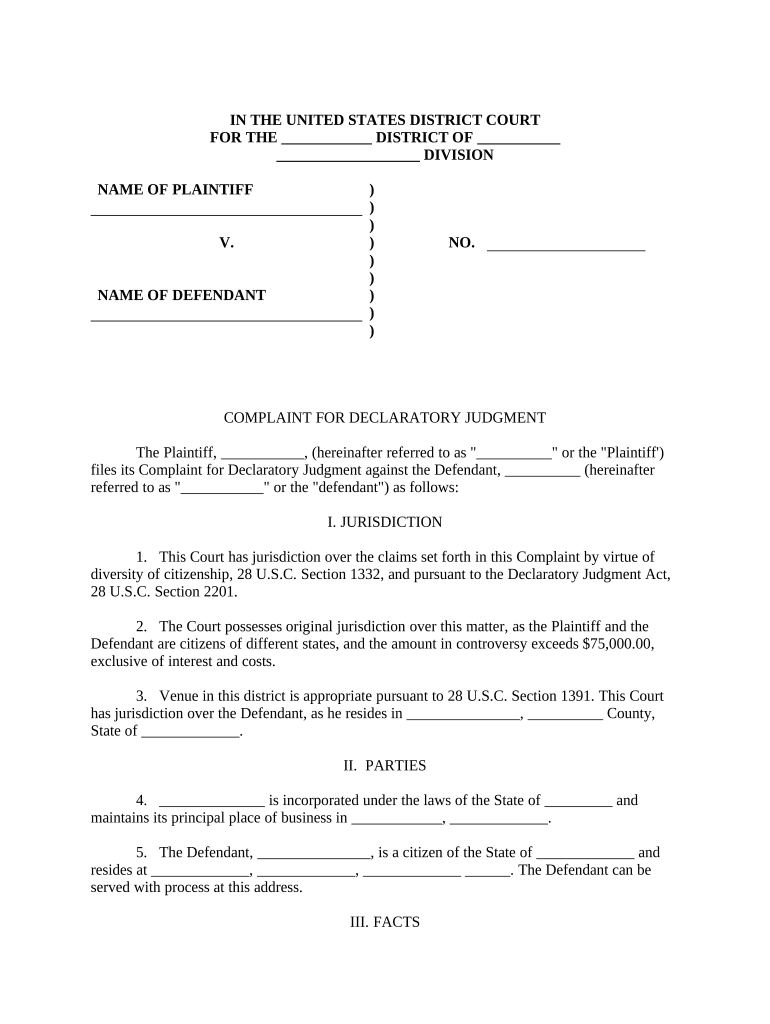
Resolving coverage disputes through a declaratory judgment clarifies legal obligations, limits litigation costs, and enables insurers and policyholders to manage exposure earlier. It provides definitive judicial interpretation of policy terms and can affect defense duties, indemnity obligations, and subrogation rights.

Typical parties include insurers, insureds, coverage counsel, and third-party claimants or beneficiaries seeking clarification on policy obligations.
Alleges the disputed coverage issue, identifies parties and policies, and requests the court to declare rights, duties to defend, and indemnity obligations under specified policy language.
Include verbatim policy sections at issue—insuring agreements, exclusions, endorsements, definitions, and limits—so the court can interpret the operative language without ambiguity or reliance on separate filings.
Summarize relevant events, dates, claims, and notice timelines. Connect factual assertions to policy trigger events and reservation of rights letters to establish the dispute’s context.
Cite governing statutes, controlling case law, and jurisdiction-specific standards for contract interpretation or insurance obligations to frame the requested judicial declarations and obligations under applicable law.
Specify declaratory relief, injunctive requests if applicable, allocation of defense costs, attorney fees, or declaratory assignments, and any requested declaratory judgment on coverage scope or indemnity.
Attach evidence: policy copies, claim notices, correspondence, reservation of rights letters, independent adjuster reports, and any contracts or pleadings that illuminate coverage triggers and timelines.
Prepare pleadings electronically using PDF or DOCX; confirm court accepts electronic filing formats and font requirements before submission.
| Field | Configuration |
|---|---|
| Reviewer Role | Assign attorney reviewers and paralegals. |
| Signer Authentication | Email plus optional multi-factor or KBA. |
| Exhibit Attachment | Attach PDFs, label as Exhibit A, B. |
| Filing Method | Select court portal or manual filing. |
No fixed statute; file when dispute ripe or per contractual notice deadlines.
Serve defendants promptly; local rules dictate acceptable methods and timing.
Defendant typically has 20–30 days to answer or move to dismiss.
May follow discovery schedules; timing varies with case complexity.
Court sets conferences to manage timetable and motions.
| signNow | DocuSign | Adobe Sign | PandaDoc | HelloSign | |
|---|---|---|---|---|---|
| Starting Price | $8/user/mo | $15/user/mo | $14/user/mo | $19/user/mo | $15/user/mo |
| Free Trial | 7-day trial | Varies | Varies | Varies | Varies |
| Bulk Send | Yes | Yes | Yes | Yes | No |
| Audit Trail | Yes | Yes | Yes | Yes | Yes |
| HIPAA Compliant | Yes | Yes | Yes | No | No |