Establishing secure connection…Loading editor…Preparing document…

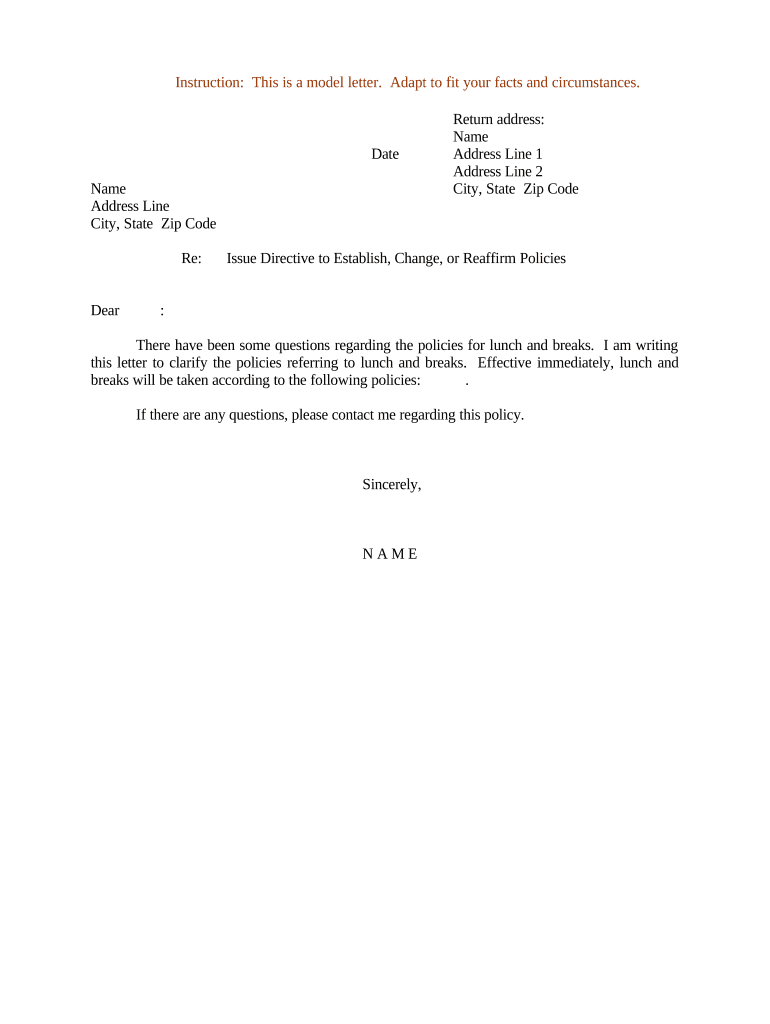
Letter Issuing Policy Directive

This template is fully customizable. Edit the text, fill out the fields, and send it for signature. Give it a try!
Letter Issuing Policy Directive

What the Letter Issuing Policy Directive Is and When It Applies

The Letter Issuing Policy Directive is a formal internal policy document that establishes who may prepare, approve, and distribute official letters on behalf of an organization and the required content, approval steps, and recordkeeping standards for those letters. It centralizes roles and responsibilities, defines templates and mandatory fields, prescribes authentication and signature methods (including electronic signatures under ESIGN Act (15 U.S.C. ch. 96) and state UETA regimes), and sets retention and audit requirements so letters are consistent, legally defensible, and auditable across business units.

Why an Issuing Policy Directive Matters for Legal and Operational Clarity

A clear Letter Issuing Policy Directive reduces errors, ensures regulatory compliance, protects against unauthorized communications, and documents an auditable chain of custody for legally significant letters. It also standardizes language and approval thresholds so recipients and regulators receive consistent evidence of intent and authority.

Why an Issuing Policy Directive Matters for Legal and Operational Clarity

Who Typically Drafts, Approves, and Signs Letters

Roles listed above should be assigned in the directive along with routing instructions and fallback approvers to avoid delays.

  • Legal and compliance teams — Draft policy language, set approval thresholds, and review sensitive templates for regulatory exposure.
  • HR and people managers — Issue employment-related letters such as offers, disciplinary notices, and severance communications.
  • Client-facing account teams — Send contractual notices, renewals, and formal client communications following approved templates.

Authorized Signers and Approvers

Chief Legal Officer

The Chief Legal Officer or delegated counsel typically holds authority to approve policy wording and any letter that creates or modifies legal obligations; approval should be documented in the directive and logged in the audit trail.

Division Head

A Division Head or their named delegate may sign administrative or operational letters within defined monetary or legal thresholds; the policy should specify thresholds and when escalation to Legal or Executive is required.

Essential Sections to Include in the Letter Issuing Policy Directive

A practical directive contains defined sections that cover scope, authorization, template controls, approval workflow, signature requirements, and retention rules.

Scope

Describe which letter types and business units are covered, plus any exclusions (e.g., marketing templates).
Authorization Matrix

Define who can draft, approve, and sign at each authorization level and any delegation rules or emergency exceptions.

Template Controls

Specify approved templates, mandatory fields, disclaimer language, and version control procedures to prevent unsanctioned edits.

Approval Workflow

Document step-by-step routing (draft → reviewer → approver → signatory) and acceptable digital authentication methods for each step.

Signature & Authentication

State acceptable methods (wet ink, scanned signature, or eSignature) and cite ESIGN (15 U.S.C. ch. 96) and applicable state UETA rules where intrastate control matters.

Retention & Audit

Prescribe retention periods, audit-trail requirements, and who maintains the canonical copy in records management systems.

Required Data Elements for Every Issued Letter

Issuer Name: Full legal name of the issuing entity
Authorizing Official: Name and title of the authorized signer
Recipient Details: Recipient name, mailing/email address, and contact info
Effective Date: MM/DD/YYYY effective or issue date
Reference Number: Internal tracking or policy reference code
Document Version: Template version or revision identifier

Step-by-Step: Approving and Issuing a Letter

Follow these steps to prepare, approve, and issue an official letter in compliance with the directive.

  • 01
    Draft: Populate approved template and required fields; attach supporting facts.
  • 02
    Internal Review: Submit to Legal/Compliance when thresholds or sensitive content are present.
  • 03
    Approval: Obtain signatory approval through the documented approval channel.
  • 04
    Issue & Record: Send to recipient and store the executed copy in the records repository with audit metadata.

Configuring an Electronic Workflow for Letter Issuance

Map these workflow settings to your document management or eSignature platform to automate approvals and preserve audit trails.

Field Configuration
Approval Order Sequential routing by role (Draft → Reviewer → Approver)
Authentication Email + optional SMS OTP or KBA for high-risk letters
Template Locking Restrict edits to authorized roles only
Audit Capture Record timestamp, IP, signer identity, and document hash

Where to File, Send, or Submit Issued Letters

Standardize final destinations and filing procedures so each issued letter has a single canonical record.

  • Primary Repository: Store executed letters in the official records management system with version metadata.
  • Recipient Delivery: Send via recorded email or registered mail as required by policy or statute.
  • Regulatory Filing: Submit to the regulator or external party when the letter triggers filing obligations.
  • Backup Archive: Retain a time-stamped backup in an immutable archive for compliance audits.

Distribution and eSubmission Options for Policy-Compliant Letters

Select channels per letter sensitivity; high-risk or statutory notices may require additional authentication or physical service.

  • Email with Audit: Send via tracked email that logs delivery, opens, and attachments
  • Registered Mail: Use for notices requiring proof of physical delivery and statutory acceptance
  • eSignature Platforms: Use platforms that record signer identity, timestamps, and provide tamper-evident PDFs

Timelines, Deadlines, and Expected Processing Times

Define internal SLAs and external statutory deadlines to ensure timely issuance and avoid regulatory exposure.

Internal SLA:

Draft to signed issue within 3 business days for routine letters

Legal Review Time:

Allow 5–10 business days for review of complex or high-risk letters

Regulatory Response:

File or serve statutory notices in compliance with the applicable statute's timeline

Retention Trigger:

Retention period begins on issue date unless law specifies otherwise

Escalation Window:

If not approved in SLA, route to alternate approver after 48 hours

Common Mistakes to Avoid When Preparing Issued Letters

  • Using an incorrect or outdated template that omits mandatory language and creates compliance gaps.
  • Failing to record the approval chain and signer identity, which weakens proof of intent and assignment.
  • Mismatching recipient names or addresses, causing delivery failures or legal defects.
  • Applying weak authentication for high-risk notices, increasing the chance of repudiation or fraud.

Consequences of Incorrect or Noncompliant Letter Issuance

Regulatory Fines: Penalties may apply when statutory notices are defective or untimely
Contractual Liability: Invalid notices can void contractual remedies or extend obligations
Reputational Harm: Misissued letters to customers or regulators can damage trust
Operational Delay: Incorrect routing causes rework and approval backlogs
Evidence Loss: Missing audit logs reduce defensibility in disputes
Tax/Benefit Risks: Improperly issued financial or benefits notices can trigger tax or benefit adjustments

Real-World Examples of a Letter Issuing Policy in Use

These compressed case examples illustrate practical outcomes of a documented directive in different contexts.

Client Notice Example

A financial firm standardized termination notices to clients to reduce dispute risk.

  • The firm implemented a two-step legal review for all client-facing letters.
  • After adoption, the firm saw fewer disputes and an auditable trail that supported defenses in regulatory inquiries.

HR Letter Example

A multinational centralized offer letters and severance templates across regions.

  • Templates required Legal approval for nonstandard terms.
  • The centralized approach reduced approval cycle time and ensured consistent language across jurisdictions.

eSignature Pricing and Feature Comparison for Letter Workflows

Compare typical starting prices and key capabilities for eSignature vendors to support secure issuance and auditability for official letters.

signNow DocuSign Adobe Sign PandaDoc HelloSign
Starting Price $8/user/mo $15/user/mo $14/user/mo $19/user/mo $15/user/mo
Free Trial 7-day free trial, no credit card required Varies by vendor Varies by vendor Varies by vendor Varies by vendor
Bulk Send Yes Yes Yes Yes No
Audit Trail Yes Yes Yes Yes Yes
HIPAA Compliant Yes Yes Yes No No

Frequently Asked Questions About the Letter Issuing Policy Directive

Answers to common practical and legal questions encountered while implementing or using the directive.


Need help? Contact support

be ready to get more
Join over 28 million airSlate SignNow users