Title
Clear heading identifying the instrument as a Renunciation and Disclaimer of Property and naming the decedent or trust.
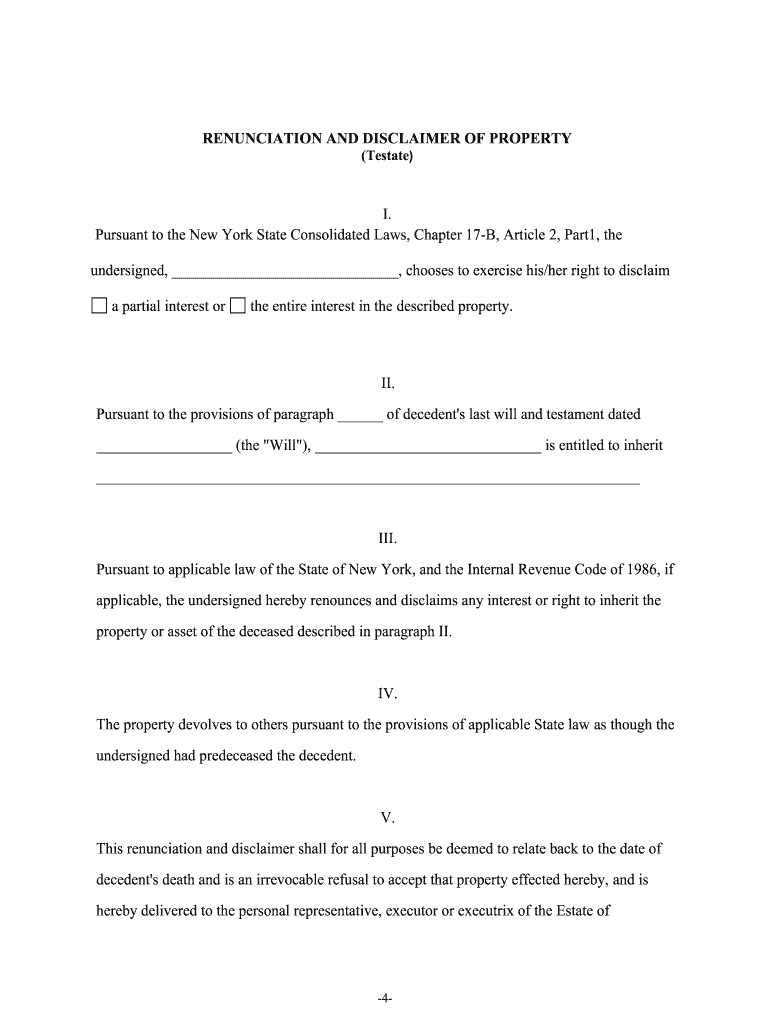
A properly executed renunciation clarifies title, prevents accidental ownership, and preserves intended distribution paths while reducing probate disputes. It can also affect tax treatment and creditor claims when executed within applicable statutory periods and formats.

The document is used by people who may inherit or otherwise be designated to receive property but choose to decline the interest.
An individual named to receive property who chooses to renounce that interest to allow the asset to pass under the will or intestacy rules; the statement should identify the asset and be unconditional to be effective.
A court-appointed personal representative who receives a written renunciation from an heir or devisee and records or files it as needed to complete estate administration while preserving distribution integrity.
Clear heading identifying the instrument as a Renunciation and Disclaimer of Property and naming the decedent or trust.
Declarant's full legal name, address, relationship to decedent, and contact information for record-keeping.
Specific description of the asset or interest being disclaimed, using legal identifiers when available.
A statement that the signer irrevocably refuses all rights, title, and interest in the identified property.
Notary acknowledgment and witness signatures if required by state practice, or electronic signature and audit trail when allowed.
Instructions for delivering the document to the estate representative, trustee, or court and for any required recording.
| Field | Configuration |
|---|---|
| Authentication | Email link + SMS code or stronger KBA for identity assurance |
| Notary Integration | Enable RON session or schedule in-person notarization field |
| Audit Trail | Record IP, timestamps, and signer actions automatically |
| Retention | Store signed PDF/A with certificate and version history |
Choose a platform that supports the authentication and retention features required for legal admissibility and recordkeeping.
Sign and authenticate as soon as possible after the decision to renounce.
Provide original to the fiduciary within days to preserve administration schedules.
Record real property releases within county timelines to update title records.
Late renunciations can complicate probate and distribution timing.
Tax treatment may turn on timing; consult counsel before renouncing large interests.
Signer confirms intent and drafts or signs the renunciation document.
Complete notarization or required witness attestations and capture any RON session details.
Provide the original to the executor or trustee and request acknowledgment of receipt.
Record with county or file with surrogate court where statute or local practice requires.
| signNow | DocuSign | Adobe Sign | PandaDoc | HelloSign | |
|---|---|---|---|---|---|
| Starting Price | $8/user/mo | $15/user/mo | $14/user/mo | $19/user/mo | $15/user/mo |
| Free Trial | 7-day free trial | Varies by vendor | Varies by vendor | Varies by vendor | Varies by vendor |
| Bulk Send | Yes | Varies by plan | Varies by plan | Varies by plan | Varies by plan |
| Audit Trail | Yes | Yes | Yes | Yes | Yes |
| HIPAA Compliant | Yes | Yes | Yes | No | No |
| Envelope Cap | No cap | 100 envelopes/user/year | Varies by plan | Varies by plan | Varies by plan |
A beneficiary receives a conditional gift and chooses to renounce to allow the residue to pass to siblings.
An heir declines a parcel that carries outstanding liens and title complications.