Parties
Identify full legal names and entity types for buyer, seller, and any platform operator; include contact and tax information to avoid later disputes.
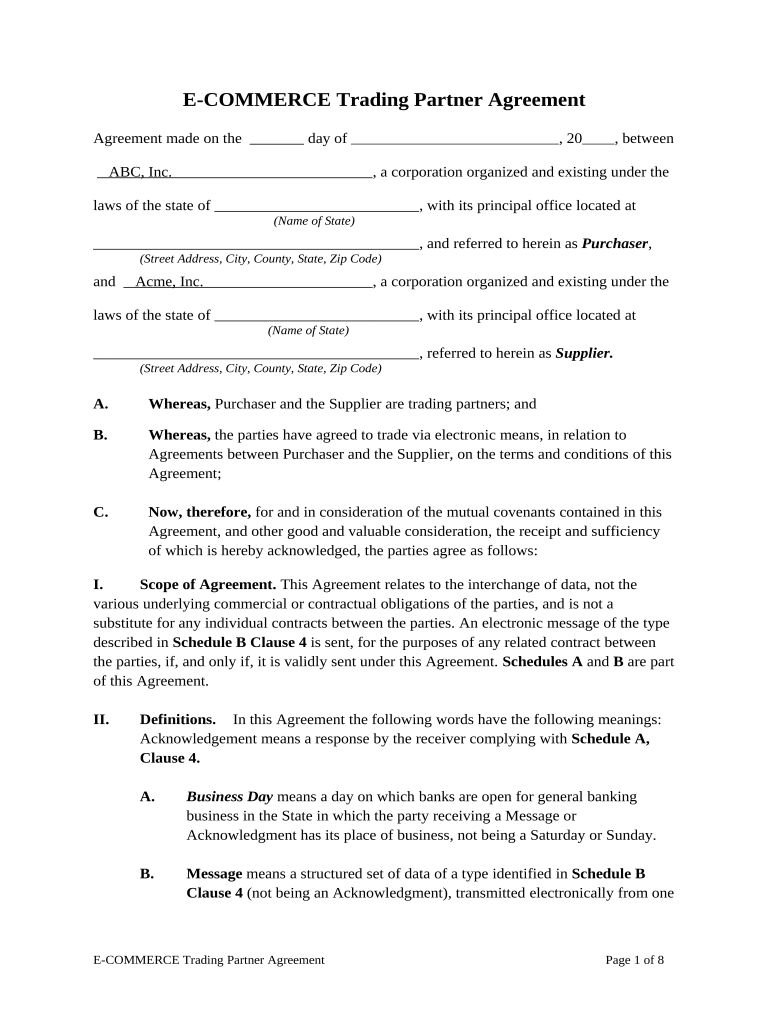
A well‑crafted E Commerce Agreement reduces operational disputes, clarifies responsibilities for payment and shipping, and allocates risk for returns, taxes, and data handling. It also preserves enforceability when electronically signed under ESIGN and UETA by documenting intent, consent, attribution, and retention.

The following profiles represent the groups most likely to draft, review, or sign E Commerce Agreements in online commercial transactions.
A business owner or authorized officer who signs to accept vendor or marketplace terms; typically responsible for payment, tax reporting, and operational compliance. The merchant should ensure the signatory has authority to bind the legal entity.
A company representative or contract manager who executes agreements with third‑party sellers and sets onboarding requirements, authentication methods, and the platform's data handling obligations.
| Field | Configuration |
|---|---|
| Signing Order | Sequential or parallel routing per transaction type |
| Authentication Level | Email link, SMS code, or knowledge‑based authentication |
| Template Name | Standardized title per product line or partner |
| Bulk Send | Enable for high‑volume seller onboarding or notices |
Choose a platform that supports your storage, audit, and integration needs; confirm HIPAA, PCI, or industry addenda before sending.
| signNow | DocuSign | Adobe Sign | PandaDoc | HelloSign | |
|---|---|---|---|---|---|
| Starting Price | $8/user/mo | $15/user/mo | $14/user/mo | $19/user/mo | $15/user/mo |
| Free Trial | 7‑day free trial | Varies by plan | Varies by plan | Varies by plan | Varies by plan |
| Bulk Send | Yes (Business Premium) | Varies by plan | Varies by plan | Varies by plan | Varies by plan |
| Audit Trail | Yes | Yes | Yes | Yes | Yes |
| HIPAA Compliant | Yes | Yes | Yes | No | No |
| Envelope Cap | No envelope cap | 100 envelopes/user/year | Varies by plan | Varies by plan | Varies by plan |
Identify full legal names and entity types for buyer, seller, and any platform operator; include contact and tax information to avoid later disputes.
Describe goods or services, SKU references, volume commitments, and acceptance criteria so both parties have unambiguous performance metrics.
Specify price, currency, invoicing cadence, payment method, late fees, and who is responsible for taxes and duties to reduce financial disputes.
State delivery windows, carrier obligations, risk of loss, return periods, and restocking fees to manage logistics and customer expectations.
Define personal data processing, storage location, breach notification timelines, and any industry addenda such as HIPAA or PCI requirements.
Limitations of liability, indemnities, and dispute resolution (arbitration or courts) clarify exposure and the mechanism to resolve claims.
MM/DD/YYYY — when contractual obligations begin
Net 30 (or specified) from invoice date; best practice to state exact calendar day
Specify shipment timeframe or delivery SLA in calendar days
Commonly 14–30 days; state the clock start and conditions
W‑9 must be provided upon payer request; withholding may apply if missing
Final terms agreed and the completed PDF prepared for signature
Signed by all parties; audit trail captured and distribution initiated
Order shipped, tracking provided, and acceptance confirmed
Complete invoices, reconcile payments, and move executed file to retention storage
The company moved lease and vendor agreements online to reduce turnaround times and recordkeeping overhead.
Xerox integrated eSignature into NetSuite to automate signature capture for vendor and customer forms.