Employment Terms
Define full-time/part-time status, exempt or nonexempt classification, regular hours, and work location to clarify classification and overtime eligibility.
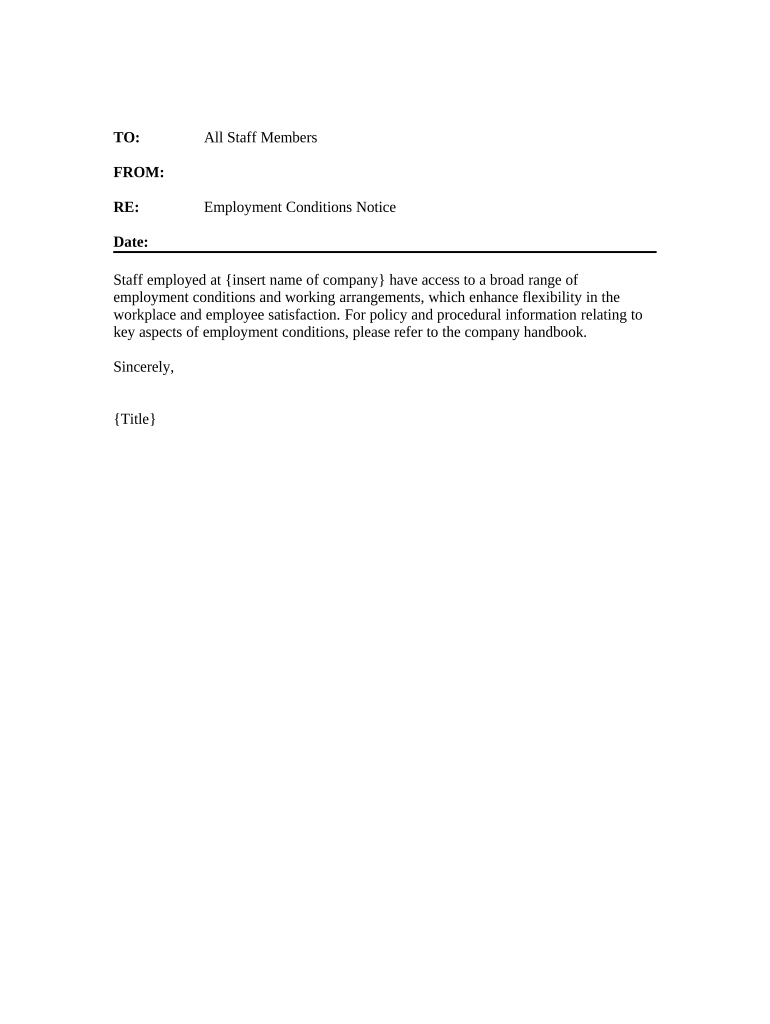
A concise Employment Conditions Form reduces misunderstandings, documents legally relevant facts, and supports compliance with wage, tax, and recordkeeping rules. It also provides evidence of mutual agreement on essential terms should disputes arise.

Employers, HR administrators, hiring managers, and new hires commonly use an Employment Conditions Form to record offer details and prerequisites before employment begins.
The form supports internal workflow handoffs (HR → payroll → benefits) and creates a retrievable record for compliance and future reference.
Define full-time/part-time status, exempt or nonexempt classification, regular hours, and work location to clarify classification and overtime eligibility.
State the agreed start date and any phased start or orientation schedule, which affects payroll and benefit eligibility timing.
Specify base salary or hourly rate, pay cycle, overtime policy, and any signing or performance bonus details to avoid disputes.
List eligibility for health insurance, retirement plans, and leave accrual policies with effective dates and waiting periods.
Document required clearances such as background checks, drug screening, professional licenses, or immigration verification (I-9 compliance).
Describe at-will status or fixed-term conditions, notice requirements, and any severance or return-of-property obligations.
The interface is simple and easy-to-use for our team.
The team needed flexible signature options across platforms.
| Field | Configuration |
|---|---|
| Required Fields | Make name, date, compensation mandatory |
| Signer Order | Candidate then HR then hiring manager |
| Authentication | Email link or SMS code per sensitivity |
| Storage | Save PDF + audit trail to HR system |
Choose a platform that supports secure delivery, audit trails, and the file formats your HR systems accept.
Confirm the platform meets legal and privacy requirements for your industry and that signed copies can be exported to your records management system.
Provide W-9 when requested by payer; no universal filing deadline
Issue Form 1099-NEC to recipients and IRS by January 31
Retain I-9 for 3 years after hire or 1 year after termination, whichever is later (8 CFR §274a.2)
Individual tax returns due April 15; extension to Oct 15 with Form 4868
Complete payroll and benefits enrollment before the first pay period
Employer sends Employment Conditions Form and attachments for review.
Signed form returned, signaling acceptance of listed conditions.
Background, drug screening, or license verification completed as required.
HR completes I-9, payroll setup, and benefits enrollment.
| signNow | DocuSign | Adobe Sign | PandaDoc | HelloSign | |
|---|---|---|---|---|---|
| Starting Price | $8/user/mo | $15/user/mo | $14/user/mo | $19/user/mo | $15/user/mo |
| Free Trial | 7-day trial | Trial varies | Trial varies | Trial varies | Trial varies |
| Bulk Send | Yes | Yes | Yes | Yes | No |
| Audit Trail | Yes | Yes | Yes | Yes | Yes |
| HIPAA Compliant | Yes | Yes | Yes | No | No |