Establishing secure connection…Loading editor…Preparing document…

Exemption Application

This template is fully customizable. Edit the text, fill out the fields, and send it for signature. Give it a try!
Exemption Application

What an Exemption Application Is and When It Applies

An Exemption Application is an official request submitted to a government agency or administrative body asking for relief from a statutory, regulatory, or administrative requirement, such as tax withholding, licensing obligations, or reporting duties. The form identifies the applicant, the legal basis for relief, supporting evidence, and requested effective dates. In the United States electronic submission is generally permitted under the ESIGN Act (15 U.S.C. §7001) and UETA where adopted, but some exceptions may require wet signatures or notarization. Accurate preparation and complete attachments reduce processing delays and rejection risk.

Why Filing a Clear Application Matters

Filing a complete Exemption Application documents legal entitlement to relief, clarifies ongoing obligations, and creates an auditable record for agencies and third parties. Properly prepared submissions reduce processing delays, lower the chance of penalties, and establish a clear administrative record useful for appeals.

Why Filing a Clear Application Matters

Who Typically Completes an Exemption Application

Common applicants include individuals, businesses, nonprofit organizations, and institutional administrators requesting relief from tax, licensing, reporting, or other regulatory obligations.

  • Individual taxpayers seeking exemption from backup withholding or reduced withholding certificates.
  • Businesses requesting industry-specific waivers, fee exemptions, or temporary regulatory relief.
  • Nonprofits applying for property, sales, or tax-exempt status documentation requests.

Core Elements of a Professional Exemption Application

A professional Exemption Application clearly organizes legal authority, factual support, signer information, and a robust submission package so reviewers can assess eligibility quickly and consistently.

Cover Letter

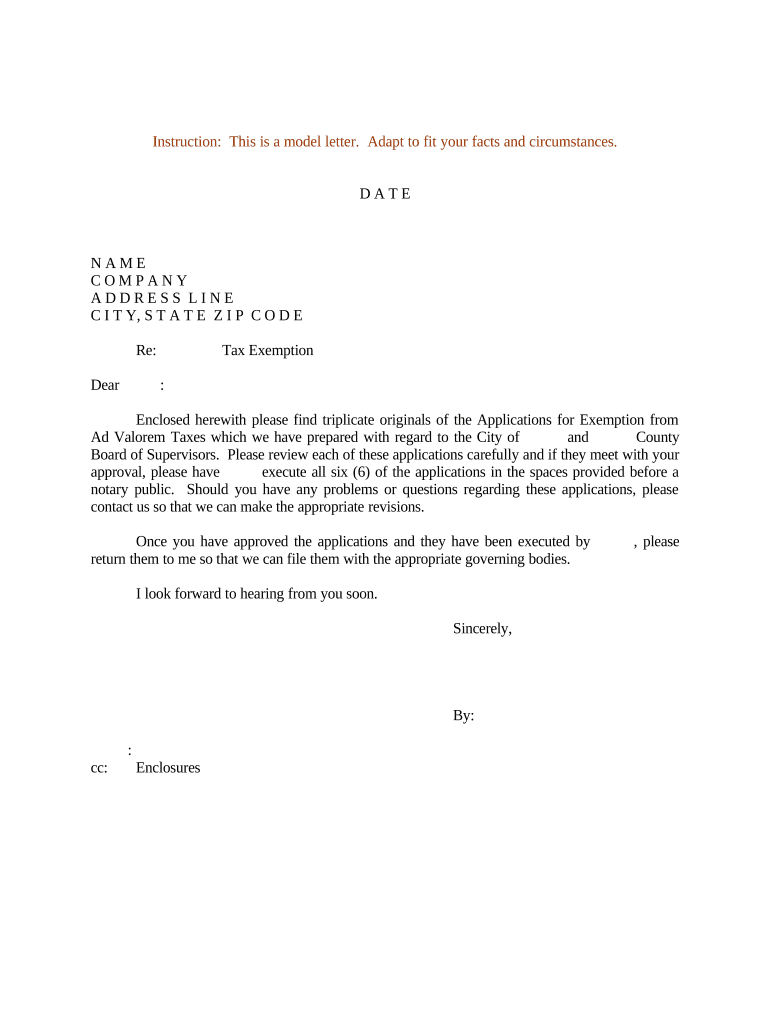
A concise cover letter summarizes the legal basis and relief sought, lists attachments, and provides contact information for follow-up. Keep it factual and reference statutory sections review.
Statutory Citation

Identify the exact statute, regulation, or agency code section supporting your request; include subsection and paragraph numbers to assist reviewers and speed legal assessment review.

Evidence Index

Provide a numbered exhibit list with brief descriptions, dates, and source documents; include certified copies when required and highlight material facts that justify exemption requests.

Signed Authorization

Ensure all required parties sign and date the document; include printed names and titles. Where allowed, use compliant electronic signatures and retain the audit trail.

Submission Cover

Follow the agency's filing instructions exactly, including preferred delivery method, filing codes, fee payments, and contact details for status inquiries and follow-up to avoid delays.

Audit Trail

Retain metadata showing signer identity, timestamps, IP addresses, and any authentication checks. This record supports legal enforceability under ESIGN and agency audits and appeal files.

Required Information and Standard Fields

Applicant Name: Full legal name as on ID
Tax Identification: SSN or EIN in numeric format
Effective Date: Enter as MM/DD/YYYY; month/day/year
Legal Basis: Statute or regulation citation
Supporting Documents: Attach proofs: letters, receipts, or affidavits
Signature Block: Signer name, title, date

Step-by-Step: Completing and Submitting the Application

Follow these steps to complete and submit an Exemption Application accurately and electronically where allowed.

  • 01
    Prepare Documents: Gather IDs, legal citations, and supporting evidence.
  • 02
    Complete Form: Enter applicant data, exemption reasons, and effective dates.
  • 03
    Review & Verify: Check names, TINs, dates, and attached files for accuracy.
  • 04
    Submit: File with the agency or e-submit per instructions.

How Electronic Submission Works

A typical e-submission workflow covers document preparation, field placement, signer verification, and secure delivery with audit trail capture.

  • Upload Document: Add the PDF or DOCX to the signing platform.
  • Place Fields: Insert signature, date, and attachment fields for each signer.
  • Verify Signer: Choose email, SMS, or stronger authentication methods.
  • Capture Audit Trail: Record timestamps, IP addresses, and authentication evidence.

How to Configure an Online Workflow for Exemption Applications

Configure an online workflow to collect fields, verify signers, and route the Exemption Application to the correct agency or reviewer.

Field Configuration
Authentication Level Email link, SMS one-time code, or knowledge-based verification
Conditional Fields Show fields only if applicant selects specific exemption type
Document Attachments Require PDFs for supporting documents; limit size per upload
Automatic Reminders Schedule reminders at 3, 7, and 14 days for incomplete submissions

Platform and Format Requirements for eSubmission

Select platforms and formats that support secure e-signing, audit trails, and file export in standard formats.

  • Supported Formats: PDF, DOCX, and fillable forms
  • Integrations: Salesforce, Microsoft 365, NetSuite, Google Workspace
  • Authentication: Email, SMS codes, or two-factor

Timelines and Typical Processing Expectations

Timing and processing vary by agency; some exemptions are decided within weeks while others require months and supplementary review.

Initial Acknowledgment Time:

Agencies often acknowledge within 7–14 business days

Standard Review Period:

Typical review takes 30–90 days depending on complexity

Requests for More Info:

Expect 1–3 requests extending review by additional 30 days each

Expedited Processing:

Some agencies offer expedited review for an extra fee or hardship

Appeal Period:

Agencies generally allow 30–60 days to appeal a denial

Common Preparation Pitfalls to Avoid

  • Submitting incomplete identification or mismatched names delays processing and may require re-verification or notarized affidavits, increasing total resolution time by weeks.
  • Failing to cite the precise legal authority or statute leaves the agency unable to assess eligibility and often triggers requests for legal clarification.
  • Uploading illegible or unsupported file formats (photos, TIFFs, or oversized files) causes technical rejections and slows review; follow stated file type and size limits.
  • Using informal descriptions instead of concrete evidence—such as unverified statements rather than invoices or certified letters—reduces acceptance odds.

Penalties and Risks of Inaccurate or Late Filings

Late Filing: Potential fines apply
Incorrect TIN: Backup withholding 24%
Intentional Misstatement: Severe fines, possible criminal liability
Denial Risk: Exemption request denied
Delayed Relief: Continued obligations remain
Tax Penalties: IRC §6721 penalties possible

How Exemption Applications Differ from Related Filings

A quick comparison clarifies when to use an Exemption Application versus waivers, permits, certificates, or affidavits.

Document Type Primary Purpose
Exemption Application relief request evidence-based review
Waiver temporary relief discretionary approval
Permit ongoing authorization compliance conditions
Affidavit sworn statement fact evidence

eSignature Vendor Comparison for Filing Exemptions

Comparison of common eSignature vendors and capabilities relevant to submitting Exemption Applications, including starting price, trial availability, bulk send, audit trail, HIPAA compliance, and envelope limits.

signNow DocuSign Adobe Sign PandaDoc HelloSign
Starting Price $8/user/mo $15/user/mo $14/user/mo $19/user/mo $15/user/mo
Free Trial 7-day free trial Verify Verify Verify Verify
Bulk Send Yes Yes Yes Yes No
Audit Trail Yes Yes Yes Yes Yes
HIPAA Compliant Yes Yes Yes No No

Practical Tips to Improve Acceptance and Speed

Adopt consistent procedures and templates to reduce errors and help agency reviewers process exemption requests efficiently.

Use a standardized submission checklist
Create a checklist listing required fields, supporting exhibits, signatures, and format requirements. Use it for every submission to ensure consistency across applications and to provide reviewers with an organized package that reduces follow-up requests and speeds decision-making.
Confirm precise statutory citations and authority
Verify the exact statute, code section, or administrative rule that grants relief. Cite subsection and paragraph numbers, and attach the relevant code extracts or agency guidance to shorten legal review and avoid ambiguity in decision letters.
Collect certified copies of supporting documents
Where agencies require certified records, obtain notarized copies or certified transcripts. Scans of originals may be insufficient. Indicate provenance of documents, dates, and authority to bind for entities to prevent evidence being rejected during administrative review.
Retain a complete auditable electronic record
Keep a copy of every submitted file, email, and signature certificate. Store metadata including IP addresses and timestamps in secure systems and maintain retention schedules aligned with IRS, HIPAA, or agency-specific requirements to support audits or appeals.

Who Prepares and Signs These Applications

Regulatory Counsel

In-house or external counsel completes Exemption Applications to ensure legal sufficiency, accurate statutory citations, and compliance with procedural rules. Counsel coordinates supporting evidence, handles appeals, and advises on notarization or witness requirements for specific jurisdictions.

Tax Preparer

Accountants and preparers gather financial records, confirm taxpayer identification numbers, and prepare the factual narrative supporting tax exemption claims. They manage digital attachments, verify accuracy to avoid backup withholding, and liaise with agencies for status updates.

Real-World Examples of Electronic Filing Workflows

These examples show how organizations integrate e-signature workflows to file exemption requests, maintain audit trails, and reduce processing time.

Optica Ventures — COO

Optica Ventures standardized electronic filing for customer-facing forms to simplify document exchange and verification processes.

  • The interface is simple and easy-to-use for our team;
  • more importantly, it is just as easy for our customers. Standardizing files reduced turnaround and allowed staff to focus on case review instead of manual processing, improving responsiveness to agency inquiries.

Fertility Centers of Illinois — Founder

Fertility Centers digitized consent and administrative records to maintain compliance when collecting remote signatures and managing patient documents.

  • The team has been exceptional and responsive.
  • The platform's API integration preserved audit trails and signer attribution, which helped when submitting medical or regulatory exemption requests where documented consent and chain of custody are required by agencies.

FAQs and Troubleshooting for Exemption Applications

Answers to frequent questions about completing, signing, and submitting Exemption Applications, both on paper and electronically.


Need help? Contact support

be ready to get more
Join over 28 million airSlate SignNow users