Establishing secure connection…Loading editor…Preparing document…

General Affidavit

This template is fully customizable. Edit the text, fill out the fields, and send it for signature. Give it a try!
General Affidavit

What a General Affidavit Is and when it’s used

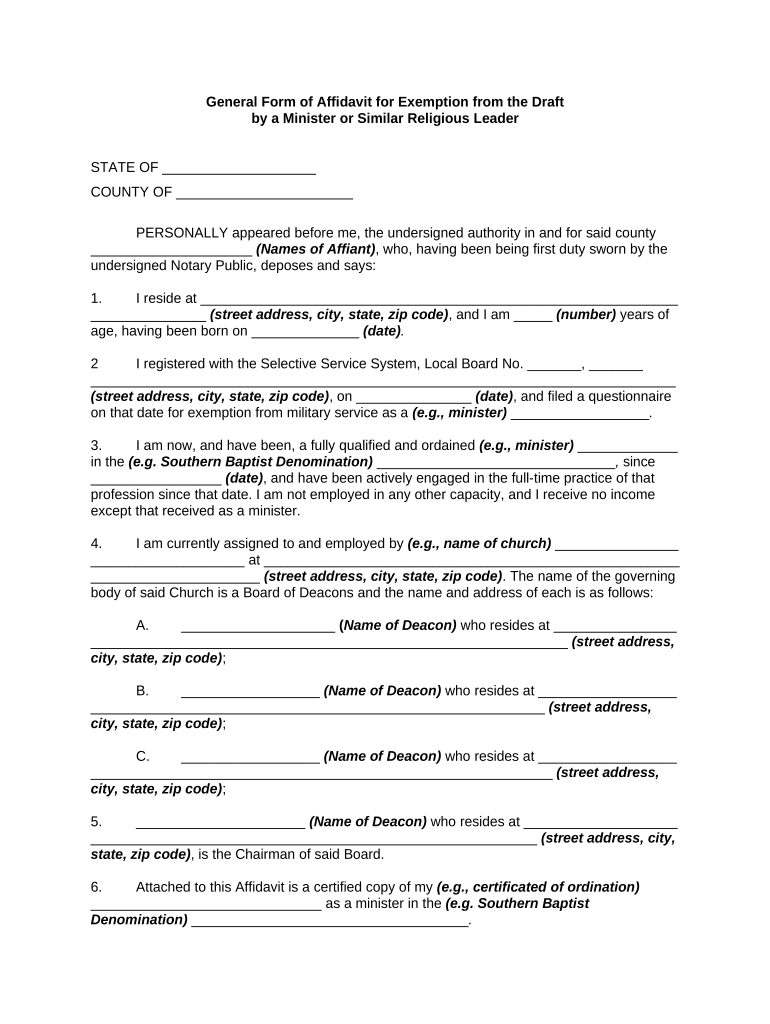
A General Affidavit is a sworn written statement of fact used to verify events, ownership, identity, or the absence of certain claims. It is signed under penalty of perjury and commonly notarized to add formal authentication. In the United States affidavits support legal filings, contract records, title matters, and administrative proceedings; content should be factual, clearly dated, and identify the affiant and recipient. Affidavits can be executed on paper or electronically where permitted by ESIGN and applicable state law, and may require witnesses or notarization depending on the jurisdiction and purpose.

Why a clear General Affidavit matters

A properly prepared General Affidavit creates a concise, sworn record that supports legal, financial, or administrative actions. It reduces ambiguity, aids downstream reviewers, and—when notarized or e-signed properly—meets evidentiary expectations across many U.S. processes.

Why a clear General Affidavit matters

Who typically completes or requests a General Affidavit

Individuals and organizations use affidavits whenever sworn facts are required: private parties, businesses, legal counsel, title agents, and government offices.

  • Real estate professionals and title companies seeking sworn statements for closings, ownership disputes, or chain-of-title corrections.
  • Healthcare or benefits administrators requesting sworn attestation of circumstances, with attention to HIPAA and consent rules when PHI is included.
  • Attorneys, courts, and compliance teams using affidavits to preserve testimony, facts for filings, or administrative records.

Typical signers and their roles

Affiant

An individual who witnessed or experienced the facts and swears to their truth. The affiant must provide full legal name, contact, and a clear factual narrative; identity verification and notarization are often required for evidentiary use.

Notary Public

A commissioned official who verifies signer identity, administers the oath or affirmation, and records the notarial act. Notarial acknowledgment and an attached notary certificate increase evidentiary weight and are required by many registries and courts.

Core elements to include in a professional General Affidavit

A well-constructed affidavit states facts, identifies parties, includes a jurat or affirmation, and supplies authentication. Each element should be unambiguous so the document is reliable for legal, title, administrative, or commercial workflows.

Caption

Identify the document as a 'General Affidavit' with case, matter, or transaction details at the top to link it to the relevant file or proceeding.
Affiant Identity

Full legal name, address, relationship to matter, and, when required, government ID details or TIN to ensure clear attribution.

Statement of Facts

Numbered, chronological statements of fact limited to matters the affiant has direct knowledge of; avoid hearsay unless explicitly identified.

Jurat or Oath

An explicit oath or affirmation clause that the facts are true under penalty of perjury, dated and signed by the affiant.

Notary Block

Notarial certificate with signature, commission number, and expiration; include RON language if notarized remotely and retained as required.

Attachments

Referenced exhibits or supporting documents should be clearly labeled, attached, and described in the affidavit to preserve context.

Step-by-step: completing a General Affidavit

Follow these sequential steps to prepare a clear, enforceable affidavit and choose appropriate authentication.

  • 01
    Draft Facts: Write concise, numbered facts limited to direct knowledge.
  • 02
    Provide ID: Gather government ID and supporting documents for verification.
  • 03
    Sign & Date: Sign in presence of notary or follow permitted eSignature workflow.
  • 04
    Notarize: Complete jurat or acknowledgment and record notary details.

Digital workflow settings commonly used for affidavits

Configure signing, identity verification, and retention so the affidavit meets receiving-party and jurisdictional requirements.

Field Configuration
Signer Authentication Email link | SMS code | KBA where required
Notary Field Include notary block and RON session metadata
Conditional Fields Show witness fields only if witness required
Audit Trail Capture IP, timestamp, and signer actions

How electronic completion and submission typically work

Electronic workflows mirror paper steps but add identity checks and audit trails; confirm the receiving party accepts e-signed or remote-notarized affidavits.

  • Upload Document: Sender uploads affidavit template and attachments.
  • Place Fields: Add signature, date, and notary fields as required.
  • Authenticate Signer: Signer verifies identity via chosen method.
  • Complete Audit: System records timestamps, IPs, and completion certificate.

Technical considerations for eSigning and notarization

Verify file formats, signer authentication, and notary support before sending an electronically executed affidavit.

  • File Formats: PDF, DOCX supported
  • Integrations: Salesforce, NetSuite, Google Workspace
  • Notarization: Supports RON and in-person notary

Timing: when to sign, notarize, and deliver an affidavit

Affidavit timing depends on the transaction: some require submission with a filing, others must be provided upon request. Plan for identity verification and any witness availability.

Sign Before Filing:

Complete and notarize prior to submitting related filings or recordation.

Provide on Request:

Deliver affidavit promptly when a payor, title company, or court asks.

Notary Scheduling:

Allow time for in-person or RON appointment availability.

Retention Start:

Retention begins on the signature date.

Amendments:

File corrected affidavits immediately when errors are found.

Security and compliance checklist for affidavits

Encryption in Transit: TLS 1.2/1.3
Encryption at Rest: AES-256
Audit Trail: Detailed timestamps and IPs
HIPAA Support: BAA required
ESIGN / UETA: Legal e-signature compliance
Regulatory Certs: SOC 2 Type II, ISO 27001

Key legal risks and penalties to watch for

Perjury Risk: Criminal exposure if statements are knowingly false
1099 Reporting: Late penalties up to $330 per form (IRC §6721)
I-9 Paperwork: $281–$2,789 per violation (8 CFR §274a.2)
Backup Withholding: 24% withholding for incorrect TIN
Notary Defects: Rejection of document or court refusal
Intentional Disregard: Higher penalties with no statutory cap (IRC §6721)

Common mistakes that delay affidavit acceptance

  • Using vague or conclusory language rather than direct, numbered facts leads to requests for clarification or re-sworn affidavits.
  • Mismatched names or missing ID details cause notaries or receiving parties to reject the affidavit for identity concerns.
  • Attaching exhibits without labeling or reference makes verification difficult and can invalidate the supporting relationship of evidence.
  • Skipping notarization or using an unsupported e-notary method when required by the receiving party leads to rejection.

Practical tips for accurate, efficient affidavits

Adopt concise language, confirm jurisdictional authentication, and retain complete records to avoid delays and disputes.

Use Numbered Facts
Numbering each factual statement improves clarity and makes references in other documents or filings precise and verifiable.
Verify Identity
Confirm government-issued ID and use the notarization or eAuthentication level required by the receiving party to avoid rejection.
Attach and Label Exhibits
Reference every exhibit in the affidavit body and label attachments consistently to preserve context and evidentiary value.
Maintain Audit Trail
Retain the signed PDF, notarization record (if RON), and the platform audit trail for the prescribed retention period.

Real-world examples of General Affidavit use

These examples show common affidavit uses and the practical steps organizations take to make them admissible and reliable.

Real Estate Closing Affidavit

A seller swears to ownership and absence of liens in a closing affidavit, signed and notarized at closing

  • used to clear title and proceed with recordation
  • The affidavit referenced deed exhibits, included a notary block, and was retained with closing records to meet title insurer requirements.

Administrative Claim Affidavit

An employee provides a sworn statement of lost property for benefits processing, detailing dates and circumstances

  • submitted to HR with ID and supporting receipts
  • HR attached the affidavit to the claim file, verified identity, and retained the signed record per company retention policy.

Notarization and witness workflow: an eight-step checklist

Follow these steps when an affidavit requires notarization, witness signatures, or a recorded RON session to ensure acceptance.

01

Prepare Affidavit

Draft facts, label exhibits, and confirm recipient requirements.

02

Collect ID

Affiant provides government-issued identification for verification.

03

Schedule Notary

Book in-person or RON session based on state acceptance.

04

Add Witnesses

Include witness signatures if the jurisdiction or recipient requests them.

05

Sign in Presence

Affiant signs before the notary or in the permitted remote session.

06

Notary Acknowledgement

Notary completes jurat/acknowledgment and records details.

07

Record RON Session

Retain audio-video and identity-proofing artifacts per state rules.

08

Deliver Document

Send the notarized affidavit and exhibits to the requesting party.

Selected vendor pricing and capability comparison

A high-level comparison of starting price and key capabilities. signNow is listed first per platform comparison conventions.

signNow DocuSign Adobe Sign PandaDoc HelloSign
Starting Price $8/user/mo $15/user/mo $14/user/mo $19/user/mo $15/user/mo
Free Trial 7-day trial Varies Varies Varies Varies
Bulk Send Yes Yes Yes Yes No
Audit Trail Yes Yes Yes Yes Yes
HIPAA Compliant Yes Yes Yes No No
Envelope Cap No cap 100 envelopes/user/year Varies Varies Varies

Frequently asked questions about General Affidavits

Answers to common questions about validity, notarization, electronic execution, and retention of General Affidavits.


Need help? Contact support

be ready to get more
Join over 28 million airSlate SignNow users