Indemnity Clause
Specify whether the indemnitor will indemnify for damages, losses, and expenses. Identify covered claims and whether indemnity follows fault (negligence) or is broader (including strict liability).
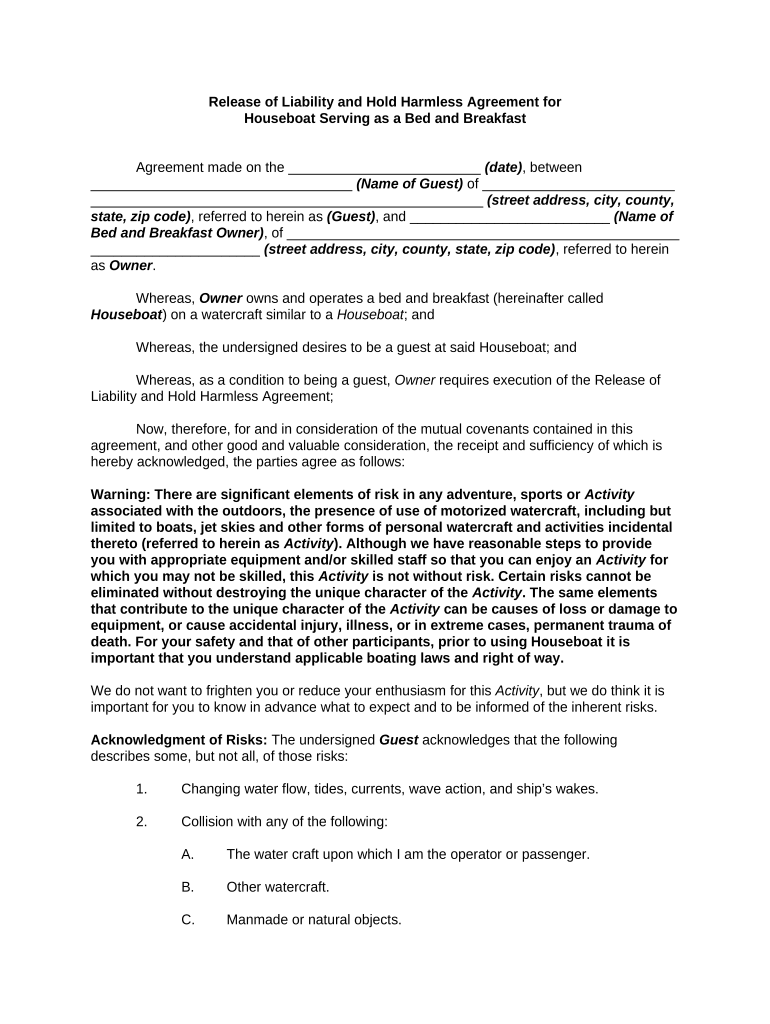
A clear Hold Harmless Agreement allocates risk, reduces uncertainty about who pays for claims, and can lower litigation exposure by defining notice, defense, and settlement procedures. It supports predictable contract management for contractors, vendors, property owners, and event hosts while enabling insurance alignment and better procurement control.

Organizations and individuals use Hold Harmless Agreements across transactions where one party accepts responsibility for third-party claims or losses.
A project manager or authorized contracting officer typically signs on behalf of a contractor. Ensure signatory authority is documented in corporate resolution or delegation of authority to avoid later challenges to enforceability.
A business owner or corporate officer signs for a vendor. For corporations or LLCs, confirm the signer is an officer or has written authority; individuals should use full legal names to match ID and insurance filings.
| Field | Configuration |
|---|---|
| Signature Type | Electronic signature with audit trail and timestamp |
| Authentication | Email plus optional SMS code for signer verification |
| Notarization | Support for remote online notarization where state allows |
| Retention | Store executed PDF and audit log for compliance |
Choose a platform that supports audit trails, common integrations, and secure storage for executed agreements.
Ensure any chosen provider supports ESIGN/UETA compliance, optional RON notary workflows, and sufficient audit logs to demonstrate intent, attribution, and record retention.
Specify whether the indemnitor will indemnify for damages, losses, and expenses. Identify covered claims and whether indemnity follows fault (negligence) or is broader (including strict liability).
State who controls the defense, selection of counsel, and settlement authority, and whether control must be tendered promptly upon notice of claim.
Set monetary caps or dollar limits if intended; include carve-outs for punitive damages or willful misconduct where desired.
Identify specific exclusions such as gross negligence, intentional acts, or third-party contractual indemnities to avoid unintended exposure.
Require prompt written notice, cooperation in defense, and reasonable mitigation steps; define timeframes for notice and responses.
Specify the governing state law and venue for disputes; this choice affects interpretive rules and statute-of-limitations analyses.
| signNow | DocuSign | Adobe Sign | PandaDoc | HelloSign | |
|---|---|---|---|---|---|
| Starting Price | $8/user/mo | $15/user/mo | $14/user/mo | $19/user/mo | $15/user/mo |
| Free Trial | 7-day free trial | Varies by plan | Varies by plan | Varies by plan | Varies by plan |
| Bulk Send | Yes | Yes | Yes | Yes | Yes |
| Audit Trail | Yes | Yes | Yes | Yes | Yes |
| HIPAA Compliant | Yes | Yes | Yes | No | No |
| Envelope Cap | No cap | 100 envelopes/user/year | Varies | Varies | Varies |
Commonly 30 days written notice to the indemnitor for any third-party claim
Require tender to indemnitor or insurer within 10–14 days of notice
Indemnitor should acknowledge or accept defense within 10 days
Specify whether indemnitee approval is required before settlement
Limit claims to those arising during the agreement term unless otherwise stated