Establishing secure connection…Loading editor…Preparing document…

Indiana Bankruptcy Form 13

This template is fully customizable. Edit the text, fill out the fields, and send it for signature. Give it a try!
Indiana Bankruptcy Form 13

What Indiana Bankruptcy Form 13 Is and when it’s used

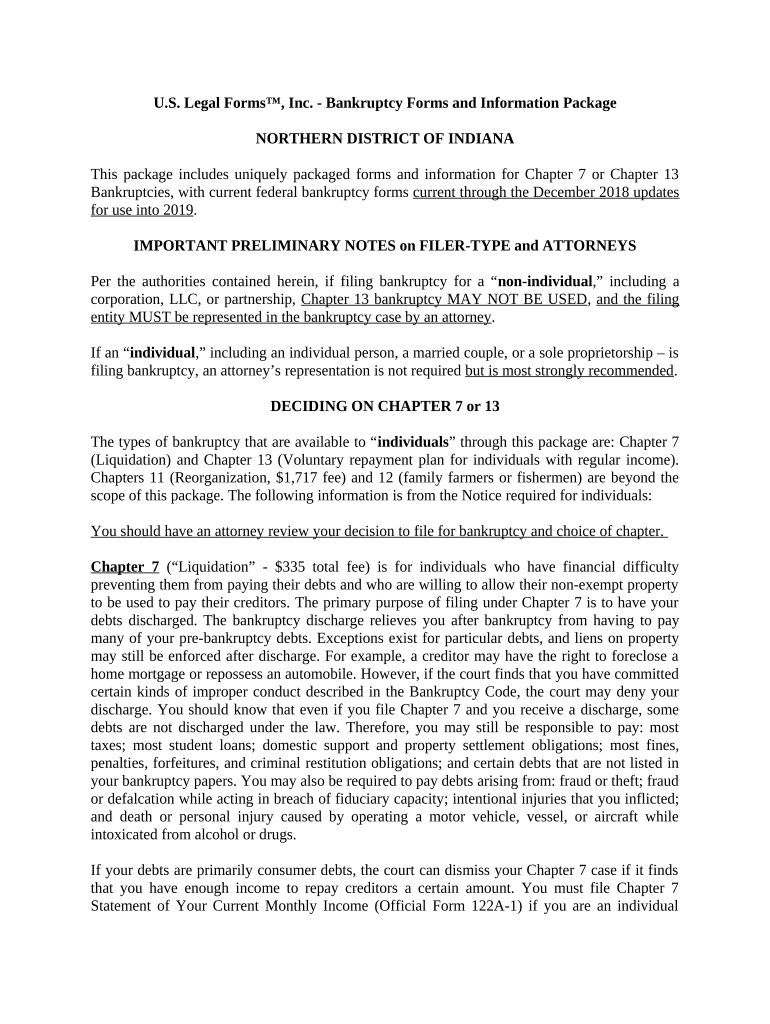
Indiana Bankruptcy Form 13 is a bankruptcy-related court filing used in Indiana practice to present a debtor’s proposed Chapter 13 plan or a related local procedural statement, depending on the district. The form organizes repayment terms, creditor treatment, and scheduling details so the trustee and judge can assess feasibility and confirmation. Preparing the form requires compliance with the local rules for the Northern or Southern District of Indiana, accurate schedules, and attachments. This guide explains the form’s purpose, required fields, e-signature options, filing paths, typical timelines, and common avoidable errors.

Why accurate completion of Form 13 matters to your case

Indiana Bankruptcy Form 13 standardizes a debtor’s proposed Chapter 13 repayment terms and required disclosures, improving clarity for trustees, creditors, and the court. Accurate completion reduces motion practice, speeds confirmation, and helps ensure compliance with local rules and federal statutes such as the Bankruptcy Code.

Why accurate completion of Form 13 matters to your case

Who prepares and relies on this form

Debtors and their attorneys prepare Indiana Bankruptcy Form 13 to propose repayment plans, disclose assets, and coordinate with trustees and creditors.

  • Individual Chapter 13 debtors — to propose monthly payments, timeline, and arrearage cures.
  • Bankruptcy attorneys — to draft plan language, calculate disposable income, and represent clients at confirmation.
  • Chapter 13 trustees and creditors — to review plan feasibility and file objections if necessary.

Step-by-step sequence for preparing and filing Form 13

Follow these sequential steps to prepare, review, and file Indiana Bankruptcy Form 13 with the court and trustee.

  • 01
    Gather Documents: Assemble schedules, paystubs, and creditor list.
  • 02
    Draft Plan: Complete repayment terms and treatment of claims.
  • 03
    Review with Counsel: Verify calculations and compliance with local rules.
  • 04
    File and Serve: Submit to court, serve trustee and creditors promptly.

How to configure an online workflow for Form 13

Configure an online workflow to add fillable fields, signer roles, and conditional logic for Indiana Bankruptcy Form 13.

Field Configuration
Signer Role Debtor, attorney, trustee order
Authentication Email link or SMS code for signer verification
Conditional Fields Show arrearage fields only if arrears exist
Document Retention Store PDF with audit trail for court records

Routing the completed form to the court and parties

Typical routing steps for submitting Indiana Bankruptcy Form 13 to the court and related parties.

  • Upload: File PDF through court's CM/ECF system.
  • Serve: Serve trustee, U.S. trustee, and creditors per local rules.
  • Clerk: Pay filing fee and obtain docket entry.
  • Hearing: Attend confirmation or status hearing as scheduled.

Key timing expectations for Form 13 and related events

Important timing and filing deadlines related to Indiana Bankruptcy Form 13 and common court events.

Plan Filing:

Submit with the bankruptcy petition or per local rule.

Meeting of Creditors:

341 meeting scheduled by trustee within weeks after filing.

Proof of Claim Deadline:

Depends on creditor type; check trustee notice for bar date.

Confirmation Hearing:

Court schedules hearing for plan approval; timing varies.

Amendment Window:

Amendments accepted pre-confirmation; late changes need court permission.

Consequences and risks of incorrect Form 13 filings

Case Dismissal: Court may dismiss improperly filed plans.
Confirmation Delay: Hearing rescheduled for corrections.
Creditor Objections: Increased litigation and additional expenses.
Tax Consequences: Incorrect disclosures affect reporting and refunds.
Sanctions Risk: Court can sanction for bad faith filings.
Trustee Surplus Claims: Trustee may require amended payments.

Common preparation errors to avoid

  • Incomplete creditor lists lead to missed service and late claims that complicate plan confirmation and repayment accounting.
  • Incorrect income or expense calculations produce trustee objections and may require plan modification or conversion to Chapter 7.
  • Using unapproved local form versions or omitting required attachments triggers clerk rejection and re-filing delays.
  • Failing to serve all required parties per local rule results in hearing continuances and possible non-binding confirmations.

Practical tips for accurate, efficient completion

Practical tips to ensure a complete and court-compliant Indiana Bankruptcy Form 13 submission, including supporting schedules and verification steps.

Double-check creditor names and addresses
Verify mailing addresses, account numbers, and full creditor names against the most recent statements. Accurate contact data prevents misservice, late claims, and reduces time spent on remedial filings.
Use trustee-approved plan templates where available
Many trustees publish templates or local forms; using them avoids formatting rejections. Tailor provisions only within local rule allowances and cite statutory authority for special treatments.
Attach all required schedules and exhibits
Include Schedules A–J, Statement of Financial Affairs, relevant paystubs, and supporting invoices. Omitting attachments commonly prompts motions to compel and confirmation delays.
Confirm electronic signature validity and retention
When using e-signatures, ensure the platform captures intent, attribution, timestamps, and an audit trail. Maintain reproducible copies per ESIGN (15 U.S.C. §7001) and local court requirements.

Essential sections to include on a professional Form 13

Anatomy of Indiana Bankruptcy Form 13: the essential sections judges, trustees, and creditors review during confirmation, including payment schedules, treatment of claims, and debtor certifications.

Debtor Information

Name, address, taxpayer identification, and employment details establish identity and financial background; accurate entries are used to verify income and to cross-check with trustee records.
Plan Payments

Monthly payment amount, start date, and duration. These figures must align with disposable income calculations and any ongoing mortgage or priority payments.

Treatment of Claims

Detail how secured, priority, and unsecured claims will be treated, including arrearage cures, interest expectations, and lien retention or surrender.

Executory Contracts

Declare assumption or rejection of leases and contracts, state cure amounts, and proposed treatment to prevent later disputes or stay violations.

Summary of Assets

Identify exempt and non-exempt property, proposed liquidation values, and trustee administration expectations so feasibility can be evaluated.

Certification and Signature

Debtor declaration of truthfulness, attorney verification where applicable, and signature lines required for filing and to confer legal obligations under penalty of perjury.

Technical requirements for eSigning and eSubmission

To e-sign and submit Indiana Bankruptcy Form 13, use a platform that supports PDF, preserves audit trails, and exports court-ready PDFs.

  • File Formats: PDF, DOCX supported
  • Integrations: NetSuite, Salesforce, Google Workspace
  • Authentication: Email, SMS, 2FA options

How signNow compares to other eSignature vendors for court-ready workflows

Side-by-side comparison of signNow and common eSignature vendors on pricing and core features relevant to filing and signing forms like Indiana Bankruptcy Form 13.

signNow DocuSign Adobe Sign PandaDoc HelloSign
Starting Price $8/user/mo $15/user/mo $14/user/mo $19/user/mo $15/user/mo
Free Trial Yes, 7-day trial No No Yes, limited Yes, limited
Bulk Send Yes Yes Yes Yes No
Audit Trail Yes Yes Yes Yes Yes
HIPAA Compliant Yes Yes Yes No No
Envelope Cap No cap 100 envelopes/user/year Varies by plan Varies by plan Varies by plan

Real-world examples of using eSigning for bankruptcy paperwork

Two brief examples show how electronic workflows and auditable signatures support plan preparation, service, and trustee review in practice.

Martin Properties

Tim Martin, Founder of Martin Properties, used an e-sign platform to manage tenant and property claims during a Chapter 13 administration.

  • He processed filings and consent forms remotely.
  • By consolidating signatures and distributing court-ready PDFs, his team avoided in-person delays, ensured accurate service to creditors, and reduced time spent preparing supporting exhibits for the trustee and court.

Optica Ventures

Brian Fitzgibbons, COO at Optica Ventures LLC, standardized bankruptcy plan submissions across multiple properties to improve consistency and reduce clerical errors.

  • Their platform simplified signature capture and distribution.
  • Standardized templates and an auditable trail allowed the legal team to demonstrate timely service and produce reproducible copies for the trustee, shortening review cycles and minimizing amendment motions.

Frequently asked questions and troubleshooting tips

Answers to frequently asked questions about completing, signing, and filing Indiana Bankruptcy Form 13, with practical troubleshooting tips.


Need help? Contact support

be ready to get more
Join over 28 million airSlate SignNow users