Establishing secure connection…Loading editor…Preparing document…

Motion for Temporary Restraining Order and Preliminary Injunction

This template is fully customizable. Edit the text, fill out the fields, and send it for signature. Give it a try!
Motion for Temporary Restraining Order and Preliminary Injunction

What the Motion for Temporary Restraining Order and Preliminary Injunction Does

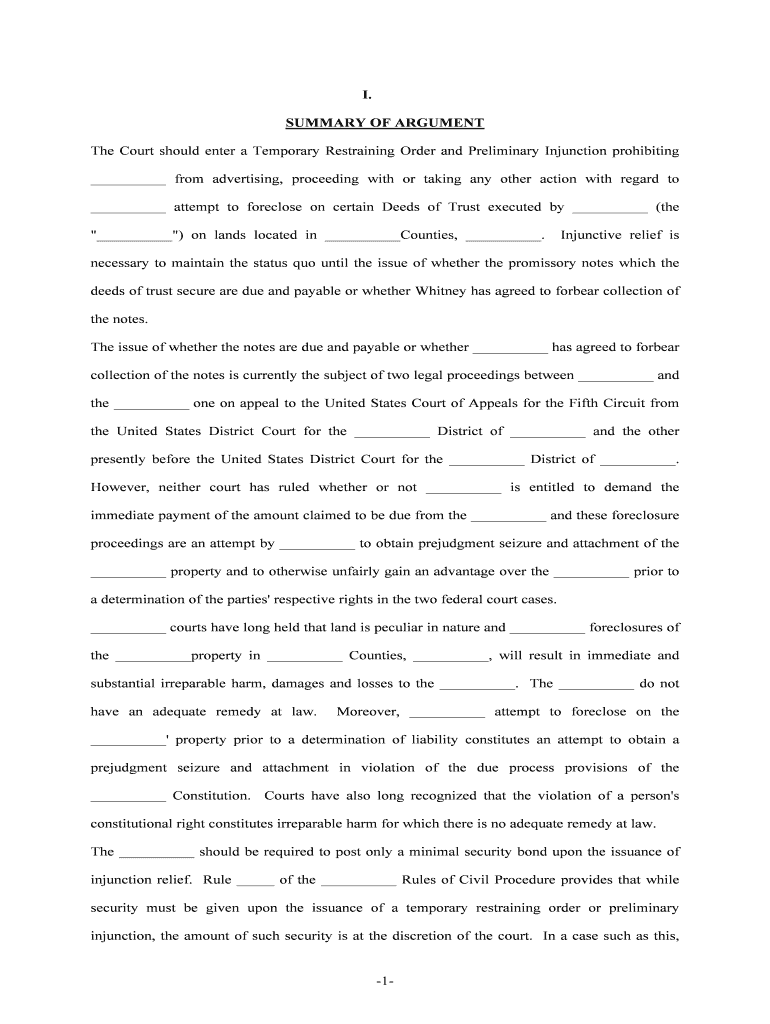
A Motion for Temporary Restraining Order and Preliminary Injunction is a court filing that asks a judge to order immediate, short‑term relief to preserve the status quo and prevent irreparable harm, followed by a request for a longer‑term injunction after notice and hearing. The TRO component is often sought on an emergency or ex parte basis to prevent imminent injury; the preliminary injunction seeks continued protection pending final resolution of the merits. Courts evaluate emergency relief based on likelihood of success, irreparable harm, balance of harms, and public interest.

Why this Motion Matters in Urgent Disputes

This motion protects rights that cannot be remedied by monetary damages alone and stops conduct that would make eventual relief meaningless. It preserves evidence, prevents ongoing injury, and stabilizes parties while the court resolves the underlying claim.

Why this Motion Matters in Urgent Disputes

Who Typically Prepares and Files This Motion

Use this motion when an immediate judicial order is required to prevent irreparable harm or to protect property, business operations, or safety.

  • Plaintiffs and claimants seeking emergency injunctive relief, often after exigent events or threatened actions.
  • Civil litigation attorneys preparing emergency pleadings and supporting declarations under local court rules.
  • Corporate counsel or compliance officers when business operations or intellectual property are at immediate risk.

The motion is commonly prepared by counsel but can be filed by pro se litigants; follow local rules for format, required affidavits, and emergency hearing procedures.

Who Signs and Who Files

Plaintiff Attorney

Lead counsel signs and files the motion, certifies service, and typically submits the supporting declaration and exhibits. Counsel is responsible for meeting local emergency motion requirements and presenting the motion at any shortened hearing.

Corporate Counsel

In corporate disputes, an authorized in‑house counsel or designated officer must provide factual declarations, verify corporate records, and confirm authority to seek injunctive relief on the company’s behalf.

Essential Information to Include in the Motion

Case Caption: Court name, parties, case number
Relief Requested: Specific prohibitory or mandatory order
Legal Basis: Statute or claim authorizing injunction
Factual Basis: Detailed, sworn facts and timeline
Proposed Order: Draft order for judge to sign
Bond or Security: Proposed amount or waiver request

Consequences of an Incorrect or Deficient Motion

Denial of Relief: Motion may be dismissed outright
Sanctions Exposure: Attorney or party sanctions risk
Bond Requirement: Court may impose a security bond
Increased Costs: Higher attorney fees and delays
Evidence Loss: Opportunity to preserve evidence lost
Waiver of Rights: Procedural missteps can forfeit claims

Common Pitfalls to Avoid When Drafting

  • Failing to provide a clear and concise proposed order that mirrors the relief requested and uses enforceable language can delay judicial action and confuse enforcement.
  • Submitting a declaration that lacks specific, admissible facts or attaches unreliably authenticated exhibits increases the risk that the court will treat the motion as speculative.
  • Neglecting to certify service or follow shortened‑time procedures under local rules may cause the motion to be denied for procedural defects rather than on the merits.
  • Overstating likelihood of success without factual support or legal precedent can harm credibility and invite counter‑motions or sanctions.

Step‑by‑Step: Prepare and File the Motion

Follow these core steps to build a complete, court‑ready motion for emergency relief.

  • 01
    Draft Motion: State specific relief, legal standards, and concise argument.
  • 02
    Prepare Declaration: Attach sworn fact statements and authenticated exhibits.
  • 03
    Attach Proposed Order: Provide precise injunctive language for the court to sign.
  • 04
    File and Serve: File per local e‑filing rules and effect prompt service.

How Emergency Motions Are Processed by the Court

Emergency motions progress quickly but must still meet procedural and substantive burdens; expect short deadlines for response and prompt hearings.

  • Shortened Time: Court may shorten time and set immediate hearing date.
  • Response Window: Opposing party typically given limited hours or days to respond.
  • Immediate Hearing: Judge may hear argument orally or decide on papers.
  • Temporary Order: TRO may be entered pending full preliminary injunction hearing.

Core Components of a Professional Motion for TRO and Preliminary Injunction

A complete filing combines legal argument, sworn evidentiary support, a proposed order, and procedural certifications so the judge can evaluate emergency relief without delay.

Caption and Parties

Accurate court caption and party names, with counsel contact information and case number to ensure correct docketing and service.
Statement of Facts

Chronological, specific facts in a sworn declaration; include dates, locations, actions and immediate harms with exhibit references for verification.

Legal Argument

Concise legal standard addressing likelihood of success, irreparable harm, balance of equities, and public interest supported by citations.

Proposed Order

Clear, enforceable draft order with defined prohibitory or mandatory provisions, duration, and any monitoring terms for compliance.

Exhibits and Evidence

Authenticated documents, communications, and records attached as exhibits and referenced in supporting declarations for admissibility.

Service and Certification

Proof of service, meet and confer efforts, and any local rule certifications required for emergency filings.

How to Customize and Submit the Motion Online

When preparing the motion in a document platform, configure fields and authentication to match court e‑filing and service rules.

Field Configuration
Signature Type Electronic signature or wet signature per court e‑filing rules
Authentication Email verification, SMS code, or advanced ID proofing for signers
Document Fields Conditional fields for bond, hearing date, and exhibit index
Save Format Export to PDF/A and include embedded metadata for e‑filing

Distribution Channels and Technical Requirements

Confirm the court’s e‑filing and service preferences before relying on electronic submission or remote signing.

  • E‑filing: Court e‑filing system required
  • Service: Email or personal service rules apply
  • Formats: PDF, PDF/A preferred

Use integrations such as Salesforce, NetSuite, Microsoft 365, Google Workspace, or secure cloud storage to manage exhibits and proof of service; ensure retained copies meet court and regulatory retention requirements.

Real‑World Examples of Emergency Injunctive Filings

These examples show different contexts where emergency injunctive filings preserved rights and enabled swift court action.

Optica Ventures LLC

Plaintiff faced imminent contractual breach that would frustrate financing

  • Counsel submitted a concise TRO package
  • The court granted temporary relief, preserving transaction value while the parties negotiated a longer-term solution using documented exhibits and sworn declarations.

Martin Properties

Landlord sought to stop unauthorized construction that threatened tenant safety

  • Emergency motion presented photographs and immediate hazard declarations
  • The TRO halted activity, allowed quick remediation, and set a date for preliminary injunction briefing to determine substantial and irreparable harm.

Practical Tips for a Clear, Effective Emergency Motion

Applying proven drafting and filing practices increases the likelihood of timely and enforceable relief.

Focus on Precise Relief Language
Draft the requested order in precise, enforceable terms that specify prohibited or required actions, duration, and any reporting obligations to facilitate immediate judicial action.
Use Succinct, Sworn Facts
Provide a sworn declaration that presents only the most persuasive, admissible facts with documentary exhibits clearly labeled and authenticated to avoid hearsay objections.
Comply with Local Emergency Rules
Follow local shortened‑time procedures, meet‑and‑confer requirements, and any form or hearing notice rules to prevent procedural denials.
Prepare a Compact Exhibit Index
Attach a numbered exhibit index and include only essential documents to reduce reviewer burden and speed judicial consideration.

eSignature Platform Pricing Snapshot for Motion Preparation and Signing

Cost and capability vary across eSignature providers; signNow is listed first for comparative clarity. Confirm vendor plans and features directly with providers for specific needs.

signNow DocuSign Adobe Sign PandaDoc HelloSign
Starting Price $8/user/mo $15/user/mo $14/user/mo $19/user/mo $15/user/mo
Free Trial 7‑day free trial Varies by vendor Varies by vendor Varies by vendor Varies by vendor
Bulk Send Yes (Business Premium) Yes (plan dependent) Yes (plan dependent) Yes (plan dependent) No (plan dependent)
Audit Trail Yes Yes Yes Yes Yes
HIPAA Compliant Yes (BAA available) Yes (BAA available) Yes (BAA available) Varies by plan Varies by plan

Frequently Asked Questions About TROs, Injunctions, and Electronic Filing

Answers to common technical and procedural questions when preparing a Motion for Temporary Restraining Order and Preliminary Injunction.


Need help? Contact support

be ready to get more
Join over 28 million airSlate SignNow users