Caption
Complete case caption identifying court, parties, and docket number so the filing is properly indexed and routed for review.
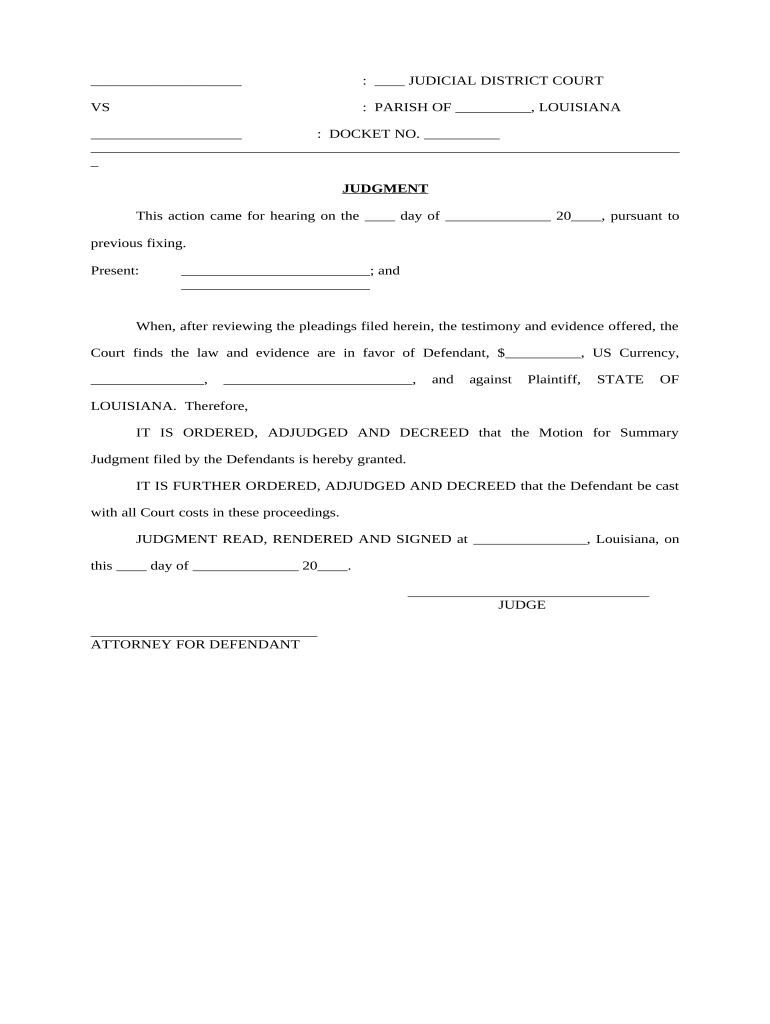
A complete, clearly drafted form reduces the risk of rejection, shortens review time, and helps ensure the court understands the relief requested. Proper formatting and supporting exhibits increase the likelihood of a timely ruling and reduce potential procedural challenges.

Typical participants include attorneys, litigants representing themselves, court clerks, and opposing counsel who review and respond to the motion.
Understanding each party’s role helps you collect required facts, choose correct filing channels, and attach the right supporting documents before submission.
An attorney representing the moving party signs or electronically files the Judgment Motion Form, certifying facts and compliance with local rules; the attorney also attaches exhibits and a proposed order for the judge’s signature.
A pro se individual may complete and sign the form personally, ensuring names, addresses, and factual assertions are accurate because courts may impose sanctions for false statements or defective filings.
Complete case caption identifying court, parties, and docket number so the filing is properly indexed and routed for review.
A concise statement of the hearing date or request for judicial action and the time/place if a hearing is scheduled.
Clear, chronological recitation of material facts with citations to exhibits to support factual assertions.
Analysis of applicable law and reasons why the court should grant the requested judgment.
Sworn verification from a competent declarant attesting to the facts and authenticity of exhibits where required.
A ready-to-sign order for the judge that mirrors the relief requested to facilitate entry of judgment.
Proof of service showing how and when opposing parties received the motion and its attachments.
Relevant contracts, correspondence, and evidence saved as searchable PDFs to ease review and indexing.
Signed, dated declarations with printed name and contact information for authentication.
Court-ready order in editable PDF or Word format to speed entry by the judge.
File by the court’s specified motion deadline or in time to meet scheduled hearing notices.
Serve opposing parties within the timeframe required before the hearing or as the rules require.
Note the scheduled hearing date and any local rules on submission timing for consolidated briefs.
Allow the statutory or local rule period for opposition papers and replies.
Monitor the clerk’s entry timeline for signed orders and judgments post-decision.
| Document Type | Typical Use | Verification Needed |
|---|---|---|
| Judgment Motion Form | request judgment | possible declaration |
| Affidavit | sworn facts | notarized statement |
| Notice of Motion | hearing scheduling | service required |
| Verified Complaint | starts lawsuit | often sworn |
| signNow | DocuSign | Adobe Sign | PandaDoc | HelloSign | |
|---|---|---|---|---|---|
| Starting Price | $8/user/mo | $15/user/mo | $14/user/mo | $19/user/mo | $15/user/mo |
| Free Trial | 7-day trial | Varies | Varies | Varies | Varies |
| Bulk Send | Yes | Yes | Yes | Yes | No |
| Audit Trail | Yes | Yes | Yes | Yes | Yes |
| HIPAA Compliant | Yes | Yes | Yes | No | No |
Confirm platform compatibility with the court’s e-filing and document format requirements before choosing an eSignature solution.
Ensure the solution supports audit trails, secure storage, and any industry compliance such as HIPAA or 21 CFR Part 11 when required.