Opening
Begin with a short greeting and identify yourself and your relationship to the deceased to orient the recipient.
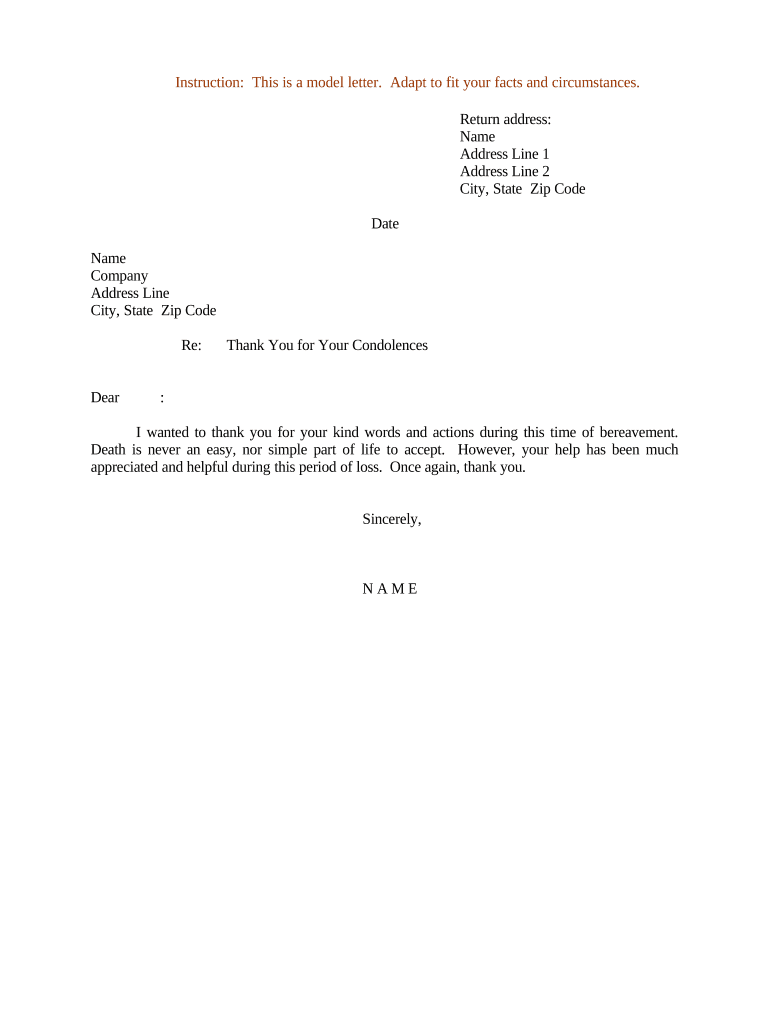
A concise thank-you preserves relationships, acknowledges support, and creates a respectful record of appreciation. It helps relieve the emotional burden on senders by confirming their message was received and valued.

Different people and organizations send thank-you letters depending on the relationship to the deceased and the type of condolence received.
Tone and format depend on the sender: private family notes are personal, while organizational replies are brief and formal.
Begin with a short greeting and identify yourself and your relationship to the deceased to orient the recipient.
Name the condolence type received (message, flowers, donation, visit) so the recipient knows which act you appreciate.
Include one brief memory or comment that connects the condolence to the deceased, keeping details appropriate and private.
State sincere thanks and the emotional or practical impact of the support in one or two sentences.
Choose a short closing (Sincerely, With gratitude) that matches the letter's tone and your relationship with the recipient.
Sign with a full name and printed name line; add relation (e.g., 'on behalf of the family') when applicable.
| Field | Recommended setting | Value | Setting |
|---|---|
| Message Tone | Sincere, concise |
| Delivery Method | Mail, email, or eSignature |
| Signature Type | Handwritten scan or verified e-sign |
| Attachments | Optional obituary or service details |
Choose a distribution method that preserves privacy and provides a retrievable record.
Use encrypted email or an eSignature provider for sensitive content when you require proof of delivery and a secure audit trail.
Within 1–2 weeks for close family and friends.
Within 2–4 weeks for workplace or group condolences.
Acceptable up to several months with a brief apology for the delay.
Acknowledge within 2–6 weeks and note any intended use if appropriate.
For community acknowledgements, allow up to 8 weeks.
Message written and fields filled.
Family or organizer reviews content.
Letter sent via chosen method.
Store copy in family or organizational records.
| signNow | DocuSign | Adobe Sign | PandaDoc | HelloSign | |
|---|---|---|---|---|---|
| Starting Price | $8/user/mo | $15/user/mo | $14/user/mo | $19/user/mo | $15/user/mo |
| Free Trial | 7-day free trial, no credit card | Trial varies | Trial varies | Trial varies | Trial varies |
| Bulk Send | Yes | Yes | Yes | Yes | No |
| Audit Trail | Yes | Yes | Yes | Yes | Yes |
| HIPAA Compliant | Yes | Yes | Yes | No | No |