Header
Sender name, organization, address, and date should appear at the top for formal identification and record copying.
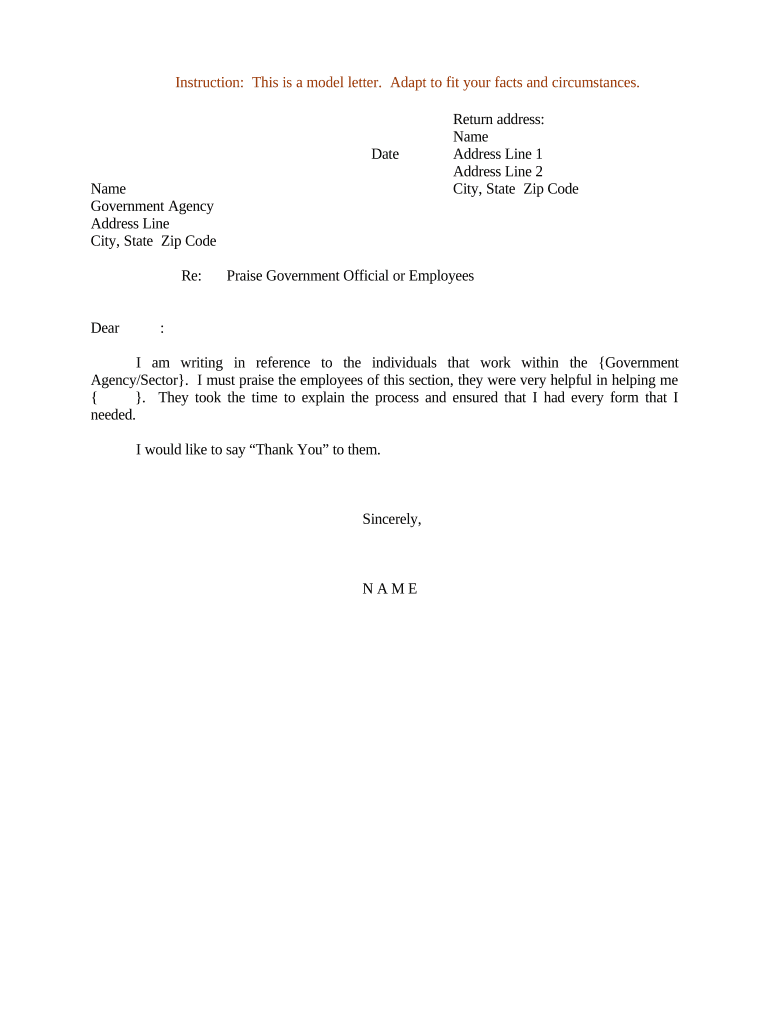
A concise appreciation letter strengthens public‑sector relationships, creates a record of cooperative efforts, and supports transparency. It can be referenced in later correspondence, grant or procurement files, and helps acknowledge contributions while preserving a neutral, documented account.

Recipients usually include agency program managers, elected officials, or department heads; keep copies for records and any required public reporting.
Sender name, organization, address, and date should appear at the top for formal identification and record copying.
Address the correct official or office by name and title to ensure appropriate recognition and routing within the agency.
Open with a one‑sentence explanation of why you are writing; this orients the reader immediately to the topic being acknowledged.
Summarize the assistance, event, or outcome with dates, names, and project identifiers where applicable to create a useful record.
A brief, professional expression of thanks that avoids subjective praise and focuses on facts and outcomes.
Conclude with the sender's printed name, title, and either a handwritten or compliant electronic signature and the date.
One‑page overview of the project or interaction, including dates, deliverables, and outcomes that relate to the appreciation.
Attach memoranda, permits, or reports referenced in the letter so recipients can verify details quickly.
Include photos, charts, or outcome metrics if these materials support the stated appreciation.
Internal approvals or review notes that explain who cleared the letter for sending and why.
| Field | Configuration |
|---|---|
| Sender | Single authorized individual or organizational account |
| Approvals | Require one or more internal signoffs before send |
| Authentication | Email or stronger MFA for signer verification |
| Retention | Set archival retention and access controls |
Match the agency's stated eSubmission preferences and retain signed copies in your records for compliance and future reference.
Within 7–30 days after the event or assistance to keep details fresh
Wait 14–30 days for a courtesy reply before follow up
Save a copy immediately upon sending for organizational records
Coordinate with public affairs for press or public posting windows
Retention periods begin from the document date or receipt date
Finalize content and attach supporting documents.
Obtain legal or communications clearance before sending.
Send via chosen channel and note delivery metadata.
Save signed copy with indexable metadata for retention.
| Document Type | Letter of Appreciation | Formal Acknowledgement |
|---|---|---|
| Purpose | express thanks | confirm receipt or action |
| Tone | grateful, informal | neutral, formal |
| Record Use | recognition or pr | official administrative record |
| Typical Attachments | photos or summaries | permits, receipts |
| signNow | DocuSign | Adobe Sign | PandaDoc | HelloSign | |
|---|---|---|---|---|---|
| Starting Price | $8/user/mo | $15/user/mo | $14/user/mo | $19/user/mo | $15/user/mo |
| Free Plan | Yes, 7-day trial | No | No | Yes, limited | Yes, limited |
| Bulk Send | Yes | Yes | Yes | Yes | No |
| Audit Trail | Yes | Yes | Yes | Yes | Yes |
| HIPAA Compliant | Yes | Yes | Yes | No | No |
The company thanked a permitting office for expedited review of a pilot project
A health center acknowledged a public health department's outreach support
A program director often drafts and signs the letter to acknowledge operational support. They include project identifiers, dates, and a concise description of what the agency provided and why it mattered.
A communications lead may prepare the text for public posting or distribution, coordinate approvals, and ensure the tone is neutral, factual, and consistent with organizational messaging standards.