Opening Salutation
Address the correct contact by name and include the company name; a personalized salutation improves response accuracy and shows attention to detail.
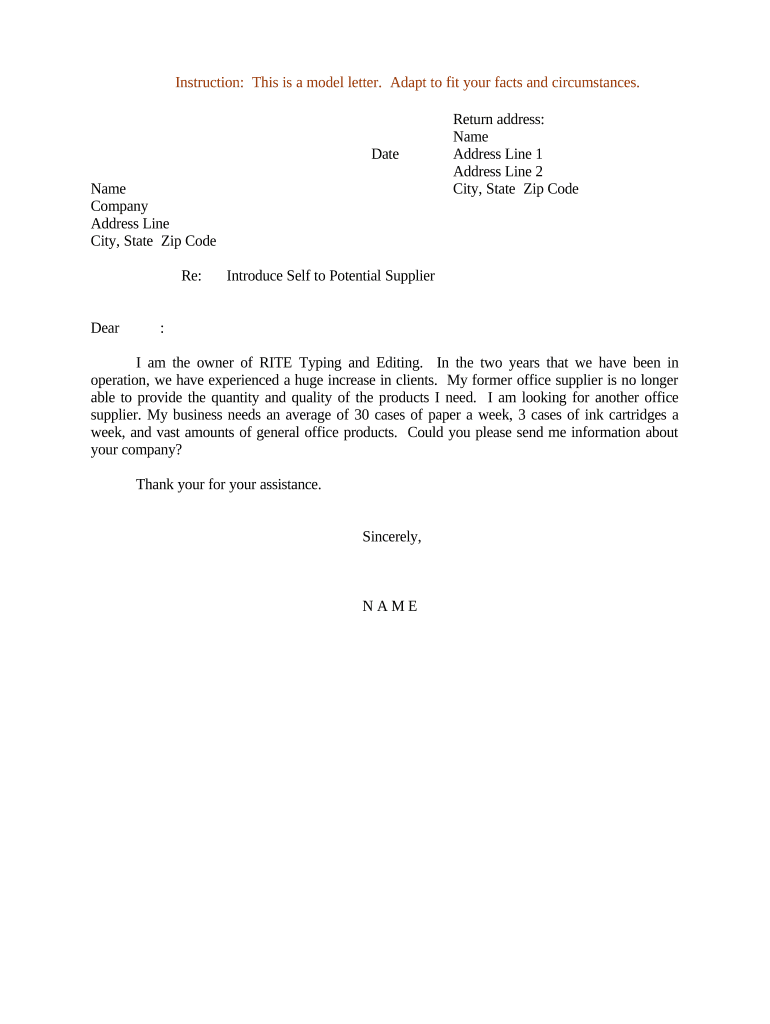
A well-structured introduction letter speeds supplier evaluation, reduces misunderstanding, and documents outreach for audit or procurement records. It sets expectations, clarifies the business need, and supports compliance by capturing intent and recipients in a retrievable record.

Procurement, purchasing, and vendor management teams most commonly prepare this letter when sourcing goods or services.
| Field | Configuration |
|---|---|
| Sender Information | Auto-fill from user profile to ensure consistency |
| Recipient Address | Use validated email; avoid generic role addresses |
| Signature Type | Electronic signature (ESIGN/UETA compliant) or handwritten if required |
| Authentication | Email link or SMS code for signer verification |
Choose a platform that preserves audit trails, supports common file formats, and meets your compliance needs.
Address the correct contact by name and include the company name; a personalized salutation improves response accuracy and shows attention to detail.
One clear sentence that states why you are contacting the supplier and what you hope to accomplish with this initial outreach.
Briefly describe your organization’s role, purchasing volume, or market sector to give the supplier context for potential engagement.
List specific asks such as capability statements, price lists, lead times, certifications, or references to accelerate evaluation.
Enumerate any attached documents like specifications, purchase forecasts, or compliance checklists so receivers know what to review.
Provide direct contact details, expected response timeframe, and the next procedural step to reduce delays and ambiguity.
No federally mandated deadline; provide promptly to avoid backup withholding
7–14 calendar days recommended for initial capability responses
Allow 3–5 business days for procurement assessment
Timing varies; record the intended decision date in the letter
Retain signed communications from the date of signature
| signNow | DocuSign | Adobe Sign | PandaDoc | HelloSign | |
|---|---|---|---|---|---|
| Starting Price | $8/user/mo | $15/user/mo | $14/user/mo | $19/user/mo | $15/user/mo |
| Free Trial | 7-day free trial | Varies | Varies | Varies | Varies |
| Bulk Send | Yes | Yes | Yes | Yes | No |
| Audit Trail | Yes | Yes | Yes | Yes | Yes |
| HIPAA Compliant | Yes | Yes | Yes | No | No |
| Envelope Cap | No cap | 100 envelopes/user/year | Varies | Varies | Varies |
Optica sent an introduction to niche lab suppliers to source components quickly
A property manager used the letter to request vendor insurance certificates