Header
Sender name and full address at top left to clearly identify who is requesting the report and where the agency should send the response.
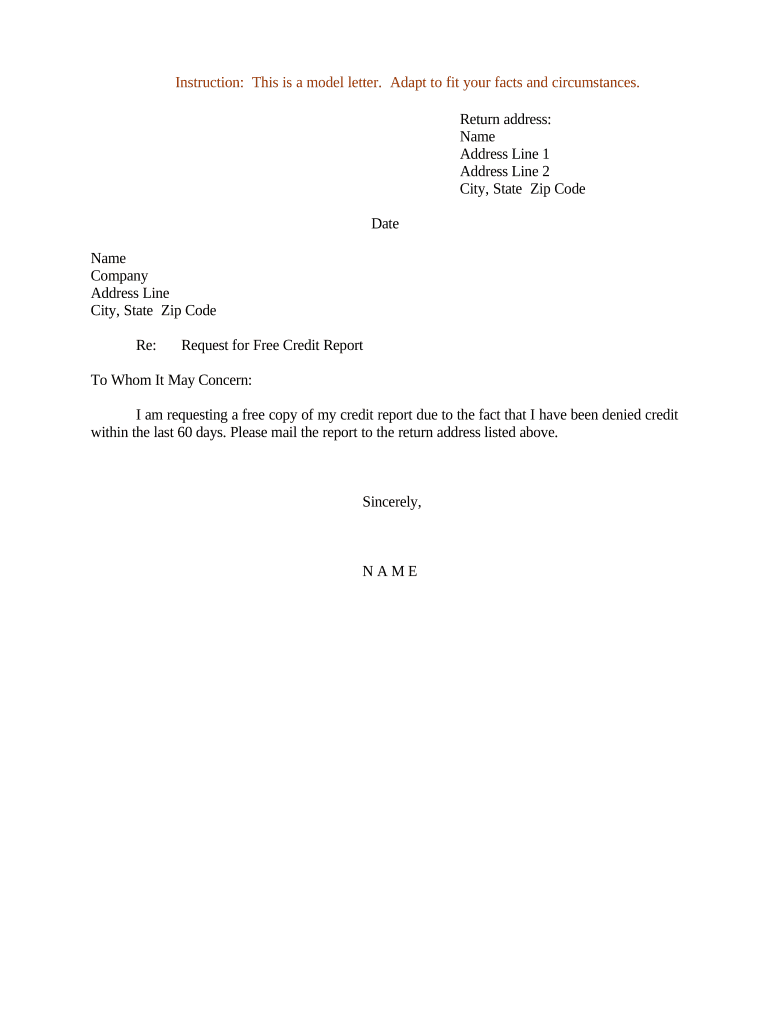
A written Letter Requesting Free Credit Report creates a dated record, clarifies what you want, and can prompt consumer reporting agencies to meet statutory response obligations under the Fair Credit Reporting Act, improving traceability for disputes and potential enforcement.

Typical preparers include individual consumers, their authorized representatives, and consumer advocates seeking formal credit records.
A consumer acting on their own behalf who provides government ID and contact information, signs the letter, and is responsible for validating identity and tracking delivery and responses from the reporting agency.
An attorney, credit counselor, or appointed agent signing with explicit consumer authorization; must include proof of representation and the consumer's identifying details to ensure the agency honors the request.
A consumer discovers unfamiliar accounts on a monthly statement and requests a complete report to identify fraud history.
An applicant receives an adverse action notice after a loan denial and asks for the exact report used in underwriting.
Sender name and full address at top left to clearly identify who is requesting the report and where the agency should send the response.
Name and address of the consumer reporting agency or specific bureau department to ensure correct routing and avoid delays or misdelivery.
Provide date of birth, last four of SSN, and current and former addresses to assist the agency with identity verification.
Explicitly state you are requesting a free credit report and identify the report period or the reason (identity theft, adverse action, government benefit denial).
If an authorized representative sends the letter, include a signed authorization or power of attorney and attach proof of representation.
Signed and dated by the consumer or authorized representative; include printed name and preferred contact details for responses.
Many agencies accept electronic submissions or uploads; confirm acceptable file types and authentication requirements before sending.
| Field | Configuration |
|---|---|
| Document format | PDF with fillable fields preferred |
| Signer authentication | Email + SMS code or KBA as needed |
| Signature type | Simple e-signature with audit trail |
| Delivery method | Secure upload or certified mail option |
| Criteria | Letter | CRA portal |
|---|---|---|
| Ease of use | moderate | high |
| Proof of delivery | strong if certified | system log only |
| Authentication strength | depends | typically stronger |
| Preferred for disputes |
| signNow | DocuSign | Adobe Sign | PandaDoc | HelloSign | |
|---|---|---|---|---|---|
| Starting Price | $8/user/mo | $15/user/mo | $14/user/mo | $19/user/mo | $15/user/mo |
| Free Plan | 7-day free trial | No | No | Yes, limited | Yes, limited |
| Bulk Send | Yes | Yes | Yes | Yes | No |
| Audit Trail | Yes | Yes | Yes | Yes | Yes |
| HIPAA Compliant | Yes | Yes | Yes | No | No |