Opening Greeting
A short, warm welcome referencing the neighborhood by name and acknowledging the new resident’s arrival to set a friendly tone.
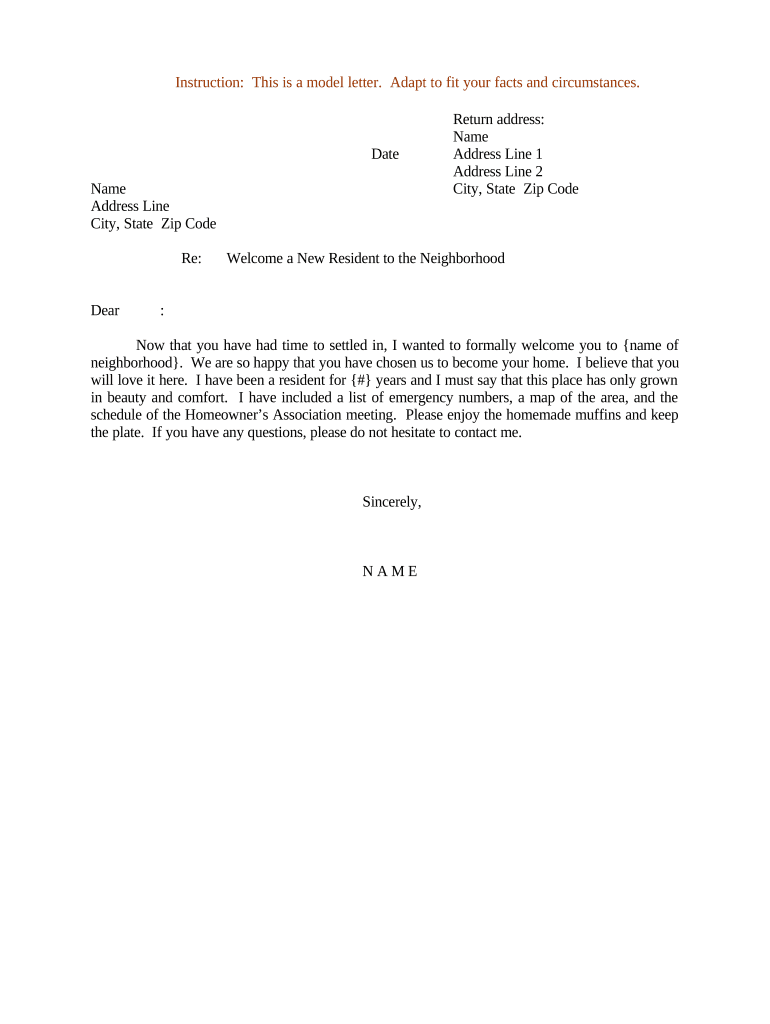
A concise welcome letter reduces newcomer friction by providing immediate, practical information and a friendly point of contact. It helps owners, managers, and neighbors establish rapport, clarify neighborhood expectations, and reduce avoidable service requests by proactively sharing rules and local procedures.

Recipients are new homeowners, renters, or short-term occupants; customize tone and content for leases versus owner-occupied contexts.
A short, warm welcome referencing the neighborhood by name and acknowledging the new resident’s arrival to set a friendly tone.
State your name, role (neighbor, HOA board member, property manager), and best contact method so the recipient knows whom to reach.
List trash/recycling days, parking rules, mail/package instructions, and utilities setup contacts to prevent common first-week questions.
Summarize relevant HOA or lease rules (noise, landscaping, architectural guidelines) and where to find full policies if needed.
Provide nearby services such as grocery, pharmacy, doctors, emergency numbers, public transit stops, and neighborhood meeting schedules.
Offer an invitation to an orientation, welcome coffee, or contact for questions; include a simple signature and date.
| Field | Configuration |
|---|---|
| Document Format | Use PDF for fixed layout; DOCX if recipient may edit. |
| Signature Type | Select simple e-signature for acknowledgment; PKI only if higher assurance required. |
| Authentication | Use email verification; add SMS code for added identity confidence. |
| Audit Trail | Enable timestamp and IP logging for recordkeeping. |
Balance convenience with your documentation needs: informal neighbor notes need no audit trail, while management notices may require recorded delivery or eSignature evidence.
Within 3 days of move-in for maximum utility.
1–2 weeks after move-in to address issues.
Schedule within 30 days for new homeowners.
Update letter annually or when rules change.
Log delivery date for internal records.
| signNow | DocuSign | Adobe Sign | PandaDoc | HelloSign | |
|---|---|---|---|---|---|
| Starting Price | $8/user/mo | $15/user/mo | $14/user/mo | $19/user/mo | $15/user/mo |
| Free Trial | 7-day trial | No trial | No trial | No trial | No trial |
| Bulk Send | Yes | Yes | Yes | Yes | No |
| Audit Trail | Yes | Yes | Yes | Yes | Yes |
| Envelope Cap | No envelope cap | 100 envelopes/user/year | Not publicly capped | Not publicly capped | Not publicly capped |
Manager sends a PDF welcome with move-in logistics and emergency contacts
A volunteer neighbor delivers a printed note with local tips and an invitation to a community coffee