Court Identification
Full court name, county, and case or docket number so institutions can verify the probate file quickly and accurately.
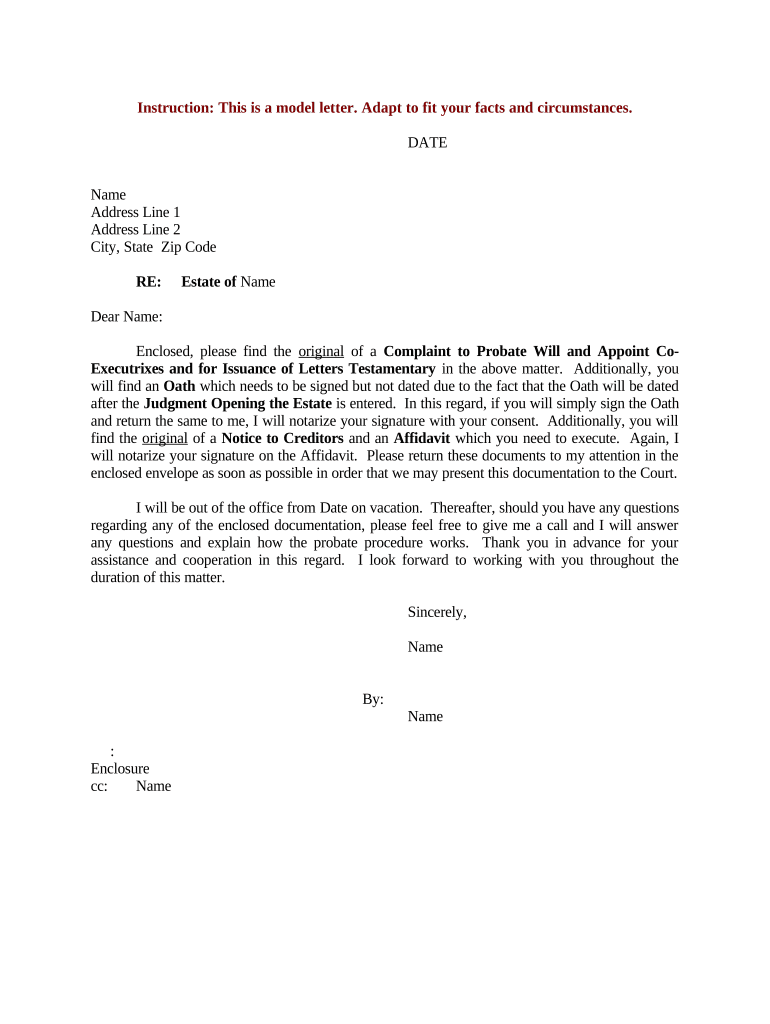
A properly prepared Letter Testamentary reduces delays when financial institutions, title companies, or other third parties need proof of authority. It centralizes decision-making, limits disputes over executor powers, and provides the documentary basis for collecting assets, filing final tax returns, and closing accounts.

Common requesters and users of a Letter Testamentary include courts, executors, banks, and title or escrow agents involved in estate transactions.
The document is not a will itself but the court-certified instrument that puts the will’s terms into practical effect through the appointed representative.
| Field | Configuration |
|---|---|
| Document Template | Create a court-compliant template based on local formatting requirements. |
| Signer Roles | Assign roles: petitioner, clerk, and any attestant witnesses if required. |
| Authentication | Require ID verification for petitioners and use secure signer authentication. |
| Distribution | Route certified copies to banks, title companies, and counsel with audit trail. |
Court rules and third-party institutions often specify acceptable file types and authentication methods for Letters Testamentary.
Confirm local court clerk and institutional requirements before relying solely on electronic delivery for certified letters.
Full court name, county, and case or docket number so institutions can verify the probate file quickly and accurately.
Executor’s full legal name, address, and contact details to allow banks and title agents to reach the representative.
Clear statement of powers granted (collect assets, pay debts, sell property) to prevent institution hesitation.
Clerk signature, official court seal, certification date, and number of certified copies issued for recordkeeping.
Date the letters take effect—this determines when the executor’s authority begins for institutions and tax filings.
Name and date of the admitted will (if applicable) to tie the appointment to the decedent’s testamentary document.
Petition soon after death; prompt filing avoids lost deadlines.
Creditor notice windows commonly run from 3 to 6 months in many states.
Courts often require inventories within roughly 3 months; local rules vary.
Interim accounting and notices may be due within 9–12 months.
Final closing can take 6–18 months in normal cases; complex estates often take longer.
| signNow | DocuSign | Adobe Sign | PandaDoc | HelloSign | |
|---|---|---|---|---|---|
| Starting Price | $8/user/mo | $15/user/mo | $14/user/mo | $19/user/mo | $15/user/mo |
| Free Trial | 7-day free trial | Varies by plan | Varies by plan | Varies by plan | Varies by plan |
| Bulk Send | Yes | Varies by plan | Varies by plan | Varies by plan | Varies by plan |
| Audit Trail | Yes | Yes | Yes | Yes | Yes |
| HIPAA Compliant | Yes | Yes | Yes | No | No |
| Envelope Cap | No envelope cap | 100 envelopes/user/year | Varies by plan | Varies by plan | Varies by plan |