Case Caption
Court name, parties, case number, and judge designation placed exactly as on the original complaint so the court can identify the matter.
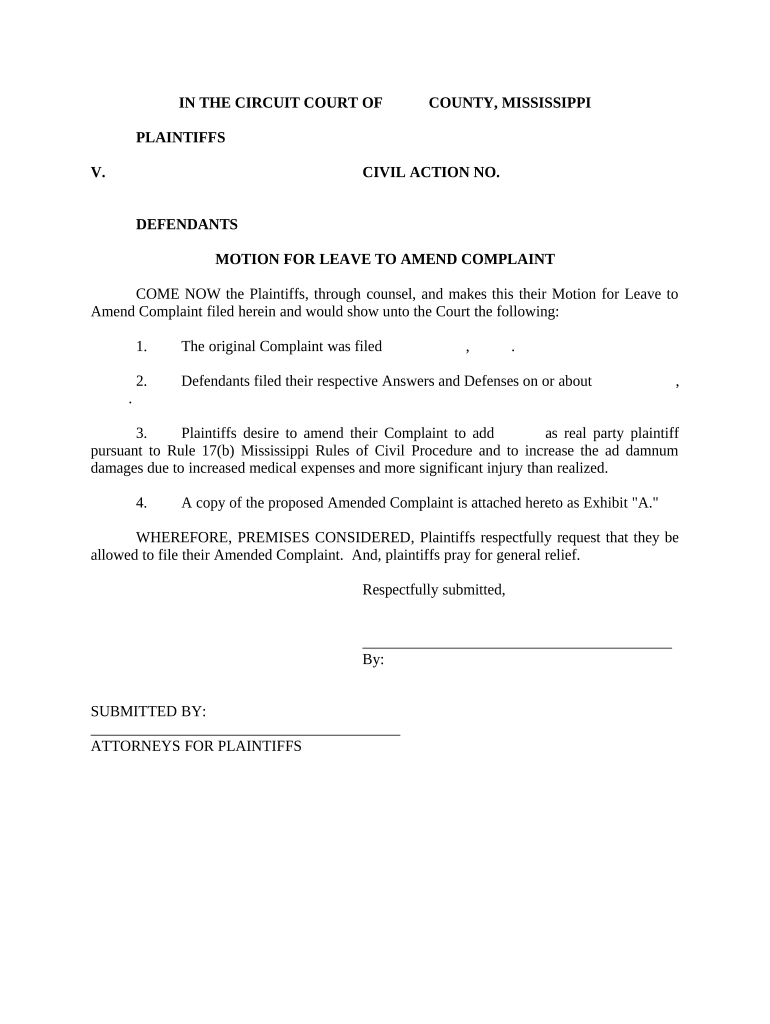
A well-prepared amendment preserves claims, avoids procedural dismissal, and keeps the litigation record accurate. It also reduces the chance of sanctions or repeated filings and helps the court and opposing parties evaluate the case efficiently.

Plaintiffs, defense counsel, and self-represented litigants prepare amendment complaints to reflect new facts or legal theories during litigation.
Courts and clerks rely on accurate captions, clear amendment language, and a certificate of service to process filings and notify parties.
Court name, parties, case number, and judge designation placed exactly as on the original complaint so the court can identify the matter.
Concise replaced or additional paragraphs showing insertions, deletions, or new counts with clear paragraph numbering and comparative language where helpful.
A brief statement explaining why amendment is sought—new facts, discovery, correction of errors, or other legal grounds supporting leave to amend.
When required, include a motion for leave to amend or a notice of amendment and cite the controlling rule or local practice that permits amendment.
A signed statement showing how and when opposing parties were served with the amended pleading and any supporting documents.
Printed name, bar number, firm information, email, and date; include pro se contact details when self-represented.
Electronic signatures and electronic filing systems can speed amendment submission but must meet legal and court-specific standards.
Verify whether the specific Mississippi court accepts e-signed pleadings and whether any original notarized documents must follow by mail.
Often allowed before an answer or within a short statutory window.
Required after the opposing party files an answer or after set deadlines.
Opposing party may have a set time to respond after service.
Amendments that add claims must respect applicable limitation periods.
County or division-specific filing deadlines may apply.
| signNow | DocuSign | Adobe Sign | PandaDoc | HelloSign | |
|---|---|---|---|---|---|
| Starting Price | $8/user/mo | $15/user/mo | $14/user/mo | $19/user/mo | $15/user/mo |
| Free Trial | 7-day free trial | Trial available | Trial available | Trial available | Trial available |
| Bulk Send | Yes | Yes | Yes | Yes | No |
| Audit Trail | Yes | Yes | Yes | Yes | Yes |
| HIPAA Compliant | Yes | Yes | Yes | No | No |
| Envelope Cap | No cap | 100 envelopes/user/year | Varies by plan | Varies by plan | Varies by plan |