Caption
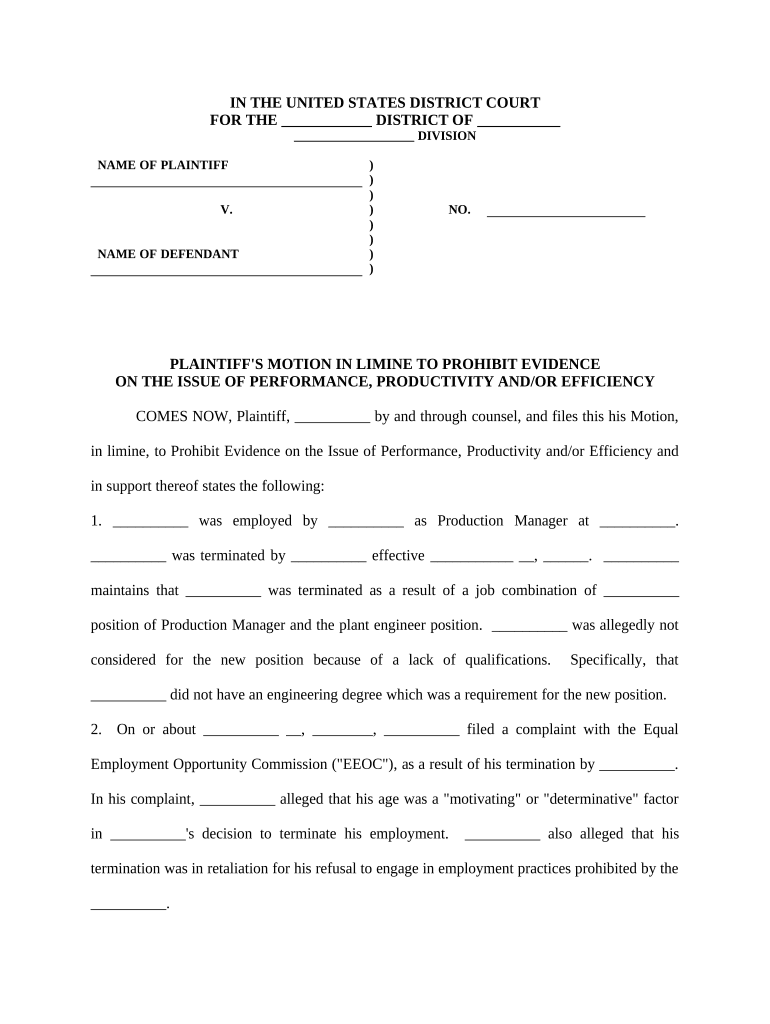
Court caption with full case name, docket number, judge assignment, and correct party designation to ensure the filing is linked to the right case and calendar.
A well-prepared motion in limine limits juror exposure to prejudicial or irrelevant material, focuses trial issues, and preserves objectionable evidence for appeal. It helps control the trial record and can reduce surprise, shorten trial time, and improve settlement leverage.

The motion is normally prepared by the plaintiff's litigation counsel or a supervising attorney with knowledge of evidentiary rules and case strategy.
Parties should confirm local rules for motion timing, page limits, and required chambers copies before filing to avoid procedural rejection.
The moving attorney of record signs the motion and the supporting declaration; the signature certifies counsel has conferred with opposing counsel per local rules and believes the motion is meritorious.
A supervising paralegal often assembles exhibits, prepares the civil cover sheet and proof of service, and files the motion electronically under the attorney's supervision.
Court caption with full case name, docket number, judge assignment, and correct party designation to ensure the filing is linked to the right case and calendar.
A brief statement summarizing the evidence to be excluded and the specific relief requested, framed to show the immediate impact on trial fairness or admissibility.
Concise factual background narrowly tailored to the evidence at issue; avoid extraneous narrative that could invite counter-argument or confusion.
Clear citations to rules of evidence and controlling precedents explaining why each identified item fails admissibility standards such as relevance, hearsay, or prejudice.
Attach copies of the challenged items with Bates ranges and exhibit labels; include declarations where necessary to authenticate documents or establish foundation.
Precisely state the order sought (pretrial exclusion, limiting instruction, or redaction) and proposed order language for the court to adopt.
Often set by the pretrial scheduling order; commonly 7–14 days before trial.
Typically 3–7 days after service of the motion unless the court orders otherwise.
Usually 1–3 days after opposition is filed; check local rules for page limits.
Judge may schedule a hearing during the final pretrial conference or on a separate date.
Make contemporaneous trial objections to preserve issues for appeal if the motion is denied.
| Criteria | Motion in Limine | Daubert Motion |
|---|---|---|
| Primary Purpose | exclude unfair evidence | exclude unreliable expert testimony |
| Typical Timing | pretrial generally | pretrial expert challenge |
| Focus | evidence categories | methodology and qualifications |
| Standard | relevance/prejudice | reliability/fit |
| signNow | DocuSign | Adobe Sign | PandaDoc | HelloSign | |
|---|---|---|---|---|---|
| Starting Price | $8/user/mo | $15/user/mo | $14/user/mo | $19/user/mo | $15/user/mo |
| Free Trial | 7-day free trial | Varies | Varies | Varies | Varies |
| Bulk Send | Yes | Yes | Yes | Yes | Varies |
| Audit Trail | Yes | Yes | Yes | Yes | Yes |