Caption
Include the full case caption exactly as the trial docket lists it, adding plaintiff and defendant names in the correct order and any corporate designations to avoid discrepancies during record retrieval.
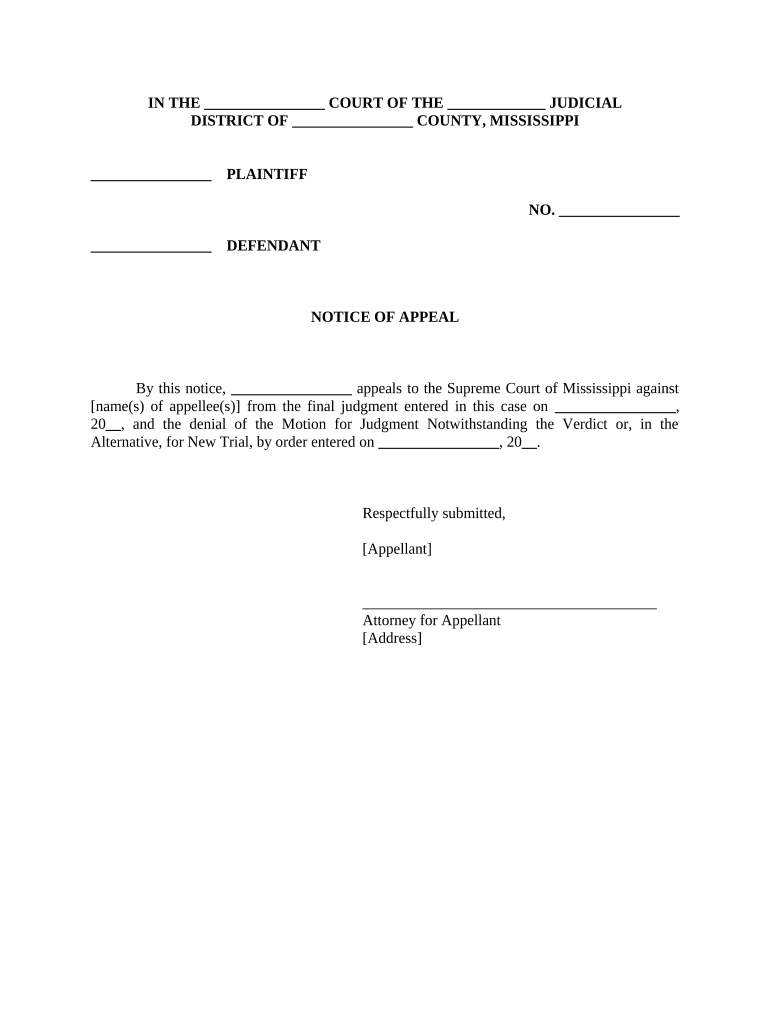
Filing a Mississippi Notice of Appeal preserves appellate rights, establishes the appeal's scope, and controls subsequent deadlines for briefs and records. It ensures the appellate court is notified and allows the appellate timetable to begin, protecting issues for judicial review.

Parties and their attorneys file a Mississippi Notice of Appeal to preserve errors, trigger appellate procedure, and meet service obligations.
Include the full case caption exactly as the trial docket lists it, adding plaintiff and defendant names in the correct order and any corporate designations to avoid discrepancies during record retrieval.
Use the complete trial court case number, including suffixes and dashes; this ensures clerks and appellate staff can match filings to the correct docket without manual correction.
Clearly identify the judgment or order appealed by date and description, and state the relief requested from the appellate court to define the issues on review.
Attach or include a proof of service section describing how and when all parties were served, and file any required certificates with the clerk promptly.
Provide a valid signature block with the signatory's printed name, attorney bar number if applicable, date, and full contact information for service and correspondence details.
Follow local court formatting rules for margins, signature lines, page limits, and font size; nonconforming filings may be returned or rejected by the clerk without notice.
Electronic filing and e-sign workflows require compatible formats, authentication methods, and acceptance by the appellate clerk's office.
Typically 30 days from judgment entry.
File designation and transcripts promptly.
Appellate briefs due per court's schedule.
Motions for extension require good cause.
Transmit record within specified appellate timeframe.
| signNow | DocuSign | Adobe Sign | PandaDoc | HelloSign | |
|---|---|---|---|---|---|
| Starting Price | $8/user/mo | $15/user/mo | $14/user/mo | $19/user/mo | $15/user/mo |
| Free Trial | 7-day trial | Varies by plan | Varies by plan | Varies by plan | Varies by plan |
| Bulk Send | Yes | Yes | Yes | Yes | No |
| Audit Trail | Yes | Yes | Yes | Yes | Yes |
| HIPAA Compliant | Yes | Yes | Yes | No | No |