Establishing secure connection…Loading editor…Preparing document…

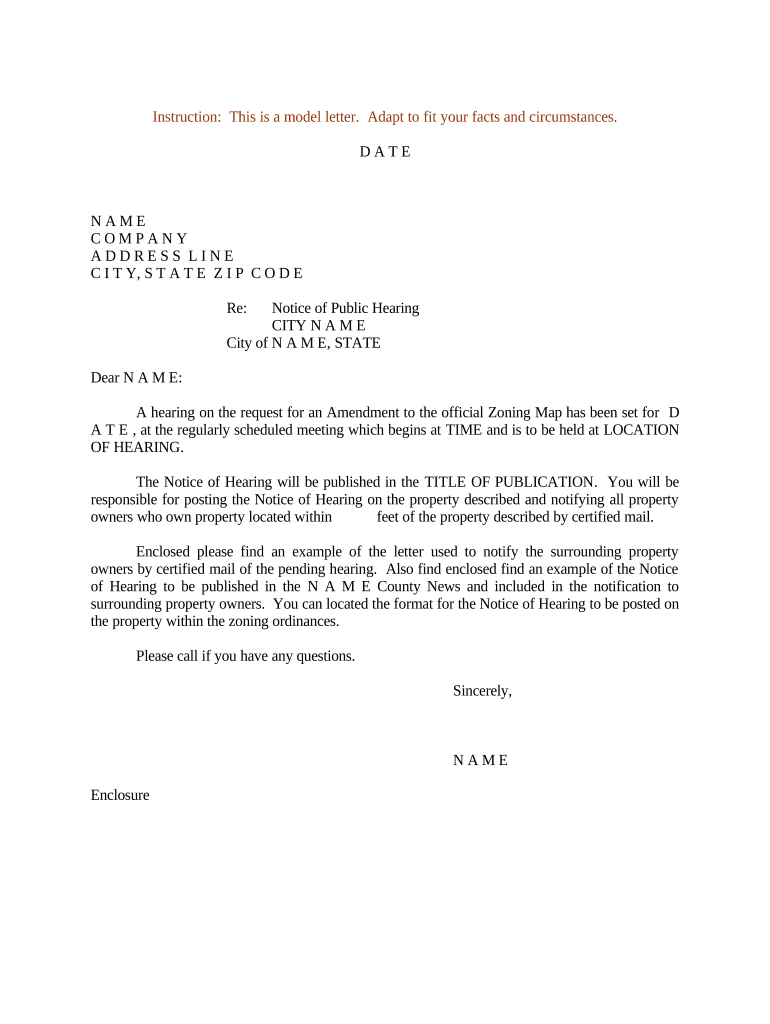
Notice Hearing Form

This template is fully customizable. Edit the text, fill out the fields, and send it for signature. Give it a try!
Notice Hearing Form

What a Notice Hearing Form Is and when it’s used

A Notice Hearing Form is a court or administrative document that formally notifies parties, counsel, and the court of a scheduled hearing. Typical information includes the case caption, court name, case number, date, time, location, purpose of the hearing, and instructions for appearances or filing required materials. Notices must be served according to court rules or administrative regulations; improper service or missing details can lead to continuances or dismissal. Electronic delivery and e-signatures are increasingly used where allowed, but local rules and statutes govern acceptability and service methods.

Why accurate Notice Hearing Forms matter

A correct notice preserves due process by informing all parties of hearing logistics, prevents delays, and documents compliance with service rules.

Why accurate Notice Hearing Forms matter

Who prepares and relies on a Notice Hearing Form

Multiple professionals prepare and act on notice hearings; precise completion matters to each role.

  • Court clerks and administrators who schedule hearings and maintain the official docket.
  • Attorneys and self-represented litigants who must serve opposing parties and file proof of service.
  • Government agencies and adjudicators handling administrative hearings and appeals.

Tailor the form to your role: clerks focus on docketing accuracy, attorneys on service compliance, and agencies on procedural notices.

Step-by-step: completing a Notice Hearing Form

Follow these core steps to prepare a compliant notice: complete the caption, confirm hearing logistics, identify recipients, and arrange service and filing.

  • 01
    Prepare caption: Enter court name, case number, and party names exactly.
  • 02
    Set hearing details: Specify date, time, place, and hearing purpose clearly.
  • 03
    List recipients: Include counsel, parties, and interested agencies with addresses.
  • 04
    File and serve: File with clerk and serve opposing parties per rules.

Core elements that make a professional Notice Hearing Form

A well-constructed notice contains standardized sections that courts and recipients expect; structure reduces disputes over sufficiency of notice.

Case Caption

Includes court name, case title, and docket number; ensures the notice is attached to the correct file and is essential for clerk acceptance and public record clarity.
Hearing Details

Clear statement of date, time, location or virtual appearance method and purpose of the hearing; imprecise details are the most common reason for continuances.

Relief Requested

Concise description of what will be heard or decided—motions, status conference, evidentiary hearing—so parties can prepare.

Recipient List

Names and contact addresses for service on opposing counsel, parties, and relevant agencies; accurate recipient info avoids service defects.

Service Instruction

Specifies the service method permitted or used (personal, mail, electronic) and any required proof or affidavit of service.

Signature Block

Includes preparer name, bar number (if attorney), address, telephone, signature, and date to confirm authenticity and provide a point of contact.

Required fields commonly found on Notice Hearing Forms

Court and case: Court name; docket number
Parties: Full party names
Hearing specifics: Date, time, location
Purpose: Reason for hearing
Service method: How notice will be sent
Signature: Signer name and date

Where to file and how service usually works

Filing and service follow court or agency rules; confirm local procedures for electronic filing and acceptable service methods.

  • File with clerk: Submit the notice to the court clerk per e‑filing or in‑person rules.
  • Serve parties: Deliver notice to opposing counsel and parties by approved method.
  • File proof: File affidavit or certificate of service after serving recipients.
  • Court confirmation: Clerk updates docket and issues hearing confirmation.

Common timing expectations and local-rule variables

Timing requirements differ by jurisdiction; verify local rules for minimum notice and proof‑of‑service deadlines before filing.

Minimum notice periods:

Many courts expect service at least 14 days before hearing.

Motion response time:

Opposition often due 7–14 days before hearing, depending on rule.

Proof of service:

File immediately after service to confirm compliance.

Continuance requests:

Schedule changes often require advance notice and motion.

Local rules prevail:

Court-specific calendars and standing orders control exact deadlines.

Common mistakes that delay hearings

  • Missing or incorrect docket numbers lead to misfiled notices and clerk rejections, slowing case progress and requiring refiling.
  • Vague hearing purpose fails to inform parties what to prepare for and can prompt continuances or prehearing motions.
  • Incomplete service list or wrong addresses result in invalid service and may require re‑service or dismissal issues.
  • Failure to follow local e‑filing procedures, including required cover sheets or formatting, causes electronic rejections.

Consequences of defective or untimely notices

Case delay: Hearing continued
Default risk: Judgment or sanction risk
Evidence exclusion: Matters may be excluded
Sanctions: Fines or fee awards
Service failure: Notice deemed invalid
Ethics issues: Professional complaints possible

eSignature vendor comparison for sending and signing Notice Hearing Forms

Basic pricing and feature differences across common eSignature providers; signNow is listed first per vendor comparison conventions.

signNow DocuSign Adobe Sign PandaDoc HelloSign
Starting Price $8/user/mo $15/user/mo $14/user/mo $19/user/mo $15/user/mo
Free Trial 7-day free trial Varies by plan Varies by plan Varies by plan Varies by plan
Bulk Send Yes Yes Yes Yes Varies by plan
Audit Trail Yes Yes Yes Yes Yes
HIPAA Compliant Yes Varies by plan Varies by plan Varies by plan Varies by plan
Envelope Cap No cap 100 envelopes/user/year Varies Varies Varies

Who can sign or certify a Notice Hearing Form

Court Clerk

Court clerks accept and docket notices, but they do not typically sign on behalf of parties; clerks can certify filings and enter hearing dates on the official docket to confirm scheduling.

Authorized Signer

An attorney of record or a party with authority must sign the notice and any proof of service; signatures demonstrate compliance and provide contact information for follow-up.

Frequently asked questions about Notice Hearing Forms

Answers to common questions about preparing, serving, filing, and remedying defects in Notice Hearing Forms.


Need help? Contact support

be ready to get more
Join over 28 million airSlate SignNow users