Establishing secure connection…Loading editor…Preparing document…

Oklahoma Renunciation and Disclaimer of Property

This template is fully customizable. Edit the text, fill out the fields, and send it for signature. Give it a try!
Oklahoma Renunciation and Disclaimer of Property

What the Oklahoma Renunciation and Disclaimer of Property Is

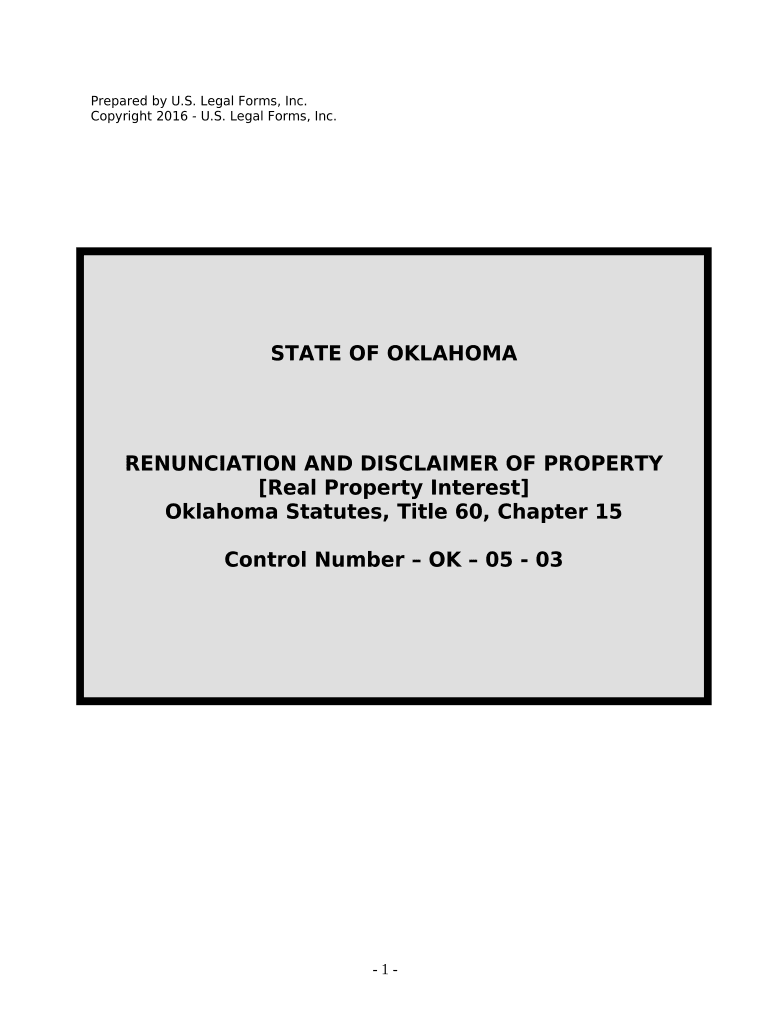
The Oklahoma Renunciation and Disclaimer of Property is a legal document used when an individual formally declines an inheritance, interest, or right to real or personal property under Oklahoma law. It records the renouncing party's intent to refuse ownership so that the property passes according to the governing instrument, intestacy rules, or a survivorship provision. The form clarifies the scope of the renunciation, identifies the property or interest, and documents the effective date and signatures required to create a public record for title, probate, or beneficiary administration purposes.

Why an Oklahoma Renunciation or Disclaimer Matters

A clear renunciation or disclaimer avoids ambiguity in probate and title matters, preserves tax and statutory treatment for the estate, and allows property to pass to the next intended recipient without creating a court contest.

Why an Oklahoma Renunciation or Disclaimer Matters

Who Typically Completes This Document

Proper execution helps expedite probate or title settlement and reduces the chance of later creditor or beneficiary disputes.

  • Beneficiaries or heirs who want property to pass to alternate recipients rather than accept it themselves.
  • Estate executors or administrators clearing title and following decedent's intent.
  • Attorneys and title officers preparing records for probate, real estate transfers, or beneficiary updates.

Representative Signers

Individual Beneficiary

An heir or beneficiary of estate property who signs to decline an interest. The statement should identify the decedent, describe the property interest, state the renunciation is voluntary, and include a notarized signature to ensure acceptance by courts or title companies.

Executor or Agent

An estate executor or authorized agent may prepare the form on behalf of the estate, attach it to probate filings or title records, and confirm that the renunciation conforms to Oklahoma statutes and any applicable beneficiary designations.

Step-by-Step: Completing the Form

Follow these sequential steps to prepare a legally effective renunciation or disclaimer in Oklahoma.

  • 01
    Identify the interest: List the exact property or right being disclaimed.
  • 02
    State renunciation terms: Clearly declare that you refuse the interest and whether it passes to others.
  • 03
    Date and sign: Date the document and sign in the presence of required witnesses or notary.
  • 04
    Record or deliver: File or give the document to the probate court, title company, or fiduciary as needed.

How a Renunciation or Disclaimer Moves Through the System

This flow shows typical routing after the document is signed and notarized.

  • Prepare Document: Draft or use the standardized form linked to the estate or instrument.
  • Execution: Signer completes signature and notary/witness blocks as required.
  • Deliver: Provide the executed instrument to the fiduciary, probate court, or title agent.
  • Update Records: Fiduciary records the disclaimer in the estate file or the county land records if needed.

Setting Up an Online Completion Workflow

Configure a straightforward digital workflow for completing and storing renunciations with secure e-signature and notarization steps.

Field Configuration
Signatures Require signer name, signature, and date fields
Authentication Use email plus SMS code or stronger verification
Notary Enable RON session or attach in-person notary block
Audit Trail Capture timestamps, IP, and signer events

Digital Tools and Technical Considerations

Ensure platforms used produce a complete audit trail and meet any applicable regulatory or title company requirements before acceptance.

  • Document Formats: PDF and DOCX supported
  • Integrations: Works with major CRMs and cloud storage
  • Authentication: Supports SMS, email OTP, and advanced methods

Core Elements to Include in a Professional Renunciation

A complete renunciation or disclaimer includes specific clauses and identity confirmations to ensure enforceability and clarity for third parties.

Declaratory Clause

A clear statement that the signer irrevocably renounces or disclaims the named property interest, including whether the disclaimer is partial or total and any conditions.
Property Identification

An accurate legal description for real property or unique identifiers for intangible assets, such as account or policy numbers, to prevent ambiguity.

Effective Date

An explicit effective date governing when the renunciation operates for succession and tax timing purposes.

Signature and Attestation

A signer signature block plus any witness or notarial acknowledgement required by Oklahoma or the receiving entity.

Intent and Voluntariness

Language confirming the signer understands the consequences and is acting voluntarily to avoid claims of coercion or mistake.

Delivery Instructions

Direction on where to file or deliver the executed instrument, such as the probate court, executor, or county recorder when recording is needed.

Security and Record Integrity Considerations

Encryption: AES-256 at rest
Transport: TLS 1.2/1.3
Audit Trail: Timestamped events captured
Access Controls: Role-based permissions
Compliance: ESIGN and UETA adherence
Storage: Tamper-evident PDF output

Common Legal Risks and Consequences

Invalid Execution: May void disclaimer
Ambiguous Description: Leads to title disputes
Improper Notarization: Refusal by recorder
Tax Impact: Affects gift/estate treatment
Creditor Claims: Potential exposure to creditors
Late Delivery: Court may reject

Frequent Preparation Mistakes to Avoid

  • Leaving the property description vague or referencing documents without attaching them can prevent a clear transfer path and delay probate or recording.
  • Omitting a notary or required witness signature is a common reason title companies and courts refuse to accept a disclaimer.
  • Signing without confirming tax or creditor consequences can unintentionally trigger adverse estate tax or creditor challenges.
  • Failing to deliver the executed instrument to the correct party or file it when required can negate the intended succession effect.

eSignature Pricing and Feature Snapshot Relevant to Renunciations

Common vendor plans and basic capabilities for executing and storing a renunciation document digitally. signNow appears first per vendor comparison conventions.

signNow DocuSign Adobe Sign PandaDoc HelloSign
Starting Price $8/user/mo $15/user/mo $14/user/mo $19/user/mo $15/user/mo
Free Trial 7-day free trial Varies by vendor Varies by vendor Varies by vendor Varies by vendor
Bulk Send Yes Yes Yes Yes No
Audit Trail Yes Yes Yes Yes Yes
HIPAA Compliant Yes Yes Yes No No
Envelope Cap No cap 100 envelopes/user/year Varies Varies Varies

Real-World Examples of Renunciations in Practice

Two short case sketches show common scenarios where a renunciation or disclaimer resolves succession or title issues.

Estate Beneficiary Example

A beneficiary declined a small rental property to allow it to pass to a sibling

  • The renunciation named the property and effective date
  • The executor recorded the document with the probate file and updated title records to reflect the alternate succession, avoiding litigation and clarifying tax reporting.

Account Beneficiary Example

A named payee renounced rights to a brokerage account to allow contingent beneficiaries to receive funds

  • The disclaimer referenced the account number and was notarized
  • The custodian accepted the notarized disclaimer and distributed assets per the contingent designation without court intervention.

Timing Considerations and Typical Processing Steps

Timing affects acceptance and tax treatment; plan to execute and deliver disclaimers promptly after the triggering event.

Execution Timing:

Sign as soon as practical after learning of the interest to prevent unintended acceptance

Notarization Window:

Complete notarization at signing to meet recorder or fiduciary acceptance

Delivery to Fiduciary:

Provide the executed instrument to the executor or custodian immediately to allow action

Recording Consideration:

Record in county land records if required to affect title transfers

Tax Reporting:

Inform tax advisor promptly; disclaimer timing can affect estate or gift tax implications

Frequently Asked Questions About Oklahoma Renunciations

Answers to common practical and legal questions encountered when preparing or accepting a renunciation or disclaimer in Oklahoma.


Need help? Contact support

be ready to get more
Join over 28 million airSlate SignNow users