Establishing secure connection…Loading editor…Preparing document…

Registration of Foreign Corporation

This template is fully customizable. Edit the text, fill out the fields, and send it for signature. Give it a try!
Registration of Foreign Corporation

What the Registration of Foreign Corporation Is

A Registration of Foreign Corporation is the formal filing a business incorporated in one U.S. state completes to obtain authority to transact business in another state. Typically submitted to the destination state’s Secretary of State, the filing creates a Certificate of Authority or similar document, identifies a registered agent, and requires proof of good standing from the home jurisdiction. The process notifies the hosting state that the entity will operate there and creates compliance obligations such as state taxes, annual reports, and agent service requirements.

Why Registering Matters for Out‑of‑State Corporations

Registration preserves the corporation’s right to sue in state courts, avoids fines for unlicensed activity, and brings the entity into the state’s compliance system for taxes, filings, and notices. It centralizes service of process through a registered agent and establishes a public record of the corporation’s authority to do business in that state.

Why Registering Matters for Out‑of‑State Corporations

Who Commonly Completes a Foreign Corporation Registration

Smaller companies often engage an attorney or registered agent; larger firms use internal legal and tax teams coordinated with state filings and franchise tax reporting.

  • In-house counsel and compliance teams managing multi‑state operations and legal exposure.
  • Corporate secretaries or administrative staff preparing filings and maintaining records.
  • Registered agent services and outside counsel submitting paperwork and receiving official notices.

Core Elements Included in a Professional Registration

A proper filing bundles governance information, proof of existence, and local contact details to meet state requirements and create a public record of authority.

Certificate of Authority

Formal document the state issues confirming the foreign corporation may transact business locally; it follows review of submitted application and fees.
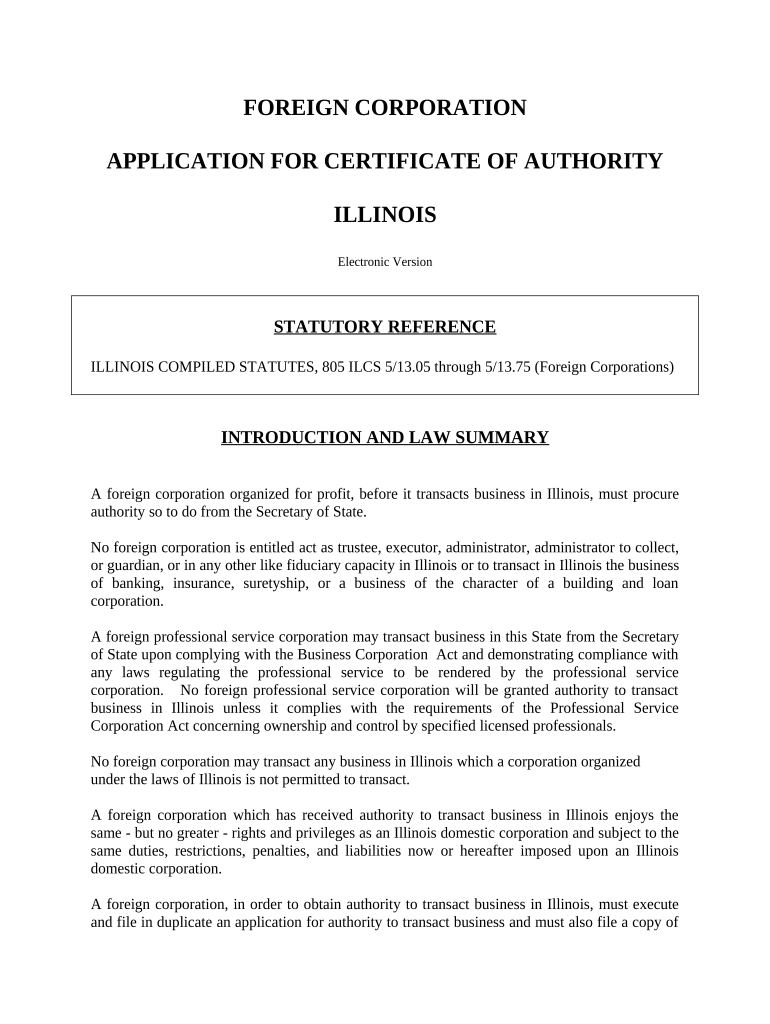
Application Form

State-specific form completed by the foreign corporation listing corporate name, jurisdiction of incorporation, principal office, and registered agent contact information.

Registered Agent

Name and street address of the agent for service of process in the destination state; must accept legal service on behalf of the corporation.

Good Standing Certificate

Official certificate from the home state confirming the corporation is active and compliant; usually dated within a state-specified timeframe.

Authorized Signatory

Name, title, and signature of a corporate officer or authorized agent affirming the accuracy of the application and payment of fees.

Fees and Franchise Tax

Payment of state filing fees and any applicable franchise taxes or initial report fees required at registration or shortly thereafter.

Required Data Points on the Registration

Corporate Name: Exact legal name used on formation documents
Home Jurisdiction: State or country of original incorporation
EIN / TIN: Federal EIN or taxpayer identification number
Principal Office: Street address of main corporate office
Registered Agent: Agent name and physical address
Authorized Signer: Officer name, title, and signature date

Step-by-Step: Completing and Filing Your Registration

Follow this sequence to assemble documentation, complete the state application, and submit payment for timely processing.

  • 01
    Prepare Documents: Gather formation records and good standing certificate
  • 02
    Complete Application: Fill state form accurately and sign
  • 03
    Attach Proof: Include home‑state good standing and required exhibits
  • 04
    File and Pay: Submit to Secretary of State with fees

How to Configure an Online Filing Workflow

Digitize the application process by mapping form fields, authentication, and attachments before e‑submission.

Field Configuration
Upload Document Accept PDF/DOCX; keep original page order
Signature Fields Place signer and date fields; require officer signature
Authentication Use email or SMS code; consider stronger ID for high risk
Attachments Attach Certificate of Good Standing and payment proof

Where the Registration Is Filed and How It Moves

Submissions route to state filing offices and the registered agent; processing yields a certificate or returns for correction.

  • State Filing Office: Secretary of State or equivalent
  • Delivery Methods: Online portal, mail, or in‑person delivery
  • Registered Agent Role: Accepts service and forwards official notices
  • Final Document: Certificate of Authority issued upon acceptance

Digital Signing and File Formats for eSubmission

Ensure the chosen platform captures timestamps, IPs, and a tamper‑evident audit trail to meet ESIGN/UETA recordability and state filing expectations.

  • Accepted Formats: PDF and Word DOCX
  • Authentication Options: Email, SMS code, or KBA where required
  • Integrations: Salesforce, NetSuite, Google Workspace

Key Deadlines and Typical Processing Times

Timing obligations include when to register, state processing windows, and recurring report deadlines; verify specifics with the filing state.

When to File:

Before transacting business in that state

Processing Time:

State review commonly 2–6 weeks

Annual Reports:

Due per state schedule; varies widely

Good Standing:

Obtain within state‑specified recent period

Penalty Triggers:

Late registration fines and tax exposure

Common Mistakes That Cause Rejection or Delay

  • Using a trade name that differs from the recorded legal name, which leads to rejection and refile requirements.
  • Failing to supply a current Certificate of Good Standing from the home state, causing the application to be returned.
  • Listing a P.O. box for the registered agent address when a physical street address is required by the destination state.
  • Not obtaining the necessary officer authorization or corporate resolution, which can invalidate the signer’s authority.

Immediate Risks and Potential Penalties

Monetary Fines: State fines and fees
Loss of Rights: Cannot sue in state courts
Tax Exposure: Back taxes and interest
Administrative Action: Suspension or dissolution
Service Risk: Missed legal notices
Refile Costs: Additional filing and attorney fees

Practical Examples of Registrations and Related Workflows

These real examples illustrate how organizations handled registration and signature workflows in practice.

Tech Data

Opted for centralized e‑filing to manage multi‑state filings efficiently

  • Consolidated filings reduced manual routing
  • Tech Data’s approach combined corporate approvals, centralized payment, and a consistent audit trail across jurisdictions to maintain compliance and speed up registrations.

Martin Properties

Processed registration paperwork online for property management expansion

  • Used remote signatures and agent services
  • Martin Properties executed and stored registration packages digitally, enabling faster onboarding of new state entities while preserving signed originals and audit records for leasing operations.

eSignature Vendor Comparison for Filing and Signing

Common capability and pricing differences among popular eSignature platforms relevant to registration workflows; signNow is listed first per standard comparison format.

signNow DocuSign Adobe Sign PandaDoc HelloSign
Starting Price $8/user/mo $15/user/mo $14/user/mo $19/user/mo $15/user/mo
Free Trial Yes, 7-day Yes Yes Yes Yes
Bulk Send Yes Yes Yes Yes No
Audit Trail Yes Yes Yes Yes Yes
Envelope Cap No cap 100 envelopes/user/yr Varies Varies Varies

Frequently Asked Questions About Registering a Foreign Corporation

Answers to common questions when preparing, signing, and submitting a foreign corporation registration.


Need help? Contact support

be ready to get more
Join over 28 million airSlate SignNow users