Establishing secure connection…Loading editor…Preparing document…

Letter Regarding Employment Contract

This template is fully customizable. Edit the text, fill out the fields, and send it for signature. Give it a try!
Letter Regarding Employment Contract

What a Letter Regarding Employment Contract Is

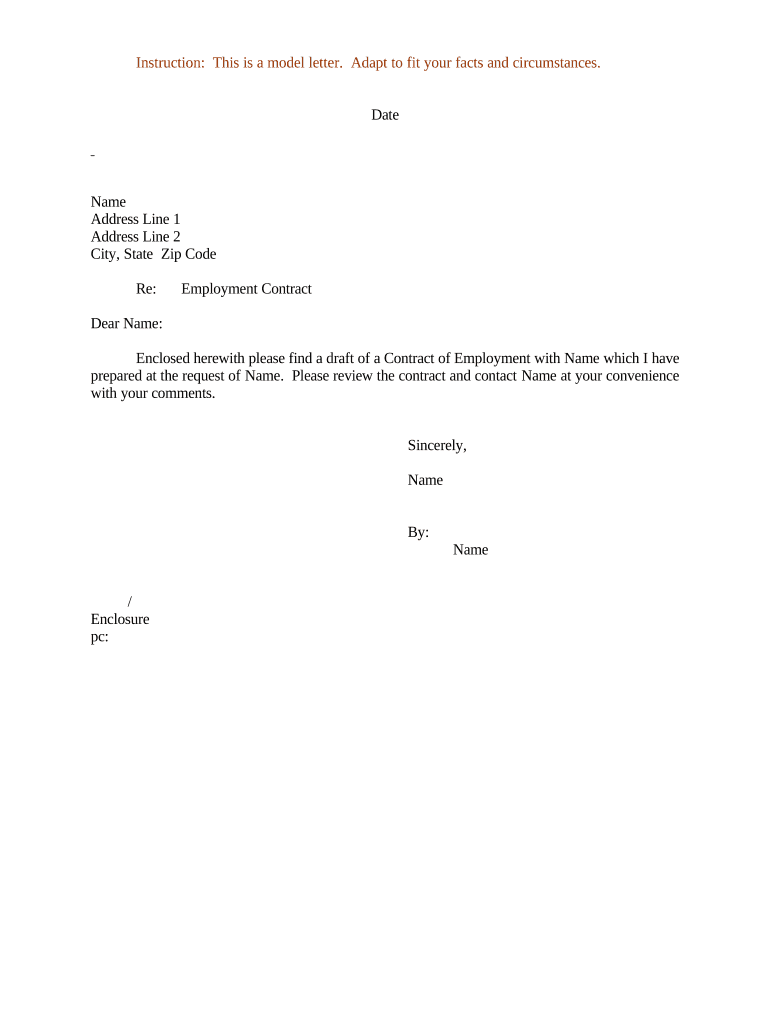
A Letter Regarding Employment Contract is a short, written notice used to confirm, modify, accept, or terminate terms tied to an employment agreement. It typically summarizes key points such as position, start date, compensation, duties, and any changes to previously agreed terms. The letter may serve as formal documentation for HR files, payroll setup, or legal recordkeeping and is often appended to or incorporated by reference into a formal employment agreement. When executed correctly it helps avoid misunderstandings and provides a clear paper trail for both employer and employee.

Why this Letter Matters and When it Helps

A clear employment-contract letter reduces ambiguity about rights and obligations, creates a written record admissible under ESIGN and UETA, and supports consistent HR and payroll processing. It is useful for documenting offers, acceptance, amendments, or confirmations of verbal agreements.

Why this Letter Matters and When it Helps

Who Typically Prepares and Receives This Letter

The letter supports personnel files and may be used during audits, payroll setup, benefits enrollment, or dispute resolution.

  • Hiring managers and recruiters confirming offer terms to a candidate during onboarding or renegotiation.
  • HR teams documenting amendments such as title changes, salary adjustments, or remote-work accommodations.
  • Employees providing written acceptance, resignation notice, or requests for contract changes.

Essential Elements to Include in a Professional Letter

Include concise, unambiguous items that make the letter executable and enforceable while aligning with any underlying employment agreement.

Identification

Full legal names of employer and employee, and the employee's job title to clearly identify parties and role.
Effective Date

The date the letter takes effect, entered in MM/DD/YYYY format; this determines when the modified or confirmed obligations begin.

Term and Hours

State whether employment is at-will, fixed-term, or contractual and include regular work schedule or hours if applicable.

Compensation

Specify salary, hourly rate, bonuses, pay period, and any probationary pay terms or commission structures, including when payments start.

Duties and Location

A concise scope of duties, primary work location (remote/hybrid/on-site), and any reporting lines or supervisory responsibilities.

Signatures

Signature lines for authorized employer representative and employee, with printed names and dates to confirm mutual assent.

Step-by-Step: Preparing and Issuing the Letter

Follow a clear sequence to draft, approve, sign, and store the letter to ensure enforceability and completeness.

  • 01
    Draft: Prepare the letter reflecting agreed terms and dates.
  • 02
    Review: Have HR or legal review for policy and compliance alignment.
  • 03
    Sign: Obtain signatures from authorized employer representative and employee.
  • 04
    Store: Save signed copy in personnel records and payroll systems.

Configuring an Online Workflow for This Letter

Set up a digital workflow to automate delivery, authentication, and retention when using an e-signature platform.

Field Configuration
Upload Document PDF or DOCX upload as template file.
Place Fields Add signature, date, and text fields where required.
Signer Order Define signing sequence (employer first or employee first).
Authentication Set email, SMS code, or stronger verification as needed.

Where to Send or File the Completed Letter

Determine routing based on purpose: HR file, payroll, employee, or legal counsel; choose both electronic and physical destinations if required.

  • Employee Copy: Send signed PDF to the employee for their records.
  • HR Records: Store signed copy in the employee personnel file.
  • Payroll: Forward to payroll to update compensation records.
  • Legal/Compliance: Retain a version for audit or legal review if needed.

Distribution and Digital Signing Considerations

Ensure the chosen workflow captures timestamps, IP addresses, and a tamper-evident audit trail to satisfy ESIGN/UETA requirements and internal audit policies.

  • File Formats: PDF and DOCX supported
  • Integrations: Connects to HR and storage systems
  • Authentication: Email, SMS, or KBA

Key Timeframes to Observe

Track deadlines that affect enforceability, onboarding, and regulatory filings; set internal reminders tied to each date.

Offer Acceptance:

Set a clear acceptance deadline to avoid ambiguous commitments.

Start Date:

Specify employee start date for benefits, payroll, and tax withholding.

Return Signed Copy:

Request signed copy within a specified period to confirm assent.

I-9 Completion:

Complete Form I-9 by the employee's start or within three business days per 8 CFR §274a.2.

Payroll Setup:

Provide W-4 and direct deposit details before first pay run.

Common Preparation Mistakes to Avoid

  • Leaving the effective date blank, which creates uncertainty about the start of obligations and benefits eligibility.
  • Failing to match the employee's legal name to tax and I-9 documents, triggering withholding and verification delays.
  • Using vague compensation language (for example, 'competitive salary') instead of specific numeric amounts and pay frequency.
  • Not capturing authorized signatory authority, which can render the letter unenforceable if a signer lacked authority.

Risks and Consequences of an Incorrect or Missing Letter

Unenforceability: Ambiguous terms risk contract disputes
Tax Errors: Incorrect names or TINs can trigger backup withholding
Onboarding Delays: Late signatures delay payroll and benefits
Regulatory Fines: I-9 errors risk DHS penalties
Evidence Gap: Lack of written record complicates litigation
Data Exposure: Poor storage increases breach risk

eSignature Vendor Comparison for Executing Employment Letters

Compare basic pricing and feature availability when selecting an e-signature platform for employment-related letters; signNow is listed first per vendor-comparison conventions.

signNow DocuSign Adobe Sign PandaDoc HelloSign
Starting Price $8/user/mo $15/user/mo $14/user/mo $19/user/mo $15/user/mo
Free Trial 7-day free trial Varies by vendor Varies by vendor Varies by vendor Varies by vendor
Bulk Send Yes Yes Yes Yes No
Audit Trail Yes Yes Yes Yes Yes
HIPAA Compliant Yes Varies Varies Varies Varies
Envelope Cap No cap 100 envelopes/user/year Varies Varies Varies

Common Questions About Using a Letter Regarding Employment Contract

Answers to frequent questions on validity, signatures, and storage when preparing or sending an employment-contract letter.


Need help? Contact support

be ready to get more
Join over 28 million airSlate SignNow users