Establishing secure connection…Loading editor…Preparing document…

Letter Regarding Tax Exemption Application

This template is fully customizable. Edit the text, fill out the fields, and send it for signature. Give it a try!
Letter Regarding Tax Exemption Application

What this Letter Is and When to Use It

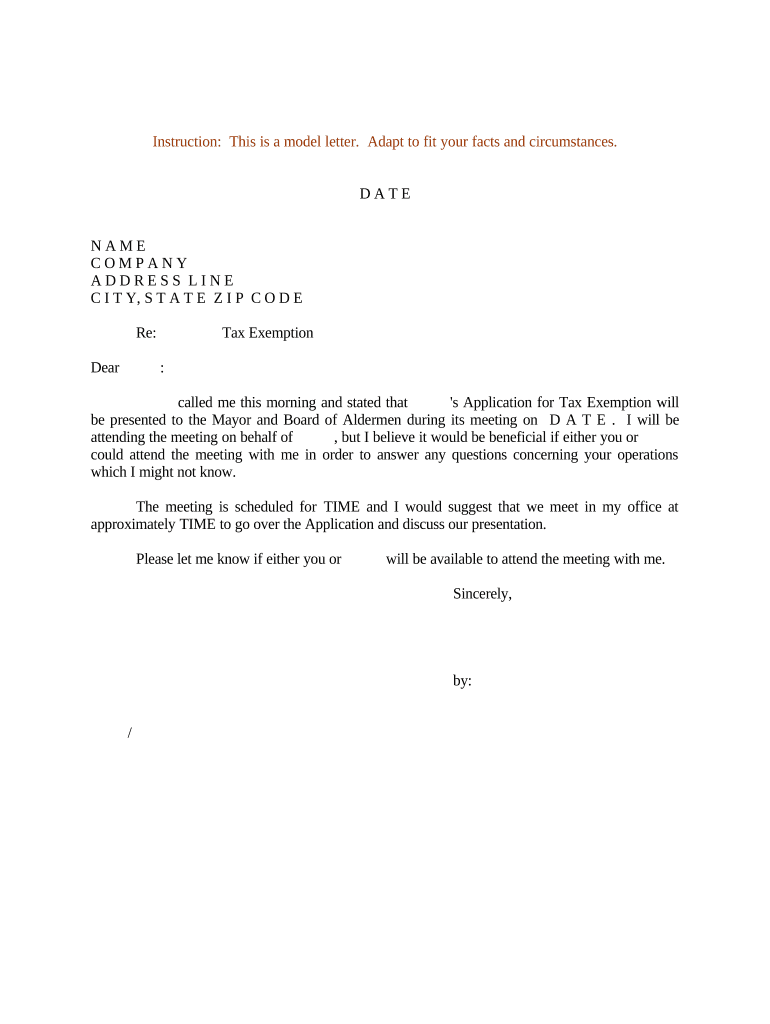
A Letter Regarding Tax Exemption Application is a formal cover letter submitted with a tax-exemption request or related administrative filing to a taxing authority, payer, or vendor. It summarizes the applicant's legal identity, the statutory or regulatory basis for the exemption claim, the period for which exemption is requested, and a list of supporting documents. The letter may accompany state or local exemption applications, resale certificate filings, or requests for property tax relief and creates a clear, dated record for reviewers and auditors.

Why a Clear Letter Matters

A concise, well-documented letter clarifies eligibility, reduces processing delays, and creates a reliable record for auditors and payers. It helps reviewers find key facts quickly and supports consistent application of exemption rules.

Why a Clear Letter Matters

Who Typically Prepares and Submits This Letter

Organizations and professionals submit these letters when formally claiming an exemption, clarifying tax status, or responding to a request for additional information.

  • Nonprofit organizations filing for sales or property tax exemption with state or local agencies.
  • Businesses submitting resale certificates or vendor exemption claims to suppliers or tax authorities.
  • Tax professionals and attorneys preparing documentation or responding to agency deficiency requests.

Choose the signer with legal authority over the entity and include contact details for follow-up by the reviewing agency or payer.

Essential Parts of an Effective Letter Regarding Tax Exemption Application

A complete letter follows a simple structure to ensure reviewers can confirm identity, authority, and legal basis without searching through attachments.

Header

Include recipient name, agency or vendor, mailing address, and date. Use a professional letterhead or entity name to aid routing and recordkeeping.
Applicant Identity

Provide the full legal name, DBA if applicable, legal entity type, and Employer Identification Number (EIN) or Social Security Number where required for verification.

Representative Contact

Give the preparer or authorized signer's name, title, phone, and email so the reviewer can request clarifications or additional documentation.

Exemption Basis

Cite the specific statute, regulation, or exemption code relied upon and summarize why the entity or transaction meets the legal test for exemption.

Attachments

List supporting documents (e.g., determination letters, articles of incorporation, resale certificate, contracts) and indicate each attachment's filename or exhibit number.

Signature Block

Include the signer’s printed name, title, handwritten or electronic signature, and signature date. State the signer has authority to bind the entity.

Required Information and Fields at a Glance

Applicant Name: Full legal name
Tax Identifier: EIN or SSN as required
Exemption Type: Statute or exemption code
Effective Date: MM/DD/YYYY format
Attachments List: Document titles included
Authorized Signer: Name and title

Step-by-Step: Completing the Letter

Follow these sequential steps to prepare a consistent, audit-ready letter that supports the exemption claim.

  • 01
    Draft header: Address letter to the correct agency or vendor and include the date.
  • 02
    State identity: Enter exact legal name and EIN to match government records.
  • 03
    Explain basis: Cite the statute or exemption code and briefly explain applicability.
  • 04
    Attach evidence: List and append all supporting documents; sign and date the final page.

How to Customize and Complete the Letter Online

Set up a reusable template with fields and conditional checks to speed repeat filings and avoid omissions.

Template Create a reusable letter template with fixed header and signature placement.
Conditional Fields Show or hide attachment lists based on exemption type.
Signature Settings Require signer name, title, and date fields to be completed.
Authentication Select email or SMS code verification for signer identity.
Audit Trail Enable a tamper-evident audit log and keep a signed PDF copy.

Where to Send or File the Letter

Choose the correct recipient and delivery method based on the exemption type and jurisdictional rules.

  • Include with Application: Attach the letter to the official exemption application package.
  • Send to Agency: Address to the Department of Revenue or appropriate local office.
  • Provide to Vendors: Supply copies to vendors when claiming resale or exemption on purchases.
  • Retain copies: Keep signed copies for your records and potential audits.

Typical Timelines and Response Expectations

Processing windows and response deadlines vary by agency; know the common timing and plan to respond quickly to deficiency requests.

Processing Timeframe:

Processing commonly ranges from 4 to 12 weeks depending on jurisdiction.

Response to Deficiency:

Agencies often request additional information with a 30-day response window.

Effective Date:

Exemption effective dates may be retroactive or prospective per agency rules.

Recordkeeping Period:

Retain records for at least three years for IRS purposes.

Follow-up Timeline:

If no decision is issued, contact the agency after the typical processing window elapses.

Common Preparation Mistakes to Avoid

  • Using an incorrect legal name or mismatched EIN that prevents verification and delays processing.
  • Failing to attach required supporting documents such as determination letters or certification forms.
  • Citing the wrong statute or exemption code, causing reviewers to reject or request clarification.
  • Omitting signer authority or failing to indicate that the signer can bind the entity, which can void the submission.

Potential Consequences of Incorrect or Misleading Letters

Denial: Application may be denied
Retroactive Tax: Back taxes and interest
Penalties: Civil penalties may apply
Withholding Risk: Backup withholding may be triggered
Audit Exposure: Increased audit likelihood
Reputational: Vendor or agency distrust

eSignature Vendor Comparison for Signing and Submitting Letters

Comparison of common vendor features and starting prices to help choose an electronic signing option for preparing and delivering exemption letters; signNow is listed first per vendor conventions.

signNow DocuSign Adobe Sign PandaDoc HelloSign
Starting Price $8/user/mo $15/user/mo $14/user/mo $19/user/mo $15/user/mo
Free Trial 7-day free trial Varies by plan Varies by plan Varies by plan Varies by plan
Bulk Send Yes Yes Yes Yes Yes
Audit Trail Yes Yes Yes Yes Yes
HIPAA Compliant Yes Yes Yes No No

Frequently Asked Questions About the Letter Regarding Tax Exemption Application

Answers to common practical questions about validity, signatures, notarization, and how to correct or supplement a submitted letter.


Need help? Contact support

be ready to get more
Join over 28 million airSlate SignNow users