Establishing secure connection…Loading editor…Preparing document…

Sample Letter Application

This template is fully customizable. Edit the text, fill out the fields, and send it for signature. Give it a try!
Sample Letter Application

What the Sample Letter Application Is and When to Use It

A Sample Letter Application is a written, structured request submitted by an individual or organization to apply for a position, program, permit, or other consideration. It typically states the applicant's identity, purpose, relevant qualifications or reasons for the request, and any attachments or supporting documents. This template standardizes formatting, clarifies required fields, and helps ensure the recipient can process the request efficiently. The document can be delivered as a paper letter, PDF, or electronically and may be signed physically or via a compliant eSignature platform to establish author attribution and intent.

Why a Clear Sample Letter Application Matters

A precise Sample Letter Application reduces processing delays, prevents common rejections, and documents the applicant's intent. For consumer-facing submissions, ensure you obtain consent for electronic records under ESIGN (15 U.S.C. §7001) where required.

Why a Clear Sample Letter Application Matters

Who Typically Prepares and Receives This Letter

Common preparers include job applicants, students applying for programs, tenants applying for housing, and individuals requesting permits or records.

  • Job applicants and career seekers submitting qualifications and contact details for hiring review.
  • Students and parents applying for enrollment, scholarships, or special program consideration.
  • Individuals or small businesses requesting permits, exemptions, or official records from agencies.

Recipients are hiring managers, admissions officers, landlords, municipal clerks, or agency reviewers who use the letter to assess eligibility and initiate next steps.

Essential Parts of a Professional Sample Letter Application

A professional letter follows a simple structure that permits quick review and consistent processing by recipients and automated systems.

Header

Date, your full legal name, mailing address, phone, and email. Accurate contact data enables response and identity checks.
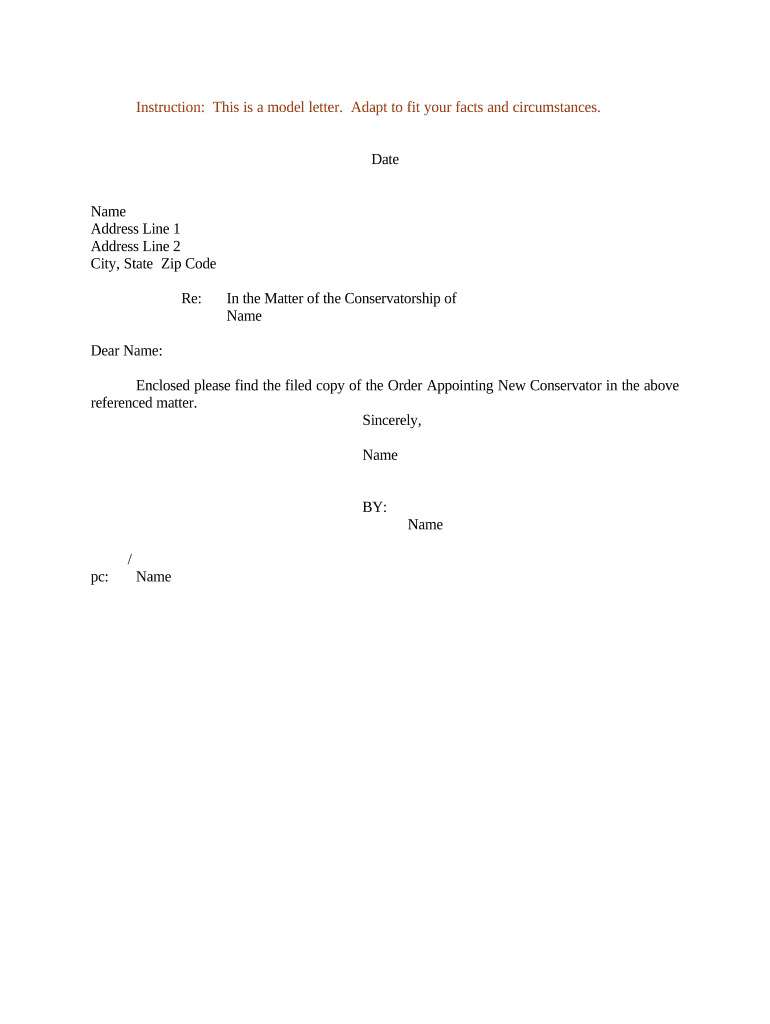
Recipient

Name, title, organization, and mailing or department address. Directing the letter properly reduces routing delays.

Opening

Brief statement of purpose (one sentence) identifying the program, position, or record requested and any reference numbers.

Body

Concise explanation of qualifications or reasons for the request, organized in short paragraphs and using bullet points for clarity.

Closing

A courteous summary of next steps, preferred contact method, and an explicit signature line with date.

Attachments

List supporting documents (transcripts, ID, forms). Label each attachment and include file formats or page counts.

Step-by-Step: Prepare and Submit Your Letter

Follow these core steps to ensure the letter is complete, accurate, and routed correctly.

  • 01
    Draft: Assemble header, recipient, purpose, and supporting details.
  • 02
    Attach: Include required documents in accepted formats (PDF preferred).
  • 03
    Sign: Apply physical or compliant electronic signature as allowed.
  • 04
    Send: Deliver to the specified recipient by the accepted method.

How Electronic Submission Typically Works

When you use an online process, these four actions are the common sequence from sender to recipient.

  • Upload: Place the letter and attachments into the chosen service.
  • Prepare Fields: Add signature, date, and required data fields in the document.
  • Authenticate: Verify signer by email link, SMS code, or platform authentication.
  • Deliver: Send to recipient and capture audit trail for records.

Recommended Online Configuration for a Sample Letter Application

Configure the document to require key fields and simple authentication to balance usability and legal strength.

Field Configuration
Full Name Required | Exact-match validation where available
Email Required | Verify via single-use link or code
Effective Date Required | MM/DD/YYYY with auto-fill option
Signature Required | eSignature field with audit trail

Digital Signing and Delivery Considerations

Choose a platform that supports PDF and DOCX, captures audit trails, and offers at least email- or SMS-based signer authentication.

  • File Formats: PDF and DOCX are widely accepted and preserve layout.
  • Authentication: Email link or SMS code balances security and signer convenience.
  • Integrations: Link to storage or CRM for routing and retention.

Ensure the chosen platform complies with ESIGN and UETA for interstate and intrastate transactions respectively, and supports audit trails to demonstrate intent and attribution.

How to Save, Export, and Share the Final Letter

Exporting the completed letter in standard formats and including a record of execution helps with long-term retention and auditability.

Download Formats

Export signed letters as PDF/A for archival or standard PDF for general use. Keep an unsigned DOCX copy for editable records when appropriate.

Copy of Record

Retain a copy that includes the audit trail or certificate of completion showing timestamps, signer identity method, and IP address.

File Naming

Use a consistent scheme (LastName_Type_Date) to simplify search and retrieval in shared drives or document management systems.

Supporting Docs

Keep attachments as single merged PDF or clearly labeled separate files; list attachments in the letter for easier processing.

Typical Timelines and Processing Expectations

Processing times vary by recipient; include a date and allow reasonable response time when planning follow-up.

Submission Deadline:

Meet posted deadlines; late materials are often disqualified.

Acknowledgment Window:

Expect an acknowledgement email within 1–5 business days for most agencies or employers.

Review Period:

Review and decision timelines commonly range from 2 to 8 weeks depending on volume.

Request for More Info:

If incomplete, recipients typically request missing items within 7–14 days.

Final Notice:

Decisions or next-step notices are generally issued within the stated review period.

Common Mistakes to Avoid When Preparing the Letter

  • Using informal or vague language that leaves purpose or qualifications unclear to the reviewer.
  • Mismatched names or missing signature lines that prevent verification or create identity disputes.
  • Omitting required attachments or mislabeling documents so the recipient cannot match evidence to the request.
  • Submitting in an unsupported format or failing to follow platform field requirements, causing automated rejections.

Risks of an Incorrect or Incomplete Submission

Rejection: Letter may be rejected for missing required information.
Delayed Processing: Incomplete files extend review time and delay decisions.
Identity Mismatch: Wrong name or DOB can void the document.
Missing Attachments: Required proof may be absent, causing denial.
Improper Signature: Non-compliant eSignature can be challenged.
Late Filing: Late submissions may forfeit consideration.

eSignature Vendor Comparison for Completing and Signing the Letter

Pricing and core capabilities for common eSignature vendors to consider when selecting a solution to execute Sample Letter Applications.

signNow DocuSign Adobe Sign PandaDoc HelloSign
Starting Price $8/user/mo $15/user/mo $14/user/mo $19/user/mo $15/user/mo
Free Trial 7-day free trial Trial available Trial available Trial available Trial available
Bulk Send Yes Yes Yes Yes No
Audit Trail Yes Yes Yes Yes Yes
HIPAA Compliant Yes Yes Yes No No

Frequently Asked Questions About the Sample Letter Application

Answers to common practical issues when creating, signing, or submitting a Sample Letter Application.


Need help? Contact support

be ready to get more
Join over 28 million airSlate SignNow users