Entity identity
Provide the exact legal name, state of incorporation, and business ID or registration number to avoid mismatches when filing the annual report.
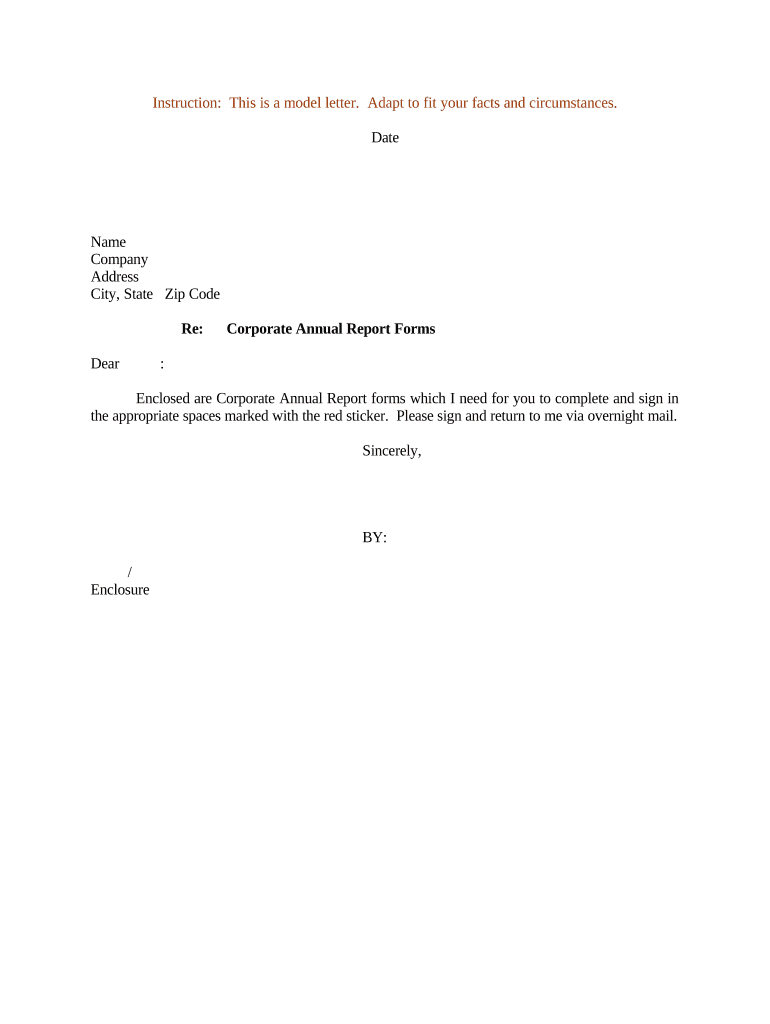
A concise, accurate letter reduces the risk of missed filings and administrative penalties, creates an auditable paper trail, and clarifies who is responsible for completing the state annual report and by what date.

Use a dated, signed letter to establish a record of the request and reduce internal disputes over filing responsibility.
Provide the exact legal name, state of incorporation, and business ID or registration number to avoid mismatches when filing the annual report.
State the filing year or anniversary period clearly (e.g., 'Report for fiscal year ending 12/31/2025') so the filer selects the correct filing cycle.
List fields that must be reviewed or updated: officers, directors, registered agent, principal office, and any changes to authorized signatories.
Specify whether the report should be filed online through the Secretary of State portal, via mail, or through a registered agent service.
Give the exact due date for the state in question, plus an internal completion date that allows time for review and payment.
Ask the recipient to reply with the filing confirmation number, receipt, or a PDF copy of the filed report within a defined number of business days.
| Template field set | Include entity name, ID, state, reporting year, and checkboxes for update items. |
|---|---|
| Approver workflow | Route to corporate secretary, then CFO or general counsel for sign-off. |
| Authentication | Require email verification or two-factor for the signer. |
| Attach evidence | Allow upload of the filed report PDF or Secretary of State receipt. |
| Record retention | Save the completed letter and attachments to the corporate records system. |
Use platforms compatible with PDF, DOCX, and web forms and ensure the chosen method preserves an audit trail for compliance.
2–4 weeks before the statutory due date for data collection.
File at least 1 week before deadline to allow processing time.
Allow 2–7 business days for fee payment to clear.
Expect an email receipt or portal confirmation immediately or within 3 business days.
Store filed report and receipt within 5 business days of confirmation.
| signNow | DocuSign | Adobe Sign | PandaDoc | HelloSign | |
|---|---|---|---|---|---|
| Starting Price | $8/user/mo | $15/user/mo | $14/user/mo | $19/user/mo | $15/user/mo |
| Free Trial | 7-day free trial | Varies by vendor | Varies by vendor | Varies by vendor | Varies by vendor |
| Bulk Send | Yes | Yes | Yes | Yes | No |
| Audit Trail | Yes | Yes | Yes | Yes | Yes |
| HIPAA Compliant | Yes | Yes | Yes | No | No |