Establishing secure connection…Loading editor…Preparing document…

Letter Announcing New Hours of Operation

This template is fully customizable. Edit the text, fill out the fields, and send it for signature. Give it a try!
Letter Announcing New Hours of Operation

What a Letter Announcing New Hours of Operation Is and When to Use It

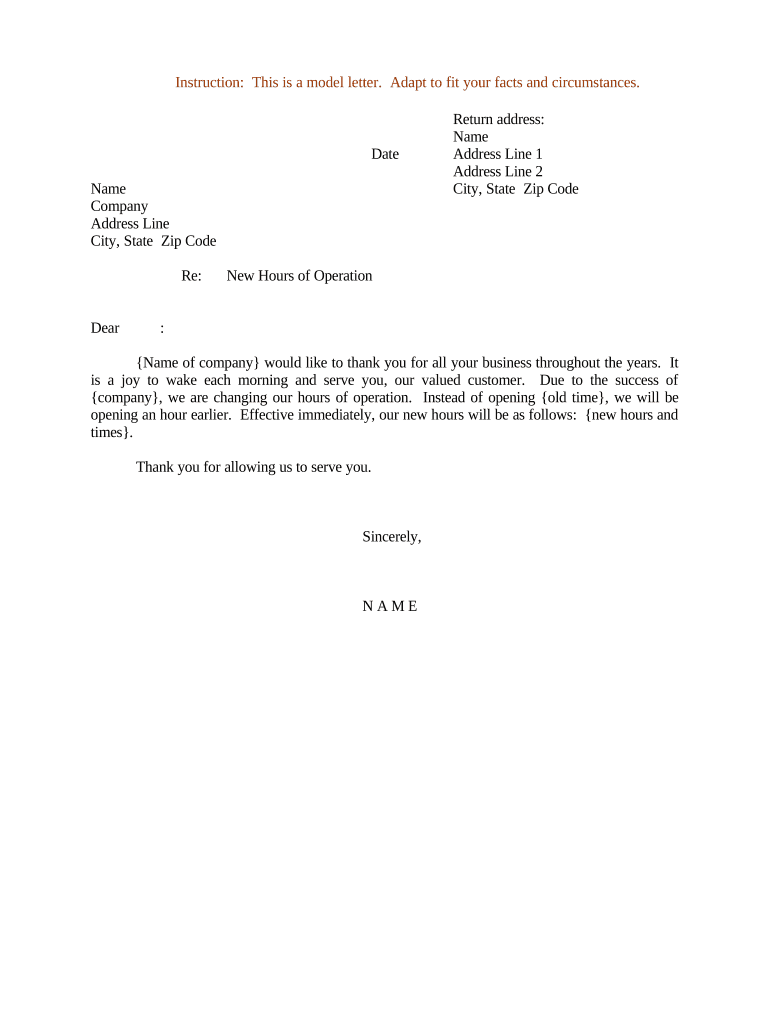
A Letter Announcing New Hours of Operation is a formal written notice that informs customers, employees, vendors, and regulatory bodies of an upcoming change to an organization’s business or service hours. Typical uses include seasonal schedule changes, holiday hours, operational reorganization, or permanent shifts in opening and closing times. The letter clarifies effective date, the specific new hours, any phased implementation, and a primary contact for questions, and it provides a dated record of the notification for compliance and operational planning.

Why Issuing a Clear Notice Matters

A clear, dated letter reduces customer confusion, preserves operational continuity, and creates a record that supports customer service, labor compliance, and audits. For electronic notices, ESIGN (15 U.S.C. §7001) and state UETA laws validate e-signatures and records when the signature, intent, and retention requirements are met.

Why Issuing a Clear Notice Matters

Essential Components to Include in the Letter Announcing New Hours of Operation

A professional notice should be concise and structured so recipients can quickly confirm what changes, when they take effect, and whom to contact for clarification.

Header

Business name, logo (optional), and clear heading stating 'Notice of Revised Hours' or 'Updated Hours of Operation'. Include the document date.
Effective Date

The precise day the new hours begin. State as MM/DD/YYYY and indicate if hours apply temporarily or permanently.

New Schedule

List days of week and opening/closing times, including exceptions (holidays, special events) and any phased rollouts.

Reason (Optional)

Brief explanation (e.g., seasonal shift, staffing, safety). Keep reasons factual and unemotional to avoid regulatory scrutiny.

Contact Information

Name, role, email, and phone of a person or department for follow-up questions or accommodations.

Signature Block

Printed name, title, and signature (electronic or handwritten) with the signature date to demonstrate authorization.

Step-by-step: Drafting and Sending Your Hours Change Letter

Follow these sequential steps to prepare, approve, and distribute the notice with a verifiable record of delivery.

  • 01
    Draft Notice: Populate required fields, keep language concise, and include effective date.
  • 02
    Internal Approval: Obtain signature from an authorized manager or executive before distribution.
  • 03
    Choose Distribution: Select channels (email, posted signage, website) based on audience and legal obligations.
  • 04
    Record Retention: Save signed copies and delivery confirmations for your retention period and audits.

Who Typically Sends and Receives These Notices

Tailor the distribution list to include all stakeholder groups affected by the change and retain evidence of each delivery channel used.

Who Has Authority to Sign the Notice

Owner / Chief Executive

An owner, CEO, or equivalent executive who holds delegated authority can sign to bind the business; include title and contact information to validate authority in audits or disputes.

Operations or HR Manager

For routine or site-level changes, an operations manager or HR lead with written delegation may sign; maintain delegation records to support signature authority.

Common Distribution Channels and What to Expect

Match distribution channels to recipient needs and retain delivery evidence for each method used.

  • Email Notice: Send a dated email to customer and vendor lists and archive sent items for proof of notice.
  • On-site Posting: Post a printed, signed notice at public entrances and high-traffic points where customers can see it.
  • Website Update: Publish new hours on the homepage and store locators; include the effective date on the page.
  • Social Media: Announce via official profiles for broad reach; record screenshots or post links for documentation.

Digital Signing and Technical Considerations

Maintain copies of signed documents plus audit trails (timestamps, IP, signer identity) to meet ESIGN/UETA record-retention requirements.

  • Formats Supported: PDF, DOCX, and HTML are commonly supported file types.
  • Integrations: Connectors such as Microsoft 365, Google Workspace, and Salesforce simplify distribution.
  • Authentication Options: Email link, SMS code, or advanced signer verification are typical choices.

How to Configure an Online Template for Reuse

Configure a reusable template so future hours changes require minimal editing and produce consistent signed records.

Field Configuration
Template Name Use a clear name such as 'Hours Change Notice' for reuse.
Editable Fields Effective Date | New Hours | Contact Info
Signer Role Assign roles such as 'Manager' with required signature field.
Delivery Settings Enable email copies and audit-trail generation by default.

How to Save, Export, and Archive the Signed Letter

After execution, ensure the signed notice is stored in formats that preserve the signature and audit details.

Save as PDF

Export a PDF/A or standard PDF with embedded signature image and audit metadata for long-term storage.

Download DOCX

Retain an editable DOCX copy in case minor edits are needed for internal records.

Archive Audit Trail

Preserve the platform-generated audit trail showing signer identity, timestamps, and actions.

Backup Storage

Store signed files in a secured cloud repository or on-site backup per retention policy.

Recommended Timelines and Notice Periods

While legal deadlines rarely mandate a specific notice period for ordinary hours changes, follow best-practice timelines to reduce disputes.

Recommended Notice Period:

Provide at least 14 days' notice for predictable changes to allow customers and staff to adjust.

Immediate Changes:

For emergency or safety-driven changes, notify as soon as possible and document reasons.

Seasonal Hours:

Announce seasonal shifts 30 days in advance when practical to manage expectations.

Regulated Industries:

Check sector-specific rules (e.g., healthcare or transportation) for required disclosures.

Recordkeeping Deadline:

Retain signed notices according to your document retention policy and applicable regulations.

Common Mistakes to Avoid When Preparing the Notice

  • Vague effective date or missing time zone information.
  • Failing to secure an authorized signature before distribution.
  • Not retaining delivery records or audit trails for proof.
  • Using inconsistent hours across channels without synchronizing updates.

Risks and Consequences of an Incorrect or Missing Notice

Customer Confusion: May cause lost business and complaints.
Labor Disputes: Incorrect notice can trigger scheduling disputes with employees.
Regulatory Scrutiny: Sector rules may require timely notices; noncompliance risks fines.
Contract Breach: Vendor agreements might require advance notice for operational changes.
Reputational Harm: Inconsistent channels may damage customer trust.
Record Loss: Poor retention impedes audits or dispute resolution.

eSignature Pricing and Feature Comparison for Sending a Notice

Compare typical vendor starting prices and common features relevant to executing and distributing signed hours-change letters. signNow is listed first per vendor-ordering convention.

signNow DocuSign Adobe Sign PandaDoc HelloSign
Starting Price $8/user/mo $15/user/mo $14/user/mo $19/user/mo $15/user/mo
Free Trial 7-day free trial Verify with vendor Verify with vendor Verify with vendor Verify with vendor
Bulk Send Yes Yes Yes Yes No
Audit Trail Yes Yes Yes Yes Yes
HIPAA Compliant Yes Yes Yes No No
Envelope Cap No cap 100 envelopes/user/year Depends on plan Depends on plan Depends on plan

Required Data Elements and Security Best Practices

Business Name: Full legal or DBA
Effective Date: MM/DD/YYYY format
New Hours: Days and times listed
Contact Info: Name, title, email, phone
Authorized Signature: Signer name, title, date
Delivery Evidence: Email headers, screenshots, audit trail

Practical Examples of How Organizations Use an Hours-Change Letter

Below are two concise scenarios showing how the letter is adapted across common situations.

Local Retailer

A neighborhood store announces winter hours one month in advance to staff and a mailing list

  • The notice lists effective date and holiday exceptions
  • The signed, dated email and posted in-store notice create a demonstrable record for customer inquiries and local licensing.

Medical Clinic

A clinic adjusts weekend coverage and informs patients by email and website update

  • The notice includes emergency contact instructions
  • The clinic retains signed copies and delivery receipts to show compliance with appointment scheduling and patient notification standards.

Frequently Asked Questions About Letters Announcing New Hours of Operation

Answers to common practical questions about drafting, signing, and distributing an hours-change notice.


Need help? Contact support

be ready to get more
Join over 28 million airSlate SignNow users