Subject
A direct subject referencing the opportunity or time-limited incentive to prompt immediate attention.
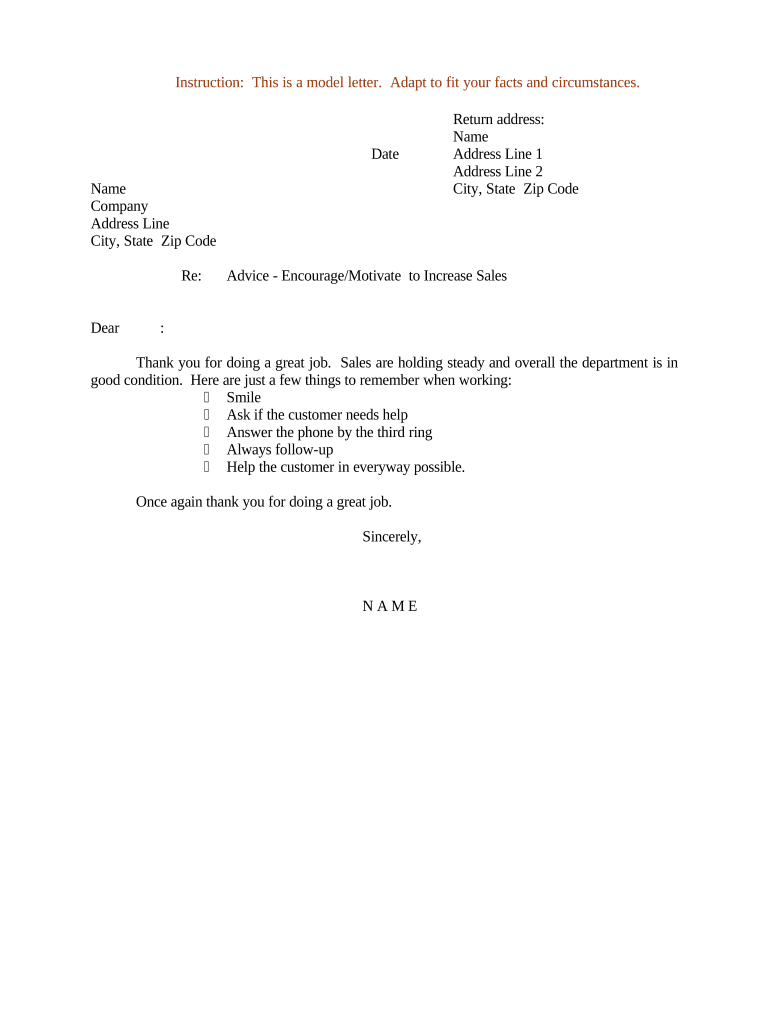
The letter provides a documented, low-pressure prompt that can renew buyer interest, clarify next steps, and support measurable conversion activities without creating contractual obligations.

Business development managers, account executives, sales directors, channel partners, and customer success teams commonly draft these letters to influence purchasing behavior.
A direct subject referencing the opportunity or time-limited incentive to prompt immediate attention.
A one-sentence reminder of prior contact or relationship to establish context and relevance.
Concise encouragement that highlights specific value, measurable benefits, or outcomes for the recipient.
One clear, simple action you want the recipient to take and the preferred method to complete it.
Available resources, timelines, or contact points that reduce friction for the recipient to act.
Name, title, direct contact, and optional compliance note if the communication references regulated products.
| Field | Configuration |
|---|---|
| Template Name | Create a descriptive name reflecting target segment and offer |
| Required Fields | Recipient Name | Offer | Effective Date | Action |
| Approval Step | Assign manager or legal approver before distribution |
| Tracking | Auto-create CRM task on send and log engagement |
Choose delivery channels that match recipient expectations and legal requirements: email, secure portal, or printed mail are common options.
| Criteria | Encouragement Letter | Performance Improvement Plan |
|---|---|---|
| Primary Purpose | motivate purchase | address performance issues |
| Legal Effect | informal | potential contractual impact |
| Tone | promotional and supportive | formal and corrective |
| Typical Audience | customers/partners | employees |
| signNow | DocuSign | Adobe Sign | PandaDoc | HelloSign | |
|---|---|---|---|---|---|
| Starting Price | $8/user/mo | $15/user/mo | $14/user/mo | $19/user/mo | $15/user/mo |
| Free Trial | Yes, 7-day trial | No | No | No | Yes, limited |
| Bulk Send | Yes | Yes | Yes | Yes | No |
| Audit Trail | Yes | Yes | Yes | Yes | Yes |
| HIPAA Compliant | Yes | Yes | Yes | No | No |
Optica used the platform to simplify customer communications and approvals.
A small real estate firm processed correspondence and confirmations entirely online.