Establishing secure connection…Loading editor…Preparing document…

Letter Regarding Company Relocation

This template is fully customizable. Edit the text, fill out the fields, and send it for signature. Give it a try!
Letter Regarding Company Relocation

What a Letter Regarding Company Relocation Is and When It’s Used

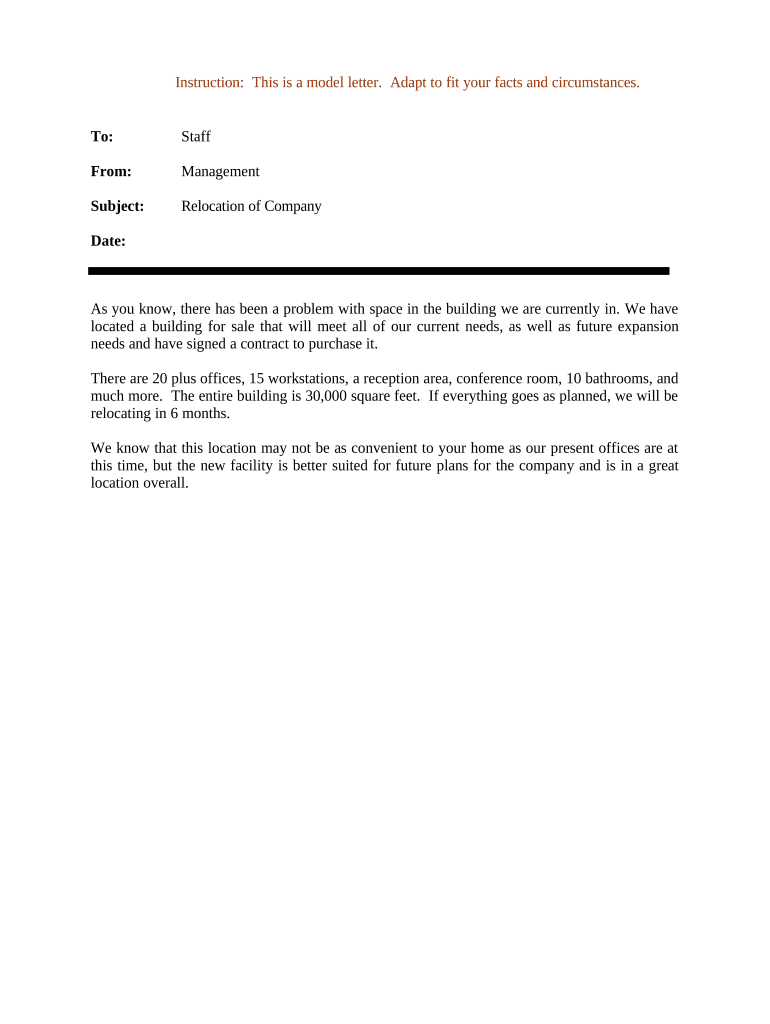
A Letter Regarding Company Relocation informs employees, clients, vendors, and other stakeholders that a business is moving its principal office, branch, or operational location. The letter states the new address, effective date, contact changes, and any transitional details such as mail forwarding, changes to billing or service delivery, and updated points of contact. It typically explains logistical impacts, how records and invoices will be handled, and whether the relocation affects contracts or service areas. The letter serves as formal notice for operational continuity and administrative updates.

Why a Formal Relocation Letter Matters

Providing a clear Letter Regarding Company Relocation reduces confusion, preserves contractual notice obligations, and documents changes for billing, licensing, and regulatory purposes. When delivered properly it helps maintain business continuity and creates a dated record useful for audits and dispute resolution under ESIGN and UETA.

Why a Formal Relocation Letter Matters

Who Prepares and Receives This Notice

Typical users who prepare or receive this letter include corporate administrators, HR teams, operations managers, landlords, and external vendors.

  • Corporate HR and facilities teams responsible for employee notices and lease coordination.
  • Accounts payable and billing contacts to update vendor addresses and remittance instructions.
  • Clients and service recipients needing updated delivery addresses and account management contacts.

Primary Roles Involved

HR Manager

HR managers draft and distribute relocation notices to employees, coordinate updates to payroll and benefits records, and ensure communications align with employment agreements, state labor notice rules, and internal policy to avoid claim or benefit-delivery disruptions.

Legal Counsel

Corporate legal teams review relocation letters for contract impact, update contract addresses, advise on notice requirements under commercial leases and vendor agreements, and document formal service of notice to establish effective dates and preserve rights in future disputes.

Essential Fields to Include

Company Name: Full legal entity name as registered
New Address: Street, city, state, ZIP code
Effective Date: Enter as MM/DD/YYYY format
Contact Information: Phone, email, and primary contact person
Affected Services: List services, billing, and delivery impacts
Signature Block: Authorized signer name, title, and date

Step-by-Step: Prepare and Send the Notice

Follow these steps to prepare, approve, and distribute a compliant Letter Regarding Company Relocation to affected parties.

  • 01
    Draft Letter: State new address, effective date, contact, and key impacts.
  • 02
    Internal Approval: Obtain sign-off from legal, HR, and facilities teams.
  • 03
    Delivery Method: Decide registered mail, email with read receipt, or courier.
  • 04
    Record Retention: Save executed copies and proof of delivery for records.

Anatomy of a Professional Relocation Letter

A structured letter reduces ambiguity and supports contractual, regulatory, and operational follow-up while creating traceable proof of notice.

Opening Statement

Begin with a concise opening that names the company, reason for relocation if appropriate, and the parties receiving notice; avoid ambiguous phrasing so recipients understand the purpose and authority of the communication.
New Location Details

Provide the full street address, suite, city, state, and ZIP code, and specify any separate mailing or billing address; include geographic or operational notes such as entrance or loading-dock changes.

Effective Date and Transition

State the exact effective date using MM/DD/YYYY, describe phased moves or service interruptions, and outline timelines for mail forwarding and operational cutovers to limit customer impact.

Operational Impacts

Describe impacts to deliveries, invoicing, contract performance, license renewals, and in-person appointment locations; identify services that remain unchanged and any temporary exceptions.

Action Required

List required actions for recipients, such as updating remittance addresses, redirecting shipments, or confirming receipt; set a clear deadline and provide escalation contacts for unresolved issues.

Signature and Contact

Include the authorized signer's printed name, title, department, phone number, and email address; note where additional documentation or executed amendments may be required for legal effect.

Supporting Documents to Enclose

Attach documentation that verifies authority, landlord consent, and address changes to reduce follow-up and demonstrate compliance.

Lease or Deed

Attach a copy of the lease amendment or deed showing authorized representative approval and new premises details; this helps confirm landlord consent and clarify obligations under the lease during relocation.

Board Resolution

Provide board minutes or a resolution authorizing the move and signatory authority when required by corporate bylaws or vendor contract terms to validate who may bind the company.

Mail Forwarding Confirmation

Include USPS change-of-address confirmation or commercial mail forwarding agreement as evidence that business correspondence will reach the new location during transition.

Updated Licenses

Supply copies of updated business licenses, permits, or registrations reflecting the new address where regulatory or contractual compliance mandates current address information.

Digital Delivery and eSubmission Considerations

For electronic distribution, confirm platform compatibility, authentication level, and retention of signed records per regulatory needs.

  • File Formats: PDF, DOCX, and searchable text
  • Authentication: Email link, SMS code, or KBA
  • Integrations: CRM and document storage platforms

How to Configure an Online Relocation Letter Workflow

Set up a reusable template with signer roles, authentication, and storage rules before sending relocation notices for signature.

Field Configuration
Template Name Use descriptive title and internal ID
Signer Roles Primary signer, secondary approver, and observers
Authentication Choose email, SMS code, or ID verification
Notifications Enable read receipts and completion alerts to admins
Storage Save signed PDF and audit trail to cloud archive

Where to File, Send, and Archive Notices

Routing steps show where to send copies, who must receive notices, and how to archive proof of delivery for operational and legal purposes.

  • Prepare Copy: Create signed PDF and paper copy
  • Send Notices: Deliver to employees, vendors, and landlord
  • Update Records: Update payroll, billing, licensing, and vendor portals
  • Archive Evidence: Keep delivery receipts, emails, and acknowledgments

Formal Relocation Letter Versus Informal Notice

Compare formal relocation letters with informal notices to choose the correct document and delivery method for compliance and recordkeeping.

Criteria Letter Informal Email
Formality formal written notice casual communication
Proof of Delivery registered mail or signed receipt read receipt only
Legal Standing strong as contractual notice weak evidence
Record Retention archivable signed copy may be ephemeral

Typical eSignature Plan Comparison for Sending Relocation Letters

A neutral comparison of common eSignature plans to consider when sending a Letter Regarding Company Relocation electronically.

signNow DocuSign Adobe Sign PandaDoc HelloSign
Starting Price $8/user/mo $15/user/mo $14/user/mo $19/user/mo $15/user/mo
Free Trial 7-day free trial Varies by vendor Varies by vendor Varies by vendor Varies by vendor
Bulk Send Yes Yes Yes Yes No
Audit Trail Yes Yes Yes Yes Yes
HIPAA Compliant Yes Yes Yes No No

Typical Timelines and Processing Expectations

Plan lead times for notices, vendor updates, and regulatory filings to minimize service disruption and to satisfy contractual obligations.

Employee Notice:

Provide at least 30 days' advance notice where practical and per employment policies

Lease Obligations:

Follow lease-specified notice periods; many leases require 30–90 days' written notice

Vendors & Clients:

Notify key vendors and clients 30–60 days before to minimize service disruptions

Licenses & Permits:

Update regulatory registrations immediately; some require prompt address changes to remain compliant

Record Updates:

Allow 1–4 weeks for systems and mailed correspondence to reflect new address

Key Relocation Milestones

Follow a staged milestone plan to coordinate approvals, notices, move execution, and post-move confirmations to reduce operational risk.

01

Planning & Approval

Finalize timeline, board resolution, and internal approvals.

02

Notice Distribution

Send letters, update contracts, and confirm delivery receipts.

03

Relocation Execution

Complete physical move, redirect mail, and resume operations.

04

Post-Move Confirmation

Verify vendors updated records and archive proofs of notice.

Common Mistakes to Avoid

  • Using informal or incomplete language that fails to state an effective date or new address can lead to misdirected correspondence and billing errors.
  • Sending notifications only by email without confirming delivery or consent risks missed notices, especially where contractual provisions require registered mail or hand delivery.
  • Failing to update service-of-process, licensing, or tax records promptly can create compliance gaps and exposure to penalties or administrative delays.
  • Not retaining dated proof of delivery, signed acknowledgments, or a documented communication log complicates dispute resolution and audit trails.

Consequences of Incorrect or Late Notice

Lease Breach Risk: Potential lease default or penalty
Billing Disputes: Invoices sent to old address
Licensing Notices: Regulatory notices may be missed
Contractual Remedies: Triggers contractual remedies and damages
Tax Correspondence: IRS notices may be delayed
Service Interruptions: Customer service or deliveries disrupted

Real-World Examples of Relocation Notices

Two brief examples show how organizations document moves and capture acknowledgments to reduce follow-up and confirm compliance.

Martin Properties

Martin Properties needed to notify tenants and vendors of a regional office relocation while maintaining lease compliance and timely rent remittances.

  • Used digital letters to collect acknowledgments quickly.
  • "I can process and execute all of these documents online with 100% compliance and built-in security. Whether on mobile or working offline, I can get forms back to their necessary parties efficiently."

Optica Ventures LLC

Optica Ventures required timely notifications to investors and partners when shifting its headquarters to a new state.

  • Centralized signed notices reduced administrative follow-up.
  • "The interface is simple and easy-to-use for our team; more importantly, it is just as easy for our customers."

FAQs and Troubleshooting for Relocation Letters

Answers to common questions about legal effect, eSigning, notarization, retention, and updating government or vendor records.


Need help? Contact support

be ready to get more
Join over 28 million airSlate SignNow users