Event Details
Clear date, start and end times, and expected timeline such as reception, dinner, and speeches to help guests plan travel and schedules.
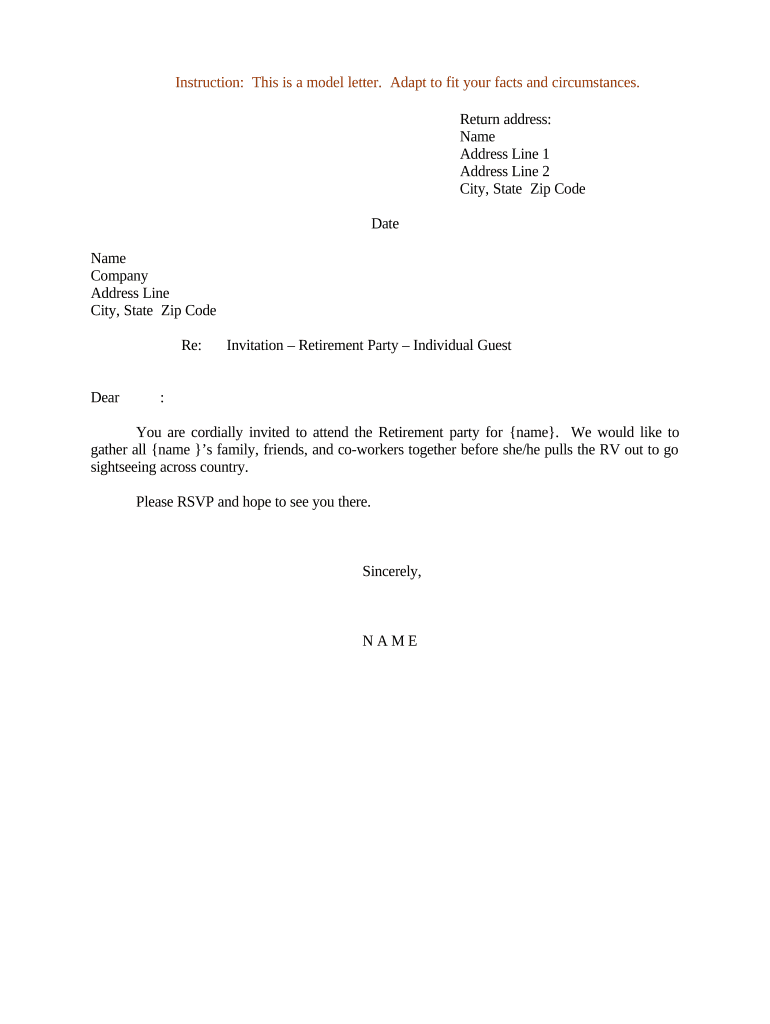
A well-structured Invitation to Retirement Party reduces miscommunication, improves RSVP accuracy, and helps coordinate vendors and seating. Clear invitations set expectations for attire and gifts while providing a single reference for logistical details, which simplifies planning and reduces last-minute changes.

Invitations are prepared by event organizers, HR teams for workplace retirements, family members, or professional planners managing guest lists and logistics.
The sender should be someone with authority to commit venue, catering, and scheduling details and who will manage incoming RSVPs and questions.
Clear date, start and end times, and expected timeline such as reception, dinner, and speeches to help guests plan travel and schedules.
Exact address, parking directions, public transit options, and accessibility notes so guests can arrive on time and accommodate mobility needs.
Method, deadline, and contact person. If collecting meal choices or plus-ones, specify required fields and any capacity limits.
Concise guidance (casual, business casual, formal) so attendees dress appropriately and match the event tone.
Optional notes about gifts, donations, or registry preferences to reduce uncertainty and streamline thank-you notes.
Phone and email for questions and last-minute changes. Identify a backup contact if the primary is unavailable.
Use PDF/A or standard PDF to preserve layout. PDFs are universally viewable and suitable for printing or attaching to email.
Keep an editable DOCX version for future edits or translation. Avoid relying solely on locked formats when updates are expected.
Distribute as a fillable PDF or online form so guests can complete RSVPs directly and responses are captured in structured data.
Export RSVP lists as CSV for spreadsheets, vendor imports, seating charts, and mail-merge operations.
| Field | Configuration |
|---|---|
| Guest Name | Required text field, single line |
| Email Address | Required email field with validation |
| Meal Choice | Dropdown with options, required if dining provided |
| Plus One | Checkbox + conditional guest details field |
Choose a delivery method that matches recipient preferences and your tracking needs.
Match method to your audience: email for staff, shareable links for community lists, and embedded forms for public pages to capture structured RSVPs.
8–12 weeks before the event to allow travel planning
4–8 weeks before to collect RSVPs and dietary needs
Typically 2–3 weeks before to finalize catering counts
7–10 days before event to lock orders and staff
Within 1–3 weeks after the event for notes and acknowledgments
Define guest list, budget, and preferred dates early in planning
Create and approve wording, layout, and RSVP options
Send invitations and confirm delivery or visibility
Compile final counts, vendor reconciliation, and post-event notes
A department sends an electronic invite to 120 staff with RSVP tracking
Family circulates a printable invitation for 50 guests and an online RSVP form
| signNow | DocuSign | Adobe Sign | PandaDoc | HelloSign | |
|---|---|---|---|---|---|
| Starting Price | $8/user/mo | $15/user/mo | $14/user/mo | $19/user/mo | $15/user/mo |
| Free Trial | 7-day free trial | Varies by plan | Varies by plan | Varies by plan | Varies by plan |
| Bulk Send | Yes | Yes | Yes | Yes | No |
| Audit Trail | Yes | Yes | Yes | Yes | Yes |
| HIPAA Compliant | Yes | Yes | Yes | No | No |
| Envelope Cap | No envelope cap | 100 envelopes/user/year | Varies by plan | Varies by plan | Varies by plan |