Item Identification
Make, model, serial number, purchase or registration date, and customer account number to unambiguously link the service request to the product.
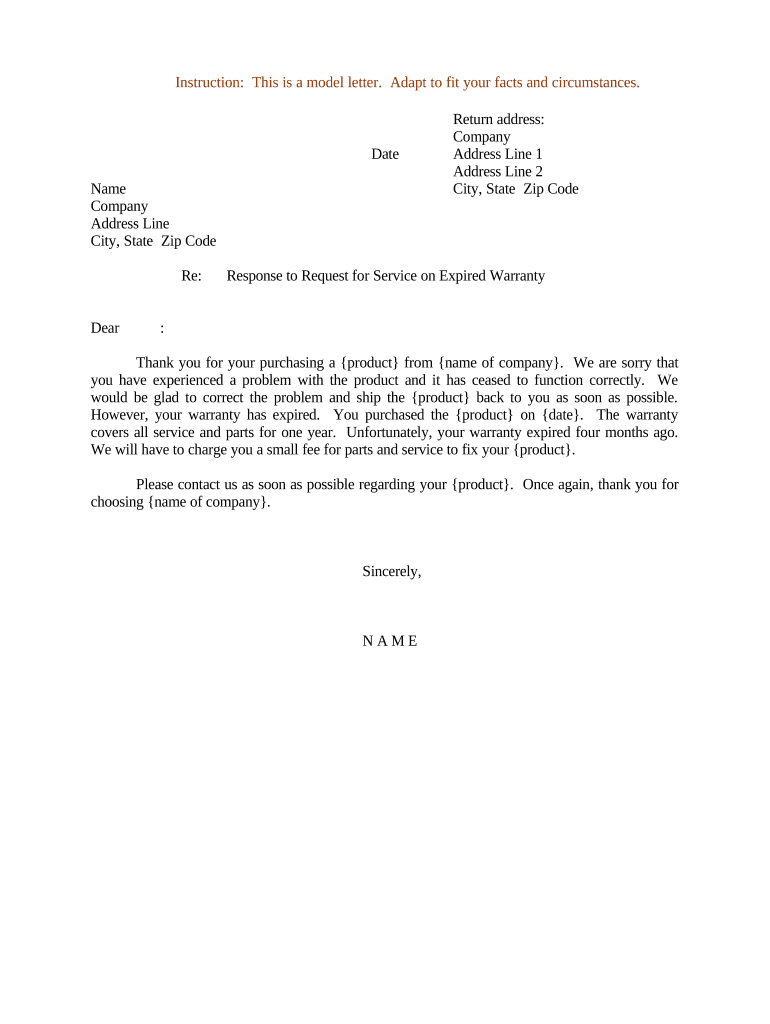
A concise, documented response reduces misunderstandings, supports consistent customer service, and creates an auditable record that helps resolve disputes and credit or reimbursement questions. Using a standardized form ensures you capture key facts, cost estimates, and consent to paid repairs in writing, protecting both the business and the customer.

Tailor the document language to the recipient: technical detail for internal review, plain language for customers, and contractual precision when attaching estimates or payment authorizations.
Make, model, serial number, purchase or registration date, and customer account number to unambiguously link the service request to the product.
A clear statement that the warranty is expired, including the date coverage ended and the basis for that determination (purchase date, registration, or warranty term).
Concise technical findings describing the fault, whether it would have been covered under warranty, and why the claim is out of scope if applicable.
Itemized estimate for parts, labor, and any applicable diagnostic or service fees, plus applicable taxes, with validity period for the estimate.
Choices such as paid repair authorization, referral to warranty upgrade programs, or return-for-credit options, including timelines for acceptance.
A dated signature block for customer authorization and a section noting how the signed response will be stored and who to contact for questions.
| Field | Configuration |
|---|---|
| Trigger Event | Receipt of service request or failed warranty lookup |
| Assigned Role | Service manager or warranty admin reviews and approves |
| Signer Authentication | Email verification or SMS code for customer consent |
| Retention Rule | Auto-archive signed responses per retention policy |
Confirm the selected system can export signed records and retain them according to corporate and regulatory retention rules.
Respond to the service request within 2–5 business days where possible
Offer a diagnostic appointment within the timeframe stated in company policy
Set a clear expiry for cost estimates (commonly 7–30 days)
Specify how long the customer has to accept paid repairs
Record retention starts on the signed authorization date
Log incoming claim and assign case number
Confirm coverage status using sales records
Technician documents fault and creates estimate
Obtain signed approval before performing paid work
| signNow | DocuSign | Adobe Sign | PandaDoc | HelloSign | |
|---|---|---|---|---|---|
| Starting Price | $8/user/mo | $15/user/mo | $14/user/mo | $19/user/mo | $15/user/mo |
| Free Trial | 7-day free trial | Varies | Varies | Varies | Varies |
| Bulk Send | Yes | Varies | Varies | Varies | Varies |
| Audit Trail | Yes | Yes | Yes | Yes | Yes |
| Envelope Cap | No cap | 100 envelopes/user/year | Varies | Varies | Varies |
After a customer reported a failed unit, the service team confirmed warranty expiration and provided an itemized estimate.
A property manager received a tenant repair request and checked the purchase records for warranty coverage.