Parties
Identify each signatory with full legal name, role, entity type, and contact information. Specify whether the signatory acts individually, as agent, or on behalf of a legal entity to avoid ambiguity.
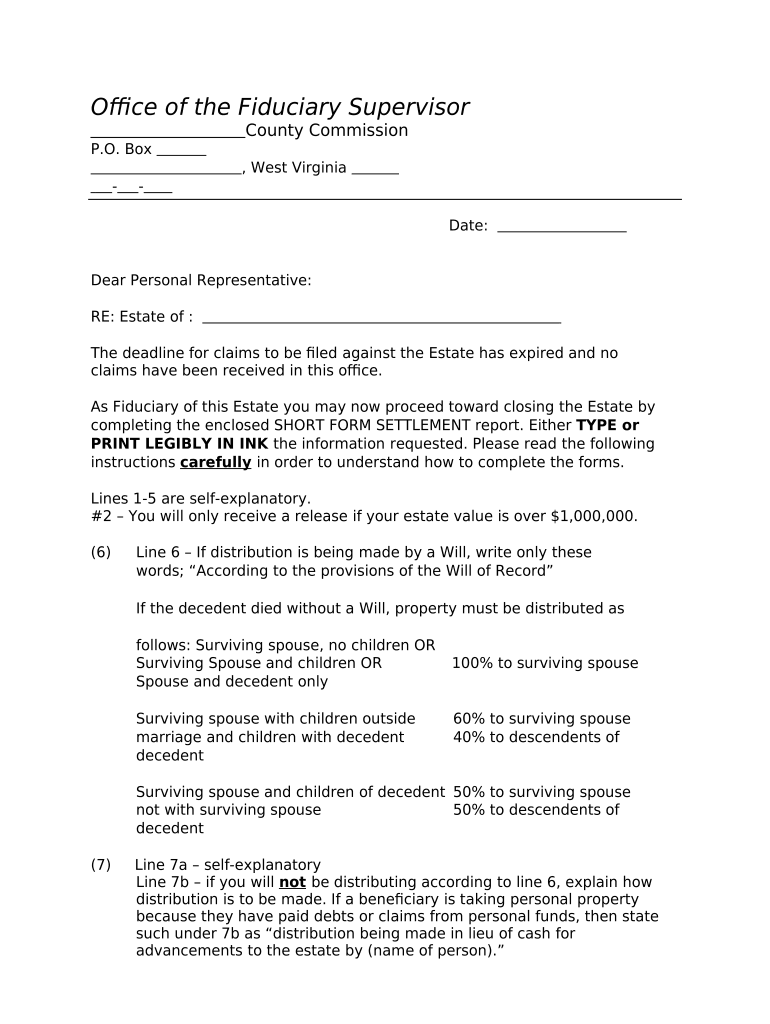
Using a West Virginia Short Form Settlement clarifies obligations, records consideration and releases, and reduces litigation risk by documenting mutual agreement. When executed properly it supports enforceability under the ESIGN Act (15 U.S.C. ch. 96) and state electronic transaction law where applicable.

Typical users include plaintiffs, defense counsel, insurance adjusters, and in-house counsel handling small to mid-size disputes in West Virginia.
| Field | Configuration |
|---|---|
| Signing Order | Sequential signer order; require email or SMS code authentication. |
| Required Fields | Make Full Legal Name, Settlement Amount, and Signature required. |
| Conditional Fields | Show payment schedule only if installments are selected. |
| Notifications | Email confirmations to all parties and document custodian. |
Choose delivery method based on signer access, required authentication, and whether notarization will be remote or in-person.
Date all parties sign; start of obligations.
Due per agreed schedule; note any installment dates.
Complete notarization before deadline or within agreed period.
Issue required 1099s or other forms timely.
Retain executed agreement per legal and tax retention rules.
Agree on terms, consideration, and any confidentiality provisions.
All parties sign and date the settlement document.
Notarize or obtain witnesses if state law or contract requires.
Store executed documents, payment proof, and audit trail securely.
Identify each signatory with full legal name, role, entity type, and contact information. Specify whether the signatory acts individually, as agent, or on behalf of a legal entity to avoid ambiguity.
Describe the exact monetary payment, non-monetary exchange, or other consideration. State gross/net status, timing, any escrow arrangements, and consequences for missed payments to ensure enforceability.
Define claims released with specificity—timeframe, jurisdictions, and known or unknown claims. Exclude matters intentionally preserved and use clear language to prevent future litigation about omitted claims.
Spell out dates, amounts, payment method, payee details, and any conditions precedent. For installment plans include cure rights, default remedies, and acceleration clauses where applicable.
If confidentiality applies, state allowed disclosures, carve-outs for legal requirements, and penalties for breach. Specify whether settlement terms themselves are confidential or only supporting documents.
Include signature lines, titles for entity signers, date lines, notary acknowledgement block if needed, and witness lines where state law or contract requires them.
| signNow | DocuSign | Adobe Sign | PandaDoc | HelloSign | |
|---|---|---|---|---|---|
| Starting Price | $8/user/mo | $15/user/mo | $14/user/mo | $19/user/mo | $15/user/mo |
| Free Trial | 7-day free trial | No | No | Yes, limited | Yes, limited |
| Bulk Send | Yes | Yes | Yes | Yes | No |
| Audit Trail | Yes | Yes | Yes | Yes | Yes |
| HIPAA Compliant | Yes | Yes | Yes | No | No |