Parties
Identify grantor(s) and grantee(s) with full legal names and business entities, including state of organization where applicable.
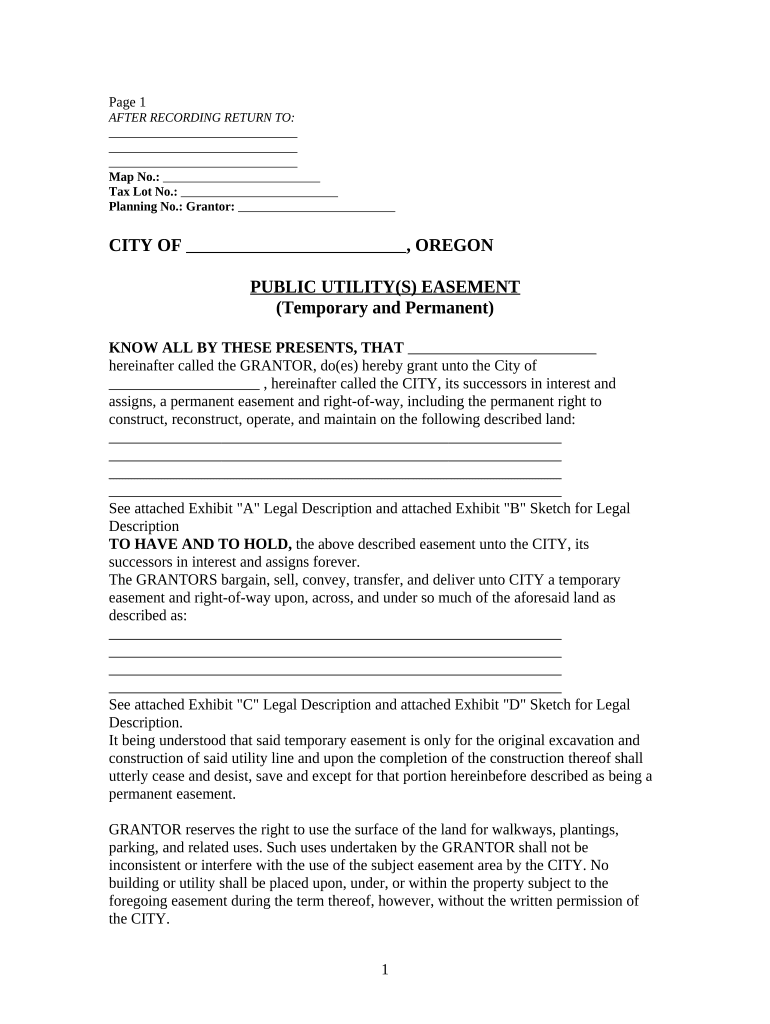
A well-drafted Utilities Easement protects access for service providers, clarifies maintenance obligations, preserves property value, and reduces litigation risk by documenting rights and limitations tied to the land.

Typical participants include the property owner granting rights, the utility company or provider receiving rights, and occasionally municipal or franchise authorities.
Each signer must have authority to commit the parcel; recorded easements bind future owners and run with the land.
Identify grantor(s) and grantee(s) with full legal names and business entities, including state of organization where applicable.
Include a full legal description or referenced recorded survey; attach an exhibit map or metes-and-bounds description to avoid ambiguity.
Specify the rights granted (install, maintain, inspect, repair) and whether rights are exclusive or nonexclusive.
List types of utilities allowed, e.g., electric, gas, water, sewer, fiber, and any future technologies expressly permitted or excluded.
Describe access routes, hours, restoration obligations, and who pays for repairs or damage caused by work.
State duration, termination rights, renewal or relocation obligations, and any payment, consideration, or indemnity terms.
| Field | Configuration |
|---|---|
| Recording | Set exported PDF/A for county acceptance |
| Notary | Enable remote online notarization where allowed |
| Authentication | Use email plus SMS code or stronger for grantee identity |
| File Format | Export signed PDF with audit trail attached |
Use a platform that supports standard PDF formats, notarization workflows, and secure audit trails for recorded easements.
Ensure the chosen provider supports remote notarization where allowed, preserves an immutable audit trail, and exports the signed file in a recorder-acceptable format for county submission.
Effective upon signature unless a future effective date is specified.
Record promptly to establish priority against later encumbrances.
Observe any advance notice windows required for nonemergency work.
Audio/video notarization records commonly retained 5–10 years.
Follow contract notice windows for relocation or termination actions.
Finalize language and exhibits before circulating for signatures.
Obtain signatures, notary act, and witness attestations if needed.
File with recorder and obtain recording number or stamp.
Deliver recorded copies to grantee, grantor, and title insurer.
| Criteria | Utilities Easement | License |
|---|---|---|
| Recordable | ||
| Term | perpetual or term | generally revocable |
| Transferability | runs with land | personal to licensee |
| Typical Use | permanent infrastructure | temporary access |
| signNow | DocuSign | Adobe Sign | PandaDoc | HelloSign | |
|---|---|---|---|---|---|
| Starting Price | $8/user/mo | $15/user/mo | $14/user/mo | $19/user/mo | $15/user/mo |
| Free Trial | 7-day free trial | No | No | Yes, limited | Yes, limited |
| Bulk Send | Yes | Yes | Yes | Yes | No |
| Audit Trail | Yes | Yes | Yes | Yes | Yes |
| HIPAA Compliant | Yes | Yes | Yes | No | No |
A city obtained a nonexclusive easement to install a main water line adjacent to private lots
A developer granted a utility a 30-foot corridor for overhead and underground lines
The property owner or authorized signatory must execute with title matching the deed. If an entity owns the land, an officer or authorized agent signs and documentation of signing authority should be attached to avoid challenges.
An authorized officer or signatory of the utility executes for the grantee; include corporate resolution or authorization when required by internal policies or county recorder guidance.