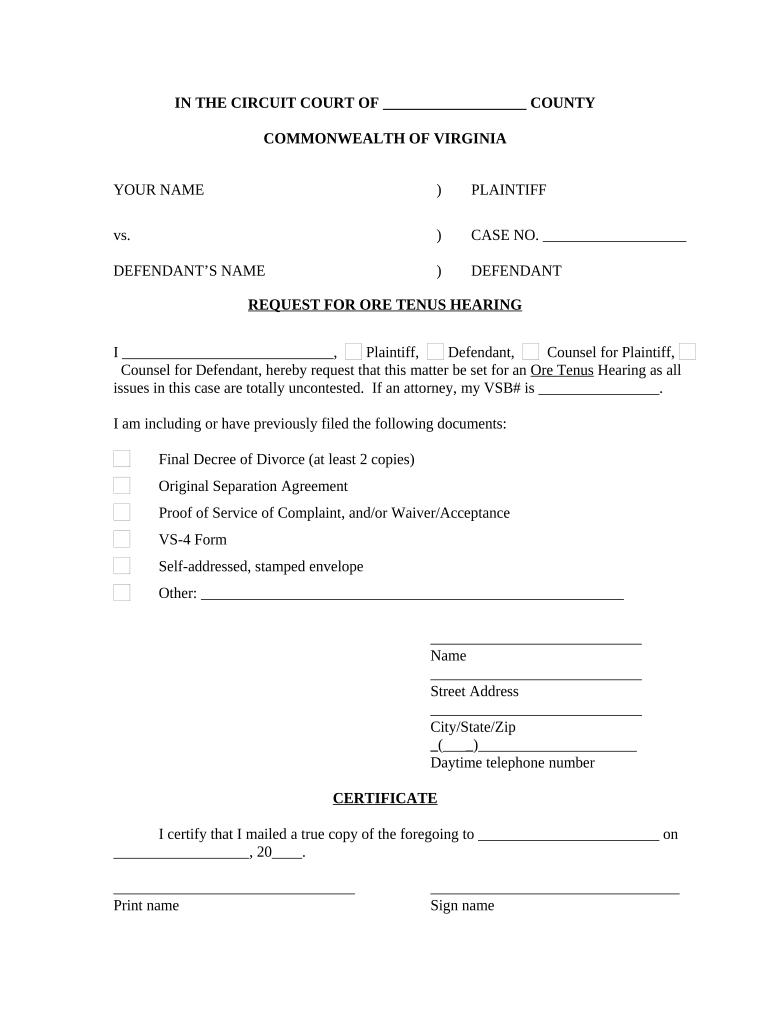
VA Hearing Form
What the VA Hearing Form Is and who it serves
Why an accurate VA Hearing Form matters
A correctly completed VA Hearing Form reduces processing delays, prevents misrouting, and preserves appeal rights. Under ESIGN (15 U.S.C. ch. 96) and state UETA frameworks, electronic submissions can be legally equivalent to paper when intent, consent, attribution, and durable record retention are satisfied. Missing or inconsistent identifiers, unclear hearing requests, or absent consent statements often generate follow-up requests and extended timelines.
Who typically completes and reviews this form
The VA Hearing Form is completed by veterans, accredited representatives, and VA staff to initiate or record hearings and related evidence submission.
- Veterans and claimants often fill the form to request an in-person, virtual, or video teleconference hearing with their regional office or the Board of Veterans’ Appeals.
- Accredited representatives and attorneys use the form to confirm representation, submit hearing preferences, and provide official contact information for service.
- VA hearing officers and administrative staff review completed forms to schedule hearings, identify reasonable accommodations, and assemble hearing folders for adjudicators.
Accurate completion helps maintain appeal timelines and supports a clearer record for decision-makers reviewing testimony and evidence.
Stepwise process to complete and submit the form
-
01Prepare Records: Gather VA file number, ID, and supporting evidence.
-
02Complete Form: Enter fields exactly, use MM/DD/YYYY for dates.
-
03Verify Representative: Confirm accreditation and contact information.
-
04Submit: Send to specified VA address, fax, or accepted eSubmission portal.
How to configure an online submission workflow
| Field | Configuration |
|---|---|
| Required Fields | Full name, VA file number, hearing type |
| Signer Roles | Veteran, representative (if any) |
| Authentication | Email + optional SMS or KBA |
| Delivery | VA intake mailbox or regional office upload |
Typical routing from submission to scheduled hearing
-
Intake Review: Staff confirm VA file number and completeness.
-
Clerical Routing: Form assigned to scheduling or review team.
-
Scheduling: Available hearing dates coordinated with claimant.
-
Hearing Preparation: Evidence packet assembled for adjudicator.
Timing considerations and common deadlines
Initial Filing:
Submit as soon as possible after notice of disagreement
Hearing Requests:
Follow the deadline specified in the VA notice
Evidence Submission:
Supply supporting documents before the scheduled hearing
Request Amendments:
File immediately upon discovering errors
Appeal Deadlines:
Consult the specific VA decision for timeline
Common mistakes to avoid when preparing the form
- Omitting or misstating the VA file number, which causes routing delays and misidentification of the claim.
- Providing vague hearing date ranges instead of specific MM/DD/YYYY options, which extends scheduling time and may push hearings further out.
- Failing to include representative accreditation or contact details, which prevents recognition of counsel and may block evidence submission.
- Using inconsistent names or dates compared with prior VA records, provoking requests for identity verification and slowing processing.
Risks and administrative consequences of incorrect forms
eSignature vendor pricing and capability snapshot
| signNow | DocuSign | Adobe Sign | PandaDoc | HelloSign | |
|---|---|---|---|---|---|
| Starting Price | $8/user/mo | $15/user/mo | $14/user/mo | $19/user/mo | $15/user/mo |
| Free Trial | 7-day free trial | No | No | Yes, limited | Yes, limited |
| Bulk Send | Yes (Premium) | Yes | Yes | Yes | No |
| Audit Trail | Yes | Yes | Yes | Yes | Yes |
| HIPAA Compliant | Yes | Yes | Yes | No | No |
Typical signers and their roles
Veteran Claimant
An individual veteran who completes the form to request a hearing. They must provide identity, claim numbers, and signature; mismatches delay processing and may require additional evidence or verification.
Accredited Representative
An attorney or VSO representative who submits on behalf of a claimant and provides accreditation details. They coordinate scheduling, submit supporting materials, and may sign where authorized.
Practical tips for accurate and efficient completion
Frequently asked questions about the VA Hearing Form
-
Can I e-sign this form?
Yes. Under the ESIGN Act (15 U.S.C. ch. 96) and UETA, electronic signatures are generally valid for VA forms provided the signer demonstrates intent, consents to electronic delivery where required, and the record is retained.
-
Are notarization or witnesses required?
Most VA hearing requests do not require notarization. If a document attached to the form requires notarization or witnesses under state law, follow the applicable state rule for that attachment.
-
What authentication is sufficient?
Basic email authentication is common; for sensitive submissions include stronger methods (SMS code, KBA) or follow the VA’s specified authentication procedures.
-
How do I include medical records?
Attach properly redacted medical records and include signed HIPAA authorizations if PHI is shared. Use secure channels that support a BAA when required.
-
What if I entered the wrong VA file number?
Notify the receiving VA office immediately and submit a corrected form; incorrect identifiers cause routing delays and potential misfiling.
-
How long should I keep a copy?
Retain the form for at least the active claim period plus three years; follow HIPAA six-year rules for PHI and consult retention guidance for specific cases.