Establishing secure connection…Loading editor…Preparing document…
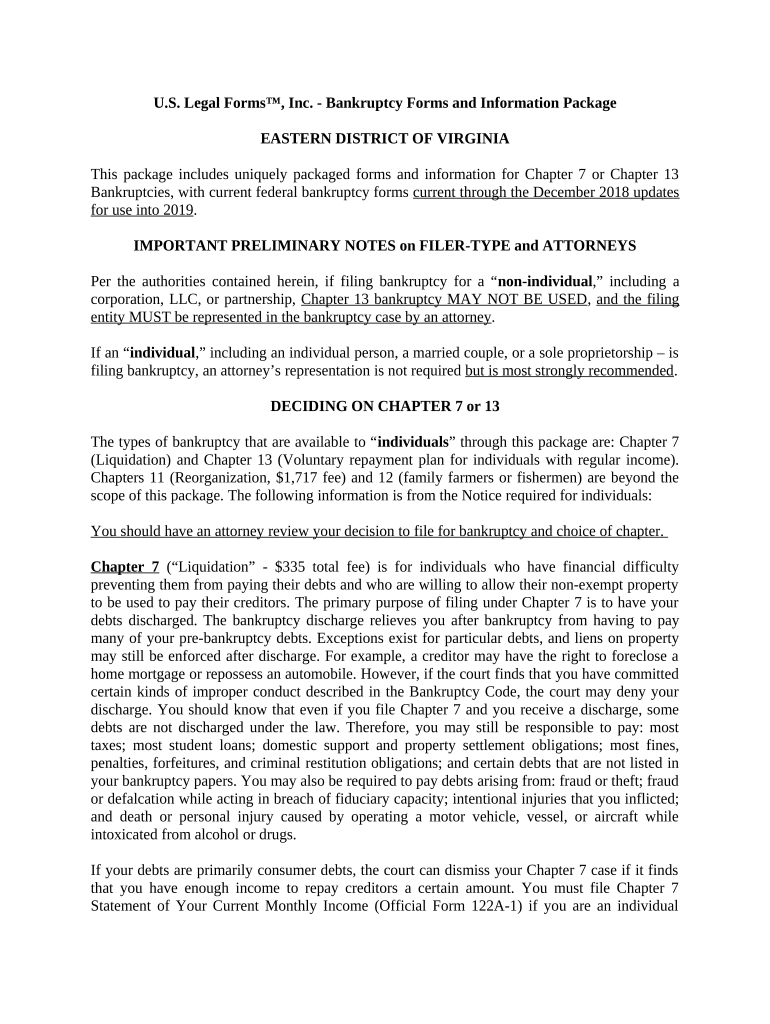
Virginia Bankruptcy Form 7
This template is fully customizable. Edit the text, fill out the fields, and send it for signature. Give it a try!
Overview of Virginia Bankruptcy Form 7
Why completing Form 7 matters in Virginia bankruptcy cases
Completing Virginia Bankruptcy Form 7 accurately ensures the court, trustee, and creditors receive required information, reduces processing delays, and helps avoid follow-up notices or amendments. It supports clear case administration without altering substantive federal bankruptcy rights.
Who prepares and relies on Virginia Bankruptcy Form 7
Accurate completion reduces the need for amended filings and supports timely trustee reviews and creditor communications.
- Pro se debtors and filers: Complete required fields directly when represented counsel is not involved; courts expect accuracy.
- Bankruptcy attorneys: Prepare, review, and e-file the form on behalf of clients to meet trustee and local rule expectations.
- Bankruptcy trustees and clerks: Use the form to verify debtor disclosures and to determine next administrative steps.
Step-by-step: Filling out Virginia Bankruptcy Form 7
-
01Prepare documents: Gather ID, income records, asset lists, and attorney contact details before you begin.
-
02Complete fields: Enter accurate names, addresses, and numeric amounts; use MM/DD/YYYY for dates.
-
03Review for consistency: Compare totals and names with federal schedules to prevent mismatches.
-
04File or notarize: E-file via CM/ECF or apply required notary/RON steps per local rules.
Digital workflow configuration for e-filing and e-signing
| Field | Configuration |
|---|---|
| File Format | PDF/A preferred for long-term retention |
| Signing Method | Electronic signature with audit trail or notarized RON where required |
| E-filing | Attach to CM/ECF entry matching the event type |
| Retention | Store signed copy and certificate of completion for mandated retention period |
Platform and technical considerations for eSubmission
Proper platform setup reduces clerical rejections and creates a defensible audit trail for trustees and the court.
- PDF compatibility: Export as searchable PDF/A to preserve text and signatures.
- Authentication: Capture signer email, IP, and timestamp for attribution.
- Integrations: Ensure compatibility with CM/ECF and your document management system.
Typical eSubmission flow for Form 7
-
Draft: Prepare Form 7 off-line or in a secure editor with required attachments.
-
Sign: Obtain signatures via electronic signature or notarization according to local rules.
-
Attach: Attach signed form to the correct CM/ECF event or filing package.
-
Confirm: Retain confirmation, docket entry, and signed PDF for records.
Encryption:
TLS 1.2/1.3 in transit; AES-256 at rest
Audit Trail:
Capture timestamp, IP, and action history
HIPAA:
BAA required when protected health information is present
ESIGN / UETA:
Electronic signatures meet federal and state legal frameworks
21 CFR Part 11:
Supports FDA-regulated record controls if required
Access Controls:
Use role-based access and secure storage solutions
Risks and consequences of incorrect or incomplete Form 7
Case Delays:
Clerk or trustee may delay processing for amendments
Additional Filings:
Corrections can require supplemental filings or motions
Creditor Notices:
Inaccurate disclosures may trigger creditor objections
Fee Exposure:
Possible additional fees for re-submission or certified corrections
Notary Errors:
Missing or improper notarization can void affected sections
Legal Risk:
Material misstatements risk sanctions or perjury concerns
Common mistakes to avoid when preparing Form 7
- Mismatched names between Form 7 and the bankruptcy petition causing docketing confusion
- Incorrect or inconsistent monetary totals not reconciled with federal schedules
- Failure to follow district-specific notarization or e-filing formats
- Missing case number or incorrect event selection when attaching to CM/ECF
eSignature vendor comparison for handling Form 7 filings
| signNow | DocuSign | Adobe Sign | PandaDoc | HelloSign | |
|---|---|---|---|---|---|
| Starting Price | $8/user/mo | $15/user/mo | $14/user/mo | $19/user/mo | $15/user/mo |
| Free Trial | Yes, 7-day free trial | Varies by vendor | Varies by vendor | Varies by vendor | Varies by vendor |
| Bulk Send | Yes | Yes | Yes | Yes | No |
| Audit Trail | Yes | Yes | Yes | Yes | Yes |
| HIPAA Compliant | Yes | Yes | Yes | No | No |
Practical scenarios where Form 7 is used
Bankruptcy Clinic
A legal aid clinic prepares Form 7 for pro se filers to capture contact and asset information quickly.
- Clinic staff use templates to reduce entry errors.
- Accurate templates and review procedures reduce trustees' follow-up requests and shorten intake-to-filing cycles, helping low-income clients meet court requirements without repeated trips to the clerk's office.
Private Practice
A bankruptcy attorney attaches Form 7 to a Chapter 13 petition as a district-specific supplement.
- The attorney verifies totals against federal schedules.
- Using a standardized checklist and secure e-signature with audit trail streamlines trustee review and avoids common clerical inquiries that delay confirmation hearings.
Frequently asked questions about Virginia Bankruptcy Form 7
-
Do I need to notarize Form 7?
Notarization depends on the district and the specific entries on Form 7; some districts accept electronically notarized affidavits while others require in-person acknowledgement. Check the local bankruptcy court rules before filing.
-
Can I e-sign the form?
Electronic signatures are legally valid under the ESIGN Act and UETA for most filings, provided signer intent and retention requirements are met; however, confirm the local clerk's acceptance of e-signed or e-notarized documents.
-
What if the court rejects my filing?
If the clerk or trustee requests amendment, correct the specified fields promptly and re-file using the correct CM/ECF event; retain proof of re-submission and correspondence.
-
How should attachments be formatted?
Use searchable PDF/A where possible, ensure attachments are clearly labeled, and avoid password-protecting exhibits unless specifically instructed by the court.
-
Who may sign the form?
The debtor or authorized counsel signs the form; if a third party signs for the debtor, provide written authority and ensure the signature block clearly identifies the signer's capacity.
-
Where to get district-specific guidance?
Refer to the bankruptcy court's local rules and clerk's office guidance; when in doubt, contact the clerk for procedural questions or consult local bankruptcy counsel.
be ready to get more
Join over 28 million airSlate SignNow users