Formatting
Use the court's required font, line spacing, margins, pagination, and cover information for briefs and appendices; nonconforming documents are subject to return or rejection by clerks.
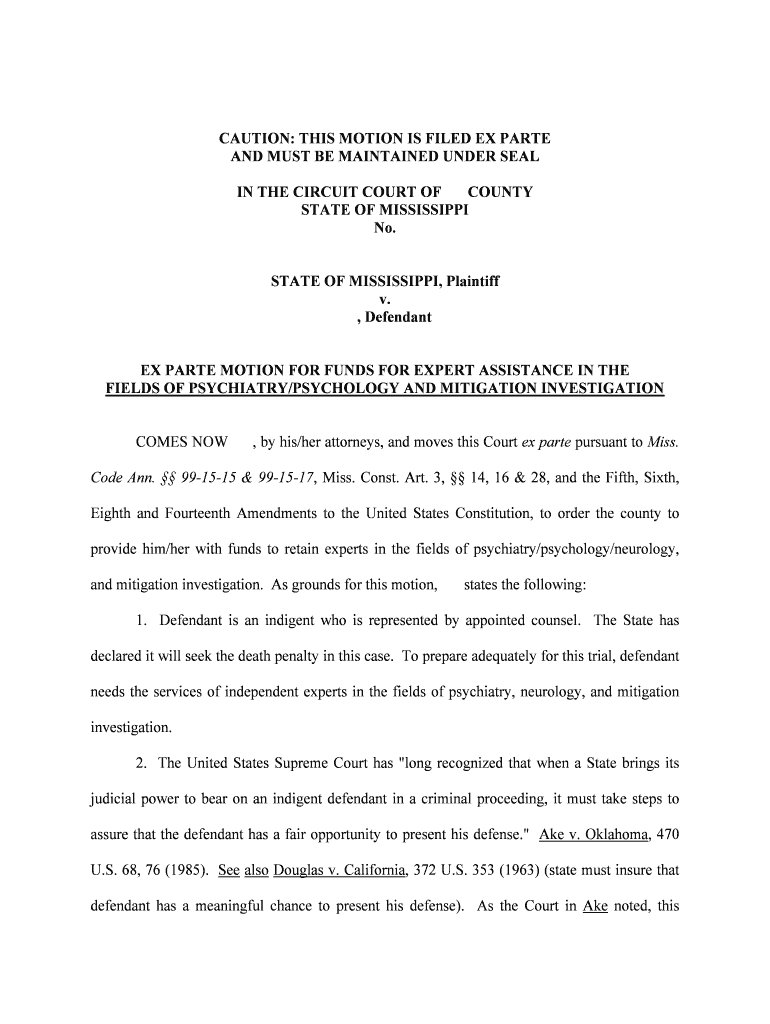
Understanding the Mississippi Supreme Court's administrative procedures reduces filing errors, avoids procedural delays, and ensures compliance with court formatting, service, and deadline rules. It clarifies when electronic filing or e-signatures are acceptable under ESIGN, UETA, or state rules.

Practitioners, court clerks, appellate attorneys, and state agencies rely on these administrative procedures to meet filing, service, and formatting obligations in Mississippi Supreme Court matters.
Following them reduces the risk of dismissal, delay, or fee errors and streamlines appellate case management for all parties.
Use the court's required font, line spacing, margins, pagination, and cover information for briefs and appendices; nonconforming documents are subject to return or rejection by clerks.
Provide certified proof of service, include certificates or affidavits showing method, date, and recipient; electronic service must meet court-approved methods and include confirmation records for each party.
Track filing and response deadlines precisely, accounting for mailbox rules, electronic receipt times, and any extension or emergency motion deadlines set by the court in practice.
Confirm correct filing and clerk fees, submit payments as prescribed, and retain receipts; fee schedules and waiver criteria vary and must match county or statewide rules.
When required, use in-person notarization or approved remote online notarization (RON) that meets Mississippi notary standards, including identity proofing and record retention per rules.
Confirm the court accepts electronic filing and whether PDF, native formats, or e-file portals are required; attach exhibits, ensure searchable text where required, and include an audit trail.
| Field | Configuration |
|---|---|
| E-file Portal | Use the court's approved e-file portal for submissions. |
| Authentication | Email plus optional multi-factor authentication for signers. |
| Accepted Formats | PDF/A preferred; check court for native format rules. |
| Notifications | Enable delivery receipts and archive confirmations for each filing. |
Confirm platform capabilities: file format support, authentication methods, integrations, and secure storage for court-required records.
| signNow | DocuSign | Adobe Sign | PandaDoc | HelloSign | |
|---|---|---|---|---|---|
| Starting Price | $8/user/mo | $15/user/mo | $14/user/mo | $19/user/mo | $15/user/mo |
| Free Trial | 7-day free trial | Varies by vendor | Varies by vendor | Varies by vendor | Varies by vendor |
| Bulk Send | Yes | Yes | Yes | Yes | No |
| Audit Trail | Yes | Yes | Yes | Yes | Yes |
| HIPAA Compliant | Yes (BAA) | Verify with vendor | Verify with vendor | Verify with vendor | Verify with vendor |
| Envelope Cap | No cap | 100 env./user/yr | Varies | Varies | Varies |
Optica Ventures streamlined appellate consent forms and service acknowledgements using structured e-forms aligned with court formatting.
Xerox integrated e-sign workflows into case management to route approvals and capture signed filings consistently.