Parties
Identify donor and donee precisely using full legal names, entity type, and mailing addresses to ensure correct attribution and enforceability in records and tax acknowledgements.
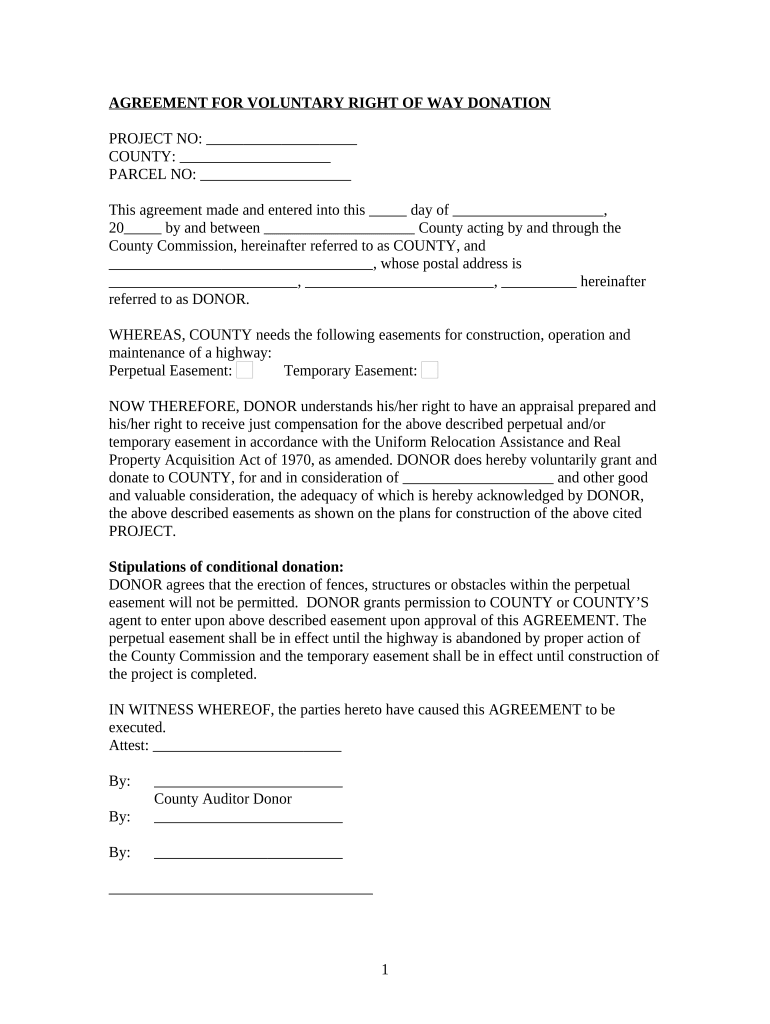
A clear donation agreement protects both parties by documenting intent, tax substantiation, and any use restrictions; it reduces disputes and supports audit-ready recordkeeping under IRS and other regulatory expectations.

Use the form whenever a donation has material value, restrictions, or when either party requires written proof of terms and transfer.
An individual donor signs for personal gifts; for corporate donors a person with legal authority (officer or authorized agent) must sign. Verify the signer can bind the donor entity to avoid later disputes and tax-substantiation issues.
The recipient organization should execute the agreement through an authorized officer, board designee, or development director. Board or policy approvals should be documented when required by the organization’s bylaws or gift-acceptance policy.
Identify donor and donee precisely using full legal names, entity type, and mailing addresses to ensure correct attribution and enforceability in records and tax acknowledgements.
Describe donated items in detail (make, model, serial numbers, condition) or specify cash amounts and services. Attach inventory or schedules as exhibits to avoid later disagreement.
State any donor restrictions, time limits, or designated use; specify whether restrictions must be honored, and outline circumstances for modification or release of restrictions.
Clarify delivery method, acceptance criteria, risk of loss transfer point, and any responsibilities for transportation, storage, or inspection prior to acceptance.
Include representations about title and authority to donate, and disclaimers about condition or fitness where appropriate; note limited warranties to manage liability.
Specify governing state law and include language confirming the donee will provide a contemporaneous written acknowledgment for donor tax substantiation when required by IRS rules.
| Field | Configuration |
|---|---|
| Signature Type | Electronic signature field | allow drawn or typed signatures |
| Authentication | Email + optional SMS code for donor identity verification |
| Conditional Fields | Show appraisal upload when FMV exceeds a threshold |
| Retention Setting | Enable automatic PDF + audit trail retention for 7 years |
Confirm the platform supports role-based access, audit logs, and any industry-specific compliance (for example HIPAA BAA) before eSubmission.
Date entered on agreement — governs transfer and tax year recognition.
Provide donor written acknowledgement promptly; contemporaneous acknowledgement supports IRS substantiation.
If appraisal required, obtain it before filing deduction claim for that tax year.
Retain agreement for at least three years; longer if appraisal or high-value transfer applies.
Donor reports deduction in the tax year the donation is made; ensure documentation aligns with IRS rules.
| signNow | DocuSign | Adobe Sign | PandaDoc | HelloSign | |
|---|---|---|---|---|---|
| Starting Price | $8/user/mo | $15/user/mo | $14/user/mo | $19/user/mo | $15/user/mo |
| Free Trial | Yes, 7-day trial | Varies by vendor | Varies by vendor | Varies by vendor | Varies by vendor |
| Bulk Send | Yes | Yes | Yes | Yes | No |
| Audit Trail | Yes | Yes | Yes | Yes | Yes |
| HIPAA Compliant | Yes | Yes | Yes | No | No |
Tim Martin needed remote execution for property-related donations to a community trust.
John Butler documented equipment donations across multiple clinics and states.