Establishing secure connection…Loading editor…Preparing document…

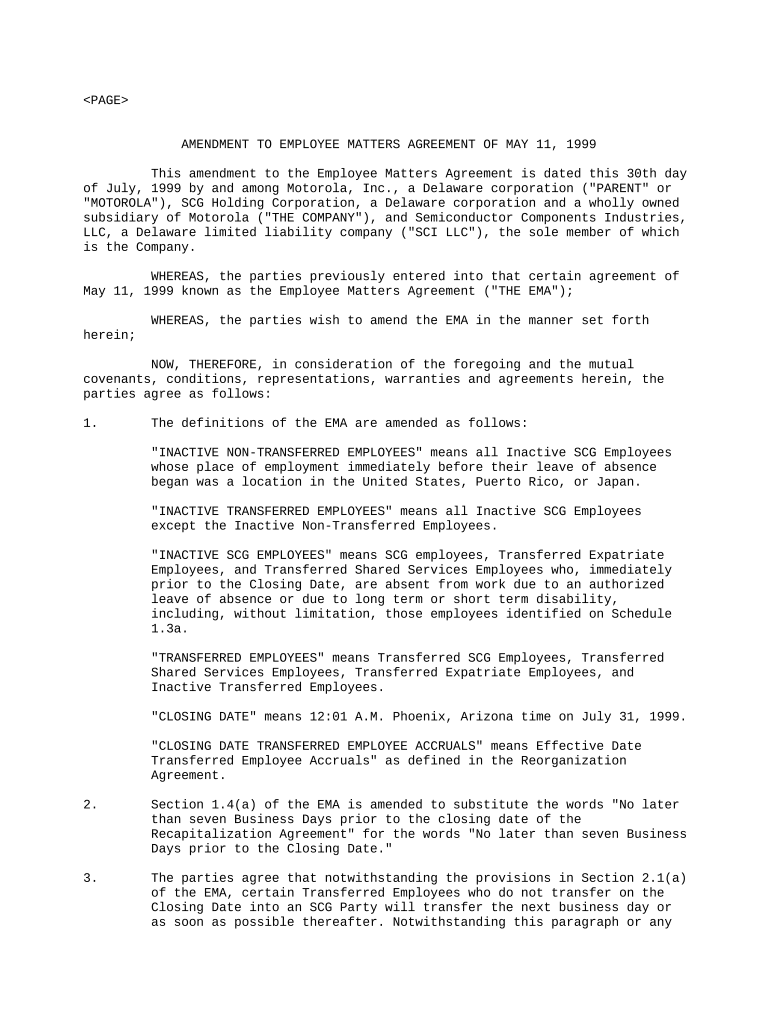
Amendment Employee Contract

This template is fully customizable. Edit the text, fill out the fields, and send it for signature. Give it a try!
Amendment Employee Contract

What an Amendment Employee Contract Is and when it applies

An Amendment Employee Contract modifies one or more terms of an existing employment agreement without replacing the entire original contract. It records changes such as compensation adjustments, job title updates, term extensions, or revised duties, and it must clearly reference the original agreement it amends. Properly executed amendments preserve continuity of rights and obligations and should state the effective date, scope of amendment, any new consideration, and the signatures of authorized parties. Electronic execution is generally valid under federal and state e-signature law when intent, consent, attribution, and retention requirements are satisfied.

Why use a formal Amendment Employee Contract

A written amendment provides clear, enforceable evidence of the parties’ changed agreement, reduces disputes about terms, and preserves audit trails for payroll, benefits, and regulatory compliance.

Why use a formal Amendment Employee Contract

Who typically prepares and signs an amendment

Legal counsel or outside employment attorneys often review amendments that affect restrictive covenants, severance, equity, immigration status, or other high-risk provisions.

  • Human resources teams handling policy, payroll, and benefits updates for employees.
  • Hiring managers or department heads when job duties, reporting lines, or titles change.
  • Employees or contractors who must accept modified terms to keep employment or assignments.

Core elements every Amendment Employee Contract should include

A professional amendment is concise but specific: it identifies the original agreement, states the exact changes, and preserves unchanged provisions while specifying the effective date and signatories.

Reference

Cite the original agreement by title and date so the amendment unambiguously modifies that specific contract and avoids conflicting interpretations.
Effective Date

Specify the date the amendment takes effect; this controls payroll, benefits, and any statute of limitations implications tied to the change.

Amended Terms

Clearly state the precise clauses being changed and provide the exact replacement language rather than vague summaries.

Consideration

Document any new consideration (salary increase, bonus, equity) to support enforceability where state law requires it for contract modifications.

Signatures

Include signature blocks for all required parties and dates; note who has authority to sign on behalf of the employer.

Integration

State that all other terms of the original agreement remain in full force unless expressly amended to prevent unintended rescission.

Step-by-step: complete and execute an amendment

Complete the amendment in a clear sequence to ensure internal approvals, payroll updates, and employee acceptance are aligned.

  • 01
    Draft: Prepare explicit amendment text referencing the original contract.
  • 02
    Review: Have HR and legal review for benefits and compliance impacts.
  • 03
    Obtain Signatures: Collect employer and employee signatures and dates.
  • 04
    Record: Distribute copies to payroll, benefits, and personnel files.

Where to send the amendment after signing

Proper routing ensures administrative systems reflect the change and that a complete audit trail exists for compliance and future disputes.

  • Human Resources: Primary personnel file and benefits administration copy for compliance.
  • Payroll: Submit a payroll copy to implement compensation changes.
  • Legal / Counsel: Attach for contract management and risk oversight.
  • Employee: Provide signed copy to the employee for their records.

Typical digital workflow settings for an online amendment

Configure a simple, auditable online workflow to collect signatures, authenticate signers, and preserve the document record.

Field Configuration
Signature Field Required for employer and employee; timestamp enabled
Authentication Email and optional SMS code; KBA for high-risk cases
Routing Order Employer signs first, then employee, or simultaneous as needed
Audit Trail Capture IP, timestamp, and action history

Technical considerations for e-signing and e-submission

Record where signed files are stored and who has access; match platform retention to legal and internal recordkeeping policies to ensure reproducibility.

  • Authentication: Email, SMS, or KBA
  • Document Output: Signed PDF with audit trail
  • Compliance: BAA or 21 CFR support if required

Common timing and processing expectations

Timelines depend on the nature of the amendment; plan for immediate updates where compensation or immigration status is affected.

Effective Date:

As specified in amendment; controls payroll and benefits timing.

Sign-and-Return Window:

Typical employer request: 7–14 calendar days to accept changes.

Payroll Update:

Process by next payroll cycle to reflect compensation changes.

I-9 Impact:

If employment eligibility changes, review compliance with 8 CFR §274a.2.

Record Filing:

Place signed amendment in personnel file immediately upon execution.

Common preparation pitfalls to avoid

  • Vague amendment language that fails to specify precisely which original clauses are changed and how.
  • Mismatch between signer names and official records, causing payroll, tax, or I-9 inconsistencies.
  • Failing to document new consideration where state law or contract requires it for modification validity.
  • Not updating payroll, benefits, or HR systems promptly, creating liability or over/underpayment.

Key legal and administrative risks of an incorrect amendment

Enforceability: Ambiguous terms may render changes unenforceable.
Tax Consequences: Incorrect compensation language can trigger withholding errors.
I-9 Violations: Noncompliance can lead to DHS fines.
Benefits Errors: Late updates may cost or delay coverage.
Breach Claims: Improperly executed changes may prompt breach disputes.
Privacy Risk: Sensitive data exposure without safeguards.

Security and compliance controls to include with amendments

Encryption: TLS 1.2/1.3 in transit
Data at Rest: AES-256 encryption
Audit Trails: IP, timestamp, and action logs
Certifications: SOC 2 Type II available
HIPAA: BAA required for PHI handling
ESIGN/UETA: Meets electronic signature legal tests

eSignature vendor pricing and feature snapshot for executing amendments

Compare basic pricing and common features for eSignature vendors to determine administrative cost and compliance fit for amendment workflows.

signNow DocuSign Adobe Sign PandaDoc HelloSign
Starting Price $8/user/mo $15/user/mo $14/user/mo $19/user/mo $15/user/mo
Free Trial 7-day free trial Varies by plan Varies by plan Varies by plan Varies by plan
Bulk Send Yes (Business Premium+) Varies by plan Varies by plan Varies by plan Varies by plan
Audit Trail Yes Yes Yes Yes Yes
HIPAA Compliant Yes Yes Yes No No
Envelope Cap No envelope cap 100 envelopes/user/year Varies by plan Varies by plan Varies by plan

Practical examples of Amendment Employee Contracts in use

Real-world scenarios illustrate when a brief amendment suffices and when a full contract revision is preferable.

Promotion and Title Change

A mid-level manager receives a promotion with adjusted duties

  • amendment specifies new title and responsibilities
  • the amendment references the original contract, sets an effective date, and requires signatures from the employee and authorized employer representative to implement payroll and benefits changes.

Compensation Adjustment

An hourly wage increase is agreed during a performance review

  • employer documents new hourly rate and effective payroll date
  • signed amendment ensures payroll applies the change and provides a record for tax and overtime calculations.

Practical tips for accurate and efficient amendment handling

Adopt consistent templates and a documented approval process to reduce error, speed execution, and maintain compliance.

Use Clear References
Always identify the original agreement by its title and date to avoid ambiguity about which contract is amended.
Limit Scope
Amend only the necessary clauses; avoid rewriting unrelated sections to reduce drafting errors and approval delays.
Preserve Originals
Keep the original contract and all amendments together in the personnel file to ensure a complete record.
Standardize Workflow
Use a documented e-signature workflow with authentication, audit trail, and distribution to HR and payroll systems.

Frequently asked questions about Amendment Employee Contracts

Answers address common execution, enforceability, and recordkeeping questions to help reduce uncertainty when modifying employment terms.


Need help? Contact support

be ready to get more
Join over 28 million airSlate SignNow users