Grantor
Name and capacity of the property owner creating the TODD. Use full legal name and any relevant capacity (individual, trustee, or fiduciary) to avoid ambiguity at recording or probate.
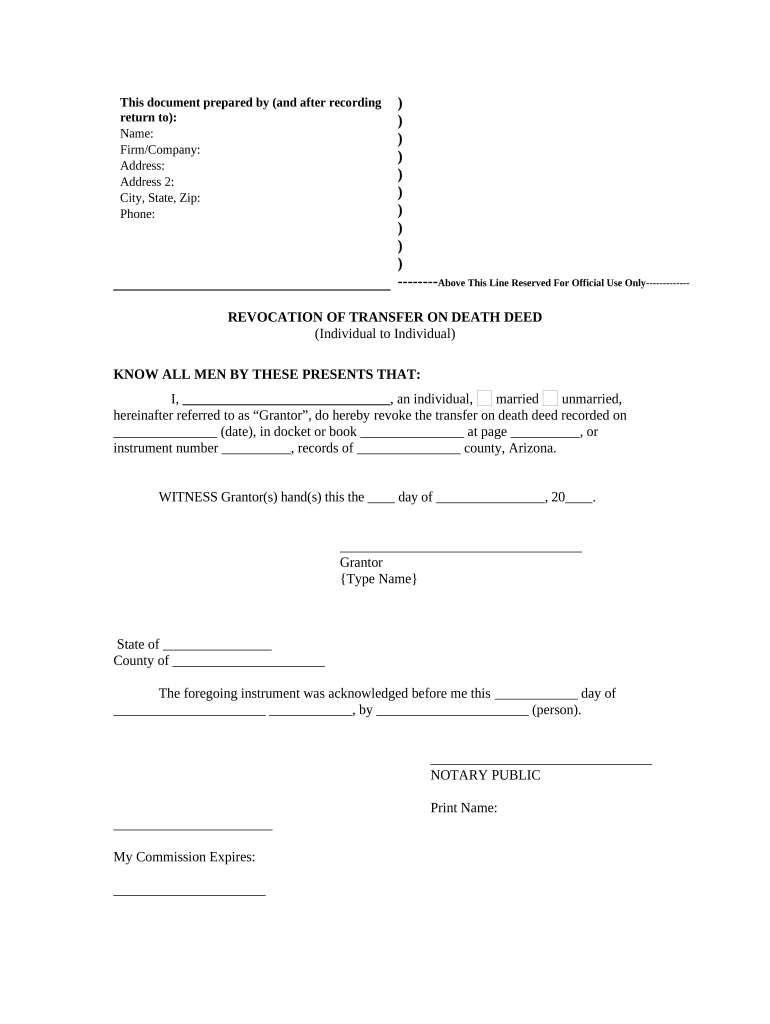
A TODD simplifies post-death transfer by avoiding probate for the named parcel, preserves lifetime control for the grantor, reduces court costs and delay, and provides a clear transfer path for beneficiaries while allowing revocation or amendment during the grantor’s lifetime.

Name and capacity of the property owner creating the TODD. Use full legal name and any relevant capacity (individual, trustee, or fiduciary) to avoid ambiguity at recording or probate.
Clear identification of the person(s) or entity receiving title on death. Include full legal names, relationship, and alternative contingent beneficiaries to prevent intestacy disputes.
A complete legal description or assessor’s parcel number (APN) as shown on the county parcel records. Street addresses alone are insufficient for recording in most counties.
Language stating the grantor’s right to revoke or change the TODD before death and the method for revocation (recording an express revocation or executing a subsequent conveyance).
A direction to record the deed in the county recorder’s office where the property is located; the deed must be recorded before the grantor’s death to be effective.
Grantor’s signature with an appropriate notary acknowledgement. Notary and notarization method must satisfy county requirements for deed recording.
Deed must be recorded prior to the grantor’s death for TODD effectiveness.
County processing commonly takes 1–6 weeks, varying by county workload.
Title transfer is triggered by death and proof of death documentation.
Creditors may assert claims under probate rules; TODD does not eliminate creditor rights.
Review beneficiary designations after major life events to avoid unintended transfers.
Complete deed with accurate names and legal description.
Sign in front of a notary with proper acknowledgement.
Submit instrument to the county recorder for indexing.
Beneficiary establishes title using recorded deed and death certificate.
Use PDF or DOCX files for electronic review, and confirm county acceptance of electronically executed documents before relying on e-signatures.
| signNow | DocuSign | Adobe Sign | PandaDoc | HelloSign | |
|---|---|---|---|---|---|
| Starting Price | $8/user/mo | $15/user/mo | $14/user/mo | $19/user/mo | $15/user/mo |
| Free Trial | 7-day free trial | Varies by plan | Varies by plan | Varies by plan | Varies by plan |
| Bulk Send | Yes | Yes | Yes | Yes | Yes |
| Audit Trail | Yes | Yes | Yes | Yes | Yes |
| HIPAA Compliant | Yes | Yes | Yes | No | No |
| Envelope Cap | No envelope cap | 100 envelopes/user/year | Varies | Varies | Varies |
Property owner who creates and signs the TODD. The grantor retains lifetime ownership and can revoke or amend the deed prior to death; accuracy in naming is crucial to avoid title defects.
Person or entity designated to receive title at the grantor’s death. Beneficiaries have no present ownership rights but can take title upon death using recorded deed and proof of death.