Caption
Court name, case caption, and docket number exactly matching the complaint and summons, so the clerk can match filings correctly.
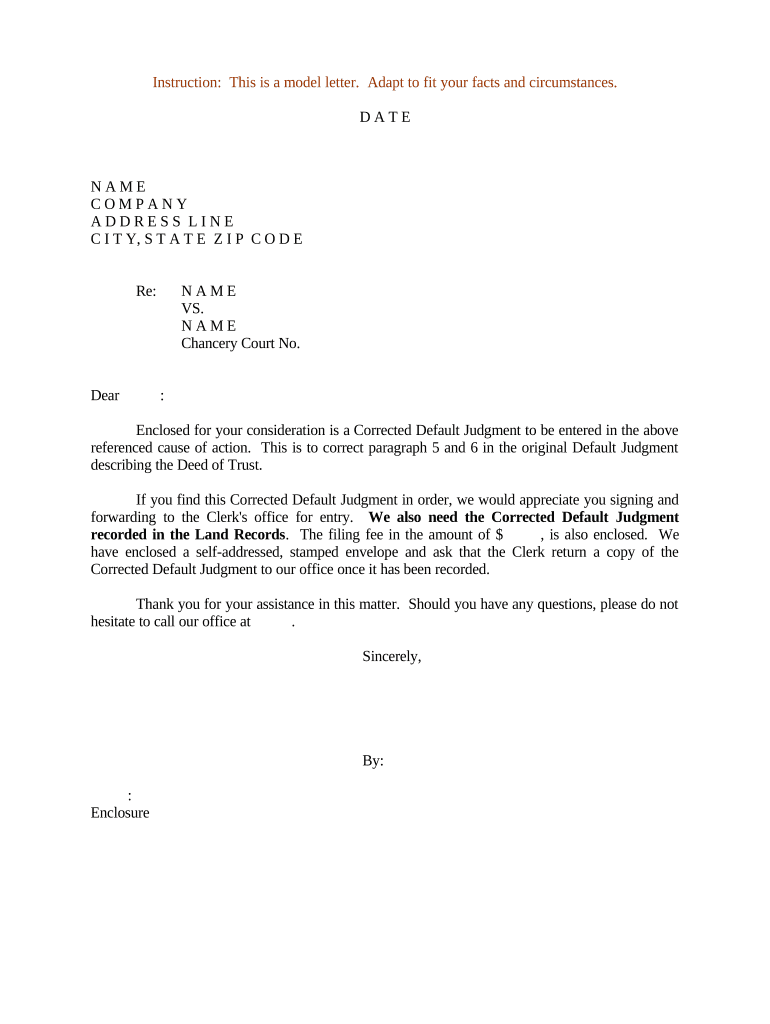
Default judgments resolve claims without a merits hearing when a party does not answer or appear; they speed finality but can also be reopened for valid excuses. Knowing the standards, deadlines, and documentation required reduces the risk of an enforceable but avoidable judgment.

Plaintiffs, their counsel, court clerks, and collections professionals commonly prepare or use default judgment documents when defendants fail to respond within the required timeframe.
Accurate preparation helps ensure a valid entry of judgment and smoother post-judgment processes such as garnishment, liens, or asset discovery.
Court name, case caption, and docket number exactly matching the complaint and summons, so the clerk can match filings correctly.
A clear, signed order for the judge or clerk to enter, stating the relief granted, amounts awarded, and any post-judgment directions.
A sworn or verified statement showing the defendant was served, failed to answer within the required period, and is in default under governing rules.
A line-item calculation of damages, interest, costs, and fees with dates and formulas so the court can adopt precise monetary relief.
Proof that the proposed judgment and supporting materials were served on all parties in the manner required by rule or local practice.
Copies of the complaint, summons return, contract, invoices, or other documents establishing liability and the amount claimed.
| Field | Configuration |
|---|---|
| Document Template | Create a reusable proposed judgment template with fixed caption and editable amount fields. |
| Signature Roles | Assign roles for counsel signatures, not clerk signatures; include client approval steps. |
| Authentication | Require email plus SMS code for attorney signers to establish attribution. |
| Record Retention | Configure automatic archival of signed PDF and audit trail for future enforcement. |
Many jurisdictions accept electronically signed affidavits and proposed orders; requirements vary by court and local e-filing rules.
Verify local court e-filing guidelines; where courts permit electronic signatures, ensure the signed PDF includes a reproducible audit trail and retains original metadata.
Often 21 days after service under FRCP 12(a)(1)(A)(i); it varies by jurisdiction.
Plaintiff may move for entry of default after the answer period expires.
File supporting affidavits and proposed order when seeking a monetary judgment.
Defendant typically has a limited time to move to set aside under local or federal rules.
Judgment may be enforced once entered; post-judgment procedures follow local statutes.
Case opens and a docket number is assigned; initial documents are available to the court.
Defendant must be served per rule; proof of service must be filed with the court.
Clerk may enter default after the defendant fails to answer within the required window.
Court enters final judgment after reviewing the plaintiff’s proof and proposed order.
A small creditor files suit for unpaid invoices and serves the defendant; after no answer, the creditor files an affidavit of service and a damages worksheet
A landlord serves a tenant and the tenant does not respond within the statutory period; the landlord files a motion for default and a copy of the lease
| signNow | DocuSign | Adobe Sign | PandaDoc | HelloSign | |
|---|---|---|---|---|---|
| Starting Price | $8/user/mo | $15/user/mo | $14/user/mo | $19/user/mo | $15/user/mo |
| Free Trial | 7-day free trial | Varies by vendor | Varies by vendor | Varies by vendor | Varies by vendor |
| Bulk Send | Yes | Yes | Yes | Yes | No |
| Audit Trail | Yes | Yes | Yes | Yes | Yes |
| HIPAA Compliant | Yes | Yes | Yes | No | No |