Letterhead
Use the auditor's official letterhead with firm name, address, contact details, and engagement identification to ensure authenticity.
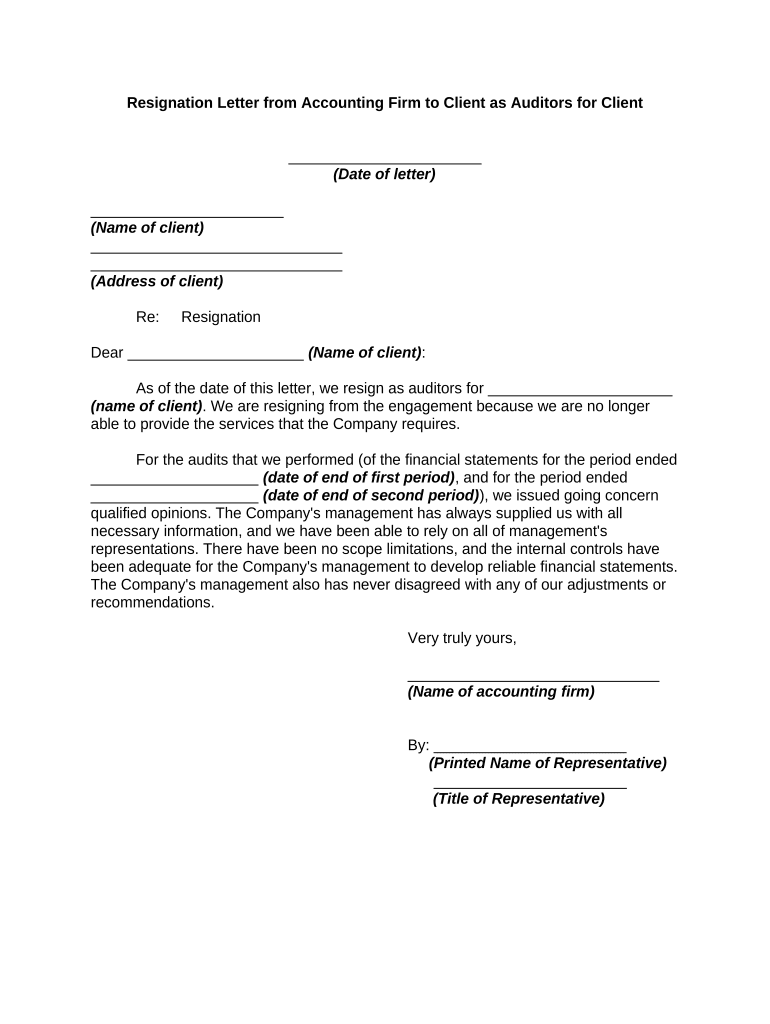
A clear, complete resignation letter protects both the auditor and client by documenting the change in engagement, clarifying effective dates, and creating a record for governance and regulatory review.

Accurate routing and timely delivery ensure governance, regulatory, and contractual obligations are addressed.
Use the auditor's official letterhead with firm name, address, contact details, and engagement identification to ensure authenticity.
Include the signing date and address the audit committee, board of directors, or client representative by title.
State the auditor's intent to resign from the engagement and the precise effective date of termination.
Provide a brief, factual explanation when required by professional standards or the engagement letter; avoid speculative language.
Note any open items, deliverables, or unsettled professional judgment issues relevant to the transition.
Include the name, title, firm signatory, and date. If electronic, provide an auditable signature record and signer identity.
| Field | Configuration |
|---|---|
| Approval Step | Partner sign-off required |
| Signer Order | Auditor then client acknowledgement |
| Authentication | Email or SMS code, optional KBA |
| Archive | Retain in secure records with audit trail |
Ensure the chosen platform complies with ESIGN/UETA and preserves an unalterable audit trail for future review.
Send immediately on decision to resign.
State the agreed termination date in the letter.
SEC disclosure may be required for public entities.
Retention begins on the effective resignation date.
Define deadlines for handing over working papers.
The partner in charge of the engagement or an authorized senior firm representative should sign to confirm the firm's official position and ensure internal accountability.
A client officer (CFO or CEO) may acknowledge receipt; their signature documents client awareness and supports governance records.
A firm resigns citing independence concerns
An auditor steps down for workload reasons
| signNow | DocuSign | Adobe Sign | PandaDoc | HelloSign | |
|---|---|---|---|---|---|
| Starting Price | $8/user/mo | $15/user/mo | $14/user/mo | $19/user/mo | $15/user/mo |
| Free Trial | Yes, 7-day trial | No | No | Yes, limited | Yes, limited |
| Bulk Send | Yes | Yes | Yes | Yes | No |
| Audit Trail | Yes | Yes | Yes | Yes | Yes |
| HIPAA Compliant | Yes | Yes | Yes | No | No |
| Envelope Cap | No cap | 100 envelopes/user/year | Varies | Varies | Varies |