Authority
Describe the limits and powers granted to the appointee, specify decisions they may make without further approval, and note any conditions that require escalation or joint authorization.
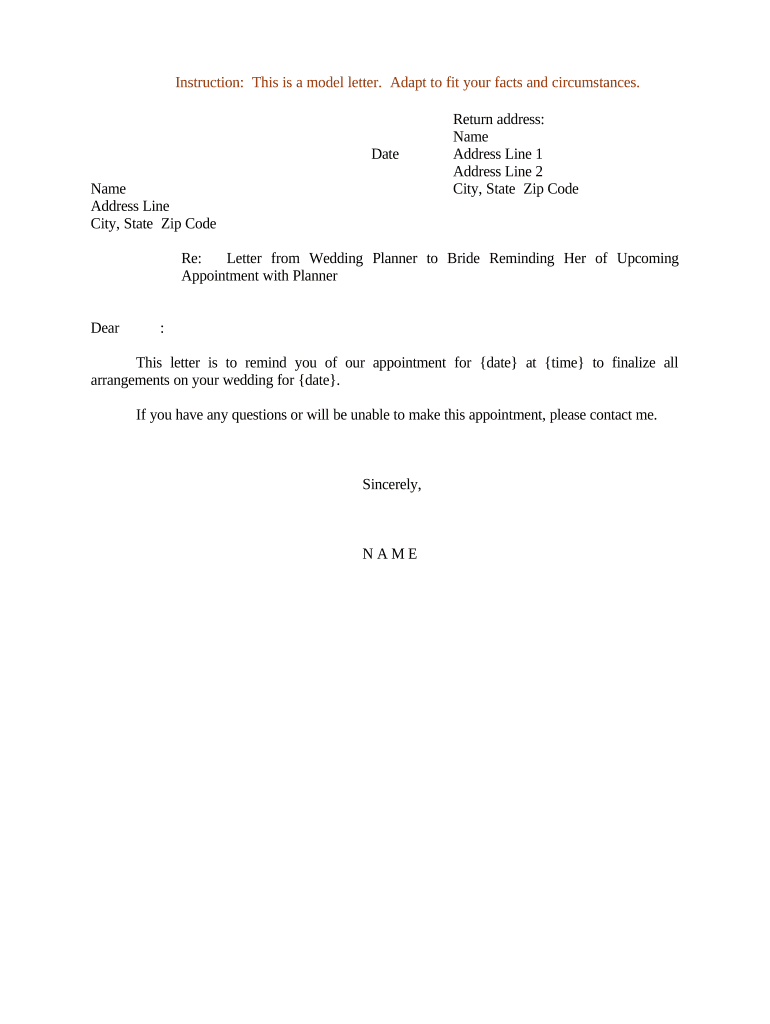
A Letter of Appointment reduces ambiguity by recording who may act, what they may do, and for how long. It minimizes disputes, clarifies financial commitments, supports audit trails, and provides proof of authority for counterparties and regulators.

Organizations and professionals commonly involved in Letters of Appointment include legal counsel, board members, department heads, and external agents.
Describe the limits and powers granted to the appointee, specify decisions they may make without further approval, and note any conditions that require escalation or joint authorization.
List specific tasks, projects, geographic or client boundaries, and deliverables. Be explicit about exclusions to avoid later disputes or overlap with existing roles or contracts.
State the effective date, renewal terms, notice periods for termination, and any milestones that trigger automatic expiration or review of the appointment.
Specify fee structure, payment schedule, expense reimbursement rules, invoicing requirements, and any performance-based adjustments or withheld retainers tied to deliverables.
Define reporting cadence, required reports or documentation, key contacts, and formats for status updates and approvals to maintain oversight and recordkeeping.
List grounds for termination, notice procedures, cure periods, post-termination obligations such as return of materials, confidentiality, and transition assistance expectations.
| Field | Configuration |
|---|---|
| Template Name | Standard Letter of Appointment template |
| Signer Roles | Appointee; Approving Officer; Legal Reviewer |
| Authentication | Email link or SMS code; optional KBA |
| Storage | PDF with audit trail stored in cloud |
| Notifications | Email notifications on signing and completion |
Choose distribution channels that meet signatory authentication and recordkeeping policies and deliverability needs across departments.
Effective on stated date or upon signature completion.
Specify fixed term or automatic renewal clauses with notice periods.
Include required notice days for termination or non-renewal.
Define cadence for reports, financials, and deliverables.
Retention begins on effective date or final acceptance.
| signNow | DocuSign | Adobe Sign | PandaDoc | HelloSign | |
|---|---|---|---|---|---|
| Starting Price | $8/user/mo billed annually; month-to-month higher | $15/user/mo annual billing | $14/user/mo annual billing | $19/user/mo annual billing | $15/user/mo annual billing |
| Free Trial | 7-day free trial, no credit card required | Varies by plan | Varies by plan | Varies by plan | Varies by plan |
| Bulk Send | Yes (bulk send available on premium tiers) | Yes | Yes | Yes | No |
| Audit Trail | Yes, full audit trail and completion certificates | Yes | Yes | Yes | Yes |
| HIPAA Compliant | Yes (BAA available) | Yes | Yes | No | No |
| Envelope Cap | No envelope cap | 100 envelopes/user/year limit | Varies by plan | Varies by plan | Varies by plan |
Optica Ventures standardized Letters of Appointment to delegate advisory authority to portfolio managers and centralize approval workflows.
Fertility Centers of Illinois used structured Letters of Appointment for administrative delegates handling patient forms and consent processes.