Prohibited Conduct
List specific behaviors (violence, threats, harassment, drugs) with clear, objective examples to reduce interpretive disputes during enforcement and investigation.
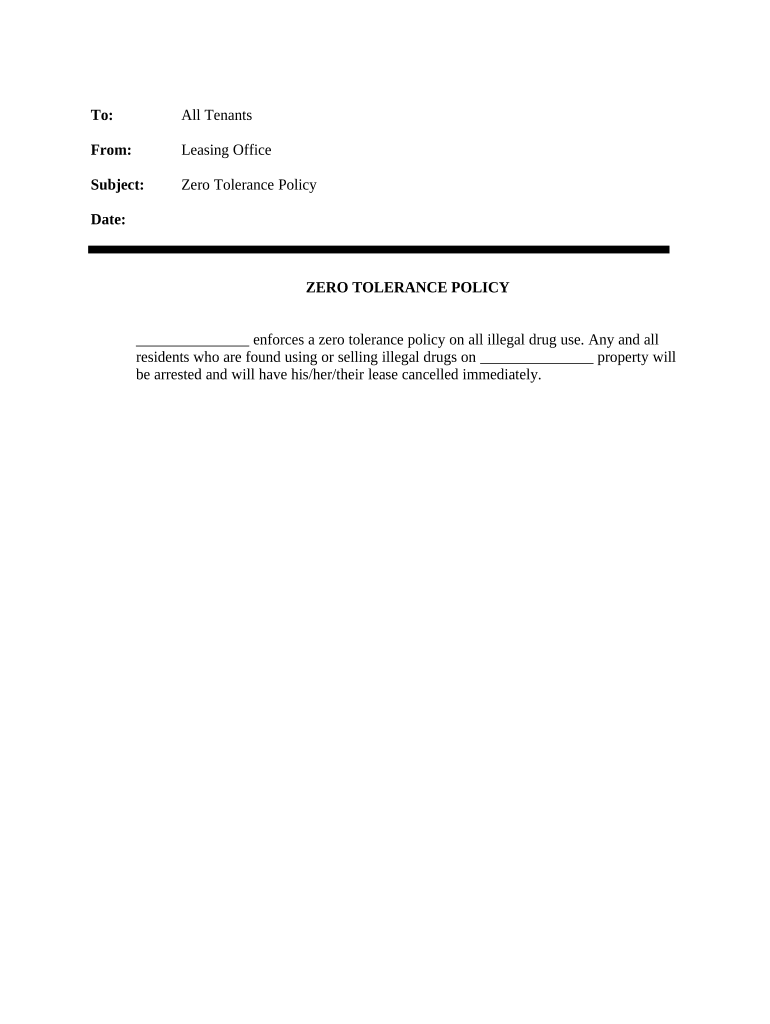
A precise Zero Tolerance Policy reduces enforcement ambiguity, signals organizational priorities, and creates a documented standard for consistent action. It helps manage legal risk, supports safety programs, and clarifies reporting and investigative procedures for employees and supervisors.

Employers, school districts, healthcare providers, and public agencies commonly issue Zero Tolerance Policies to define unacceptable conduct and corresponding sanctions.
List specific behaviors (violence, threats, harassment, drugs) with clear, objective examples to reduce interpretive disputes during enforcement and investigation.
Define covered people, locations, and timeframes (employees, contractors, off-site events, business travel) so applicability is unambiguous across contexts.
Specify reporting channels, required information, confidentiality expectations, and protections for good-faith reporters to encourage timely disclosure.
Describe steps, expected timelines, interim measures (suspension), evidence collection, and investigator independence to support due process.
State predetermined consequences for violations (up to termination) and whether certain infractions trigger automatic action versus case-by-case review.
Include a review cadence, responsible office, and amendment process so the policy remains aligned with law and organizational practice.
| Field | Configuration |
|---|---|
| Authentication | Email link or SMS two-factor |
| Template | Reusable company-wide template |
| Routing | Sequential or parallel signer order |
| Reminders | Automated follow-ups every 3 days |
Ensure the chosen platform supports secure file formats, required authentication, and an audit trail before distributing policies electronically.
Designate an MM/DD/YYYY effective start for the policy.
Recommend 14–30 days for employees to sign acknowledgment.
Aim to complete fact-finding within 30–60 days when possible.
Place affected parties on leave or reassignment as needed.
Reassess policy language every 12 months or after major incidents.
| Criteria | Zero Tolerance | Progressive Discipline |
|---|---|---|
| Flexibility | low | high |
| Due Process | limited | extensive |
| Typical Sanctions | immediate severe | graduated steps |
| Best Use Case | safety-critical incidents | performance or conduct issues |
| signNow | DocuSign | Adobe Sign | PandaDoc | HelloSign | |
|---|---|---|---|---|---|
| Starting Price | $8/user/mo | $15/user/mo | $14/user/mo | $19/user/mo | $15/user/mo |
| Free Trial | 7-day free trial | Varies by plan | Varies by plan | Varies by plan | Varies by plan |
| Bulk Send | Yes | Yes | Yes | Yes | Yes |
| Audit Trail | Yes | Yes | Yes | Yes | Yes |
| HIPAA Compliant | Yes | Yes | Yes | No | No |
A hospital HR team integrated a concise zero tolerance policy into new-hire packets and annual training.
A multi-site property manager issued a zero tolerance policy for contractors and staff with required on-site acknowledgments.