Program header
Name the church and VBS program, include physical address and precise session dates so recipients know exactly when and where activities occur.
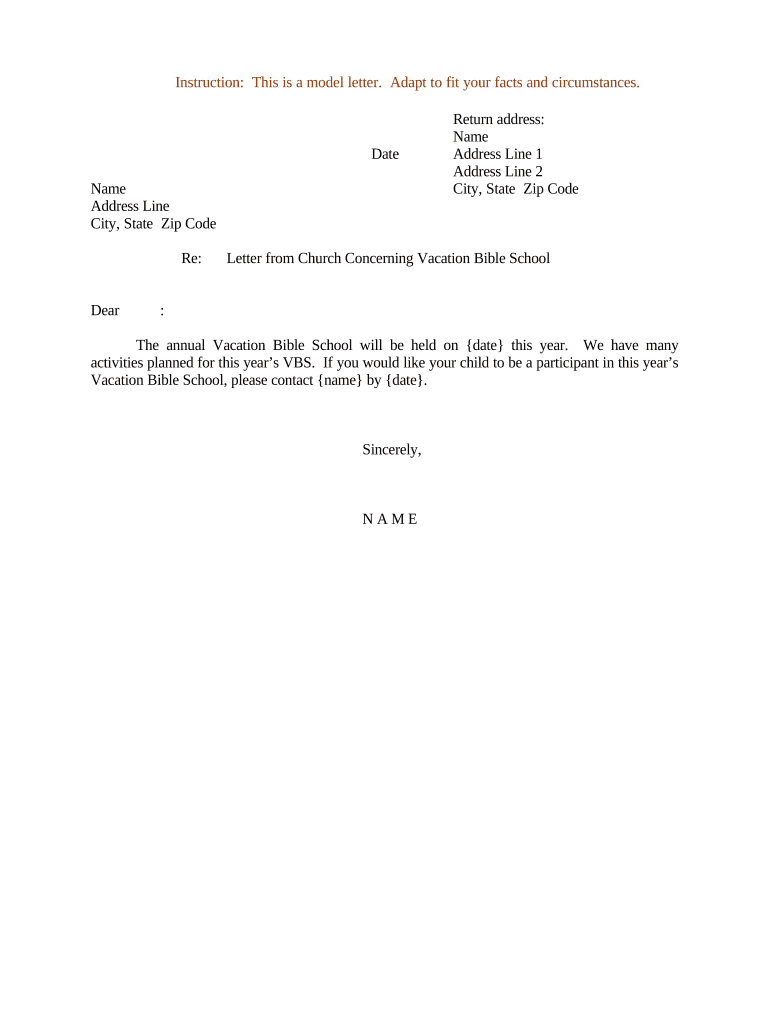
A clear, written letter centralizes consent, health details, emergency contacts, and logistical instructions to reduce misunderstandings and support safe program delivery.

Churches, ministry staff, parents, and volunteers all rely on the letter to establish expectations and permissions before the program begins.
The director drafts and approves the letter, sets program rules, and ensures medical/consent fields meet church policy and local law. They coordinate collection and storage of returned forms so staff have required emergency and health information onsite.
The parent or legal guardian provides the child's details, signs to grant permission, and supplies emergency contact and medical information. The signature attests to consent for participation and any first‑aid or emergency treatment authorizations the document specifies.
Name the church and VBS program, include physical address and precise session dates so recipients know exactly when and where activities occur.
Provide start and end times, drop-off and pick-up windows, and planned activity highlights so parents can plan and staff can coordinate safely.
Include explicit consent language for participation and any limited activities, such as water play or off-site walks, with checkboxes to record parental choices.
Request allergies, medications, special health needs, and authorized treatments; clarify whether staff may administer over-the-counter medications.
Collect two reliable contacts, preferred physician and insurance information, and instructions for emergency transport or parental notification.
Provide signer name, relationship to child, signature line and date; note whether electronic signatures are accepted under ESIGN/UETA.
| Field | Configuration |
|---|---|
| Signature field | Required; include signer name and date fields |
| Conditional medical fields | Show medication details only when parent indicates medication required |
| Authentication | Email link or SMS code to verify signer identity |
| Storage | Encrypted PDF saved to secure records folder |
Choose formats and integrations that match your church’s tech and the families’ access needs.
Select a platform that preserves signed copies and audit trails and that meets your data-protection requirements.
| signNow | DocuSign | Adobe Sign | PandaDoc | HelloSign | |
|---|---|---|---|---|---|
| Starting Price | $8/user/mo | $15/user/mo | $14/user/mo | $19/user/mo | $15/user/mo |
| Free Trial | Yes, 7-day free trial | No | No | Yes, limited | Yes, limited |
| Bulk Send | Yes | Yes | Yes | Yes | No |
| Audit Trail | Yes | Yes | Yes | Yes | Yes |
| HIPAA Compliant | Yes | Yes | Yes | No | No |
| Envelope Cap | No cap | 100 envelopes/user/year | Varies by plan | Varies by plan | Varies by plan |
Leadership approves final letter content and medical consent language.
Letters sent to registered families via chosen channels.
All signed consent forms collected prior to orientation or first day.
Staff confirm all returned forms are complete and on file.
Set a registration deadline 2–4 weeks before VBS begins.
Request consent and medical forms at least one week before start date.
If fees apply, collect payment with returned forms by the due date.
Complete background and training before volunteers are assigned.
Ask families to confirm emergency contacts within 72 hours of arrival.
| Criteria | VBS Letter | Permission Slip |
|---|---|---|
| Notarization | usually no | rarely required |
| Medical release included | optional | sometimes included |
| Legal standing | general consent | activity-specific consent |
| Typical signatory | parent/guardian | parent/guardian |
A rural church issues a single-page VBS letter to collect allergies and emergency contacts before camp begins
An urban ministry uses an online form integrated with their database to collect permissions and payments